
AI Movie Generator Workflow: What "Odysseus: The Fall" Teaches Short-Form Creators
How a 135-minute AI feature was actually made — script, reference frames, generate-select-iterate — and a shorter AI movie generator workflow you can run on a short-form video this week.
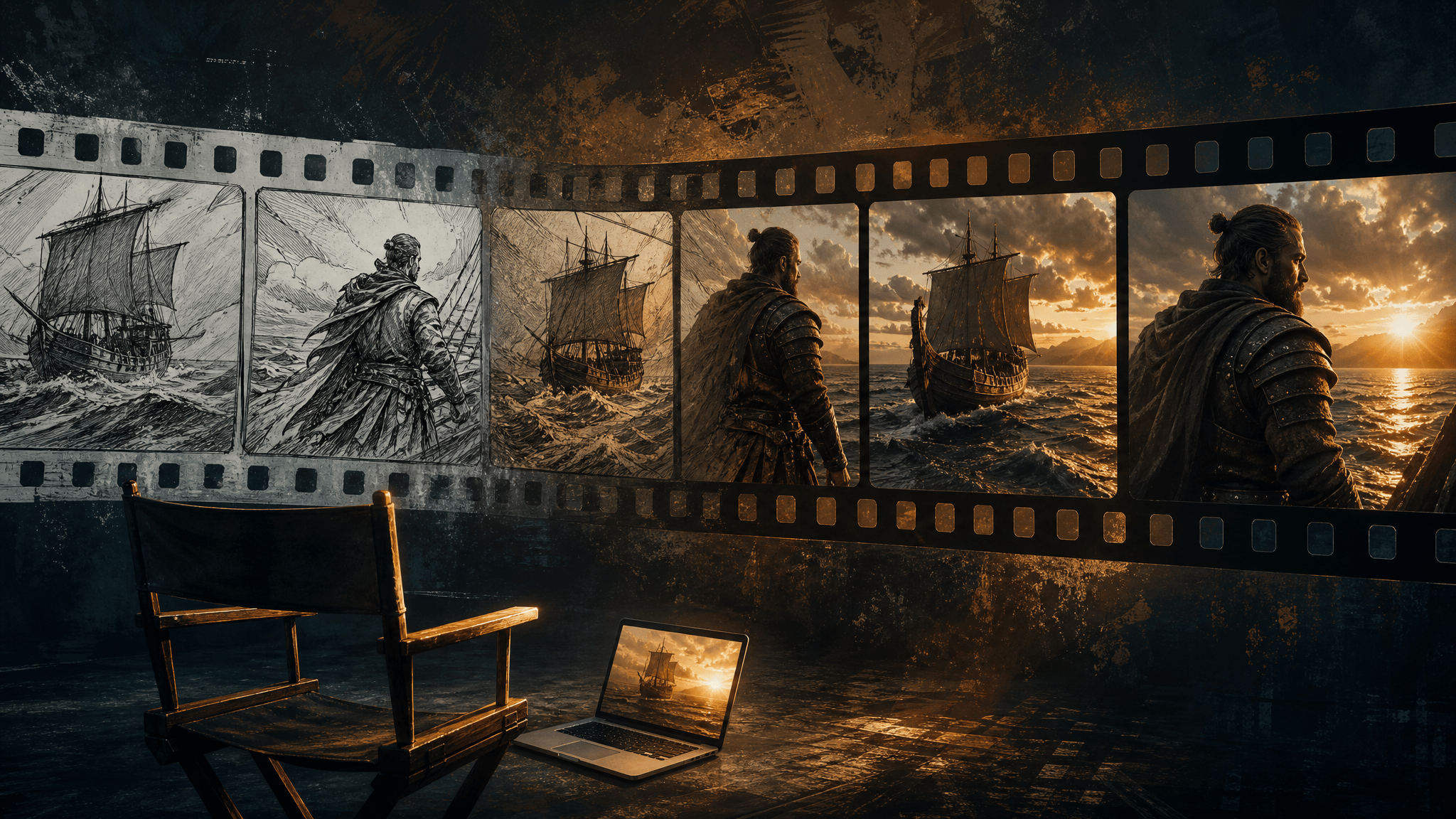
On September 16, 2026, a 135-minute feature film that no camera ever shot became rentable online. Odysseus: The Fall was generated entirely with AI video models for a mid-five-figure budget — while Christopher Nolan's $250 million take on the same Homer epic was still playing in IMAX. Critics mostly panned it. That's exactly why it's worth studying.
The film is the most public workflow documentation the AI video world has had: every shot is a generation attempt, every scene shows what the generate-select-iterate loop can and can't hold at feature scale. If you make short-form videos with an AI movie generator, the production — and the failure report — maps almost one-to-one onto decisions you make every week: how to script, when to lock a reference frame, how many takes to generate, and where the ceiling of current models actually is.
Here is what the studio did, what broke, and a shortened version of the same workflow you can run on a 15–60 second video this week.
What actually shipped
Quick facts, because the numbers frame everything else:
| Odysseus: The Fall | The Odyssey (Nolan) | |
|---|---|---|
| Runtime | 135 minutes | Theatrical feature |
| Budget | Mid five figures (~$50K–$75K by industry reporting) | ~$250 million |
| Crew | Essentially one director, plus a producer and 12 on-screen participants | Hundreds |
| Visuals | 100% AI-generated — Kling AI, with stills from Google Nano Banana | Practical locations, IMAX cameras |
| Release | $9.99 web rental, September 16, 2026 | Theatrical IMAX, July 17, 2026 |
Sources: Kling AI's own page confirms all 135 minutes of visuals were generated entirely with Kling AI; reporting by AI Chat Daily and AI FILMS Studio (citing Variety and BusinessWire) fills in the budget, team, and release details. It's Fountain 0's second feature — the first, Dreams of Violets, reportedly cost around $2,000 and premiered at Tribeca 2026 as the first fully AI-generated narrative feature in a major festival's lineup.
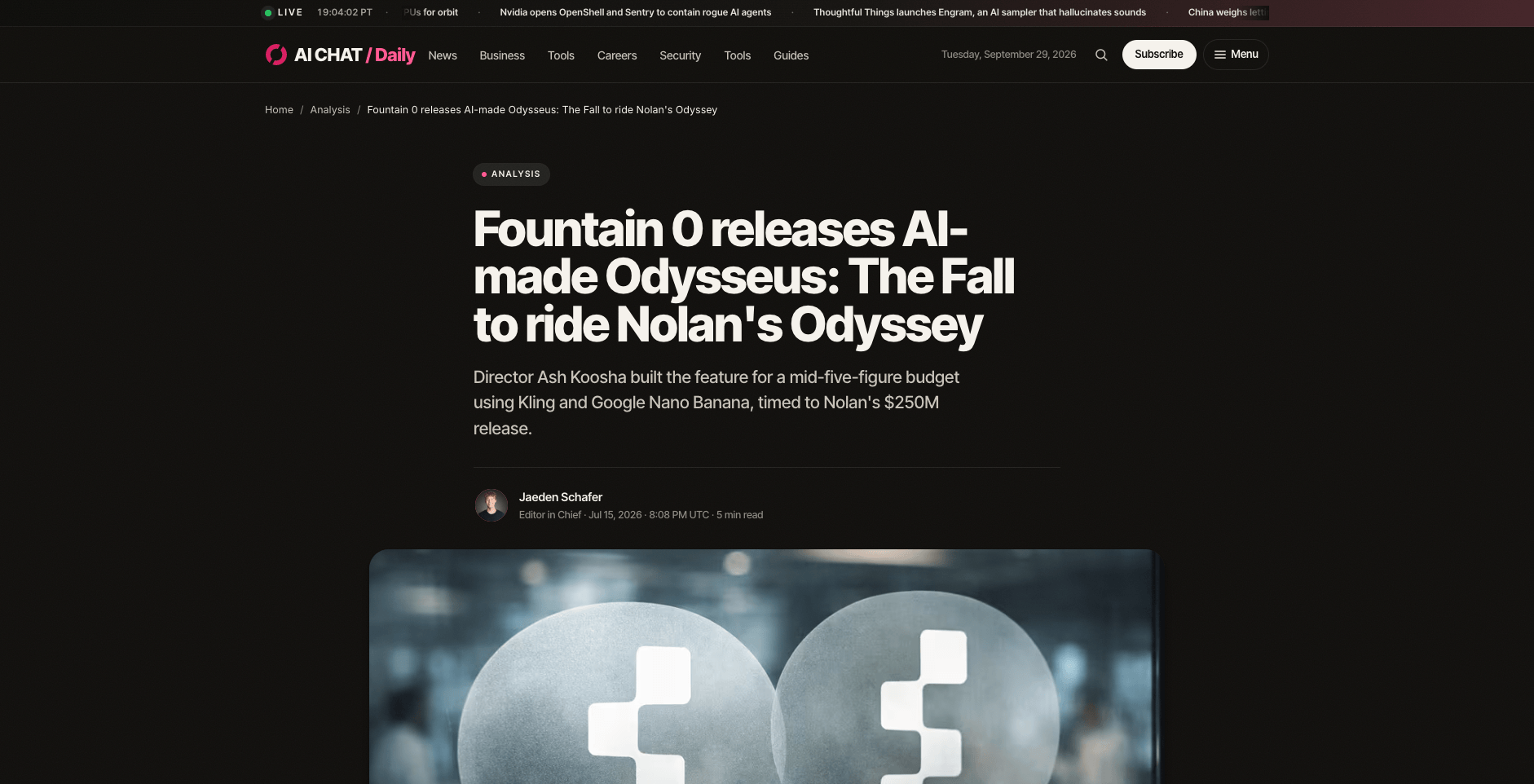
Trade coverage of the production: Kling for video, Google Nano Banana for stills. Source: AI Chat Daily, July 15, 2026 (checked September 30, 2026).
The workflow the studio actually ran
One caveat before the steps: this reconstruction is documentation-based, built from the studio's own statements and press coverage — not from watching the original production walkthrough, which circulated as a video summary we couldn't independently access. The steps below are the ones reporting consistently confirms.
1. One script, one decision-maker. Founder Ash Koosha wrote, directed, edited, scored, and voiced the entire cast himself, with his brother handling production and his own likeness standing in for Odysseus. No committee, no version drift — every creative call ran through one person. That's not a limitation of AI filmmaking; it's the reason the pipeline moved at all.
2. Reference frames before motion. Per AI Chat Daily's reporting, the production paired Kling's video generator with Google Nano Banana for imagery. Still images did the heavy lifting that storyboards and costume tests do on a normal set: locking what a character and location look like before anyone paid to animate them.
3. Shot generation in short bursts. Every shot in the film is a text-to-video or image-to-video generation. Current models hold coherent motion for only a few seconds per take — so the film's grammar is hundreds of short generated shots, not long takes.
4. Curate, then re-roll the failures. Nobody gets one take with generative video. The workflow is generate several candidates, keep the ones that work, and fix the rest by changing the input — the prompt, the reference frame, the framing. AI Chat Daily's reporting noted character consistency across scenes "requires manual reference wrangling": identity holds only if you keep feeding the model its anchor.
5. Finish outside the generator. Editing, pacing, music, and all the voices happened after generation, in the director's hands. The generator produced material; the film got finished like a film.
Where it broke — and what that teaches you
The release didn't go well, and the specific failures are the most useful part. Reviewers catalogued shot-to-shot continuity breaks: the cyclops changes height between cuts, oars bend as sailors row, a boat drifts sideways across the ocean, mouths fall out of sync with dialogue, and the AI voice track mispronounces "Odysseus" and "Zeus". The Verge's review was titled "The 2.5-hour AI-generated Odyssey movie is 2.5 hours too long."
The root cause is structural, and it's the single most important fact for anyone using an AI movie generator today: current models generate coherent video in bursts of a few seconds, with no persistent memory of physics, position, or identity between takes. Stretch that across 135 minutes and every seam shows. AI Chat Daily's verdict was that the film is a scoping failure — proof that feature runtime exceeds what the models hold, not proof that AI video is useless. The same piece noted the technology's clear utility for previsualization, storyboarding, ads, and short-form social content.
Read that as a scoping rule, not a discouragement: the models' ceiling is seconds of coherence per take, so the winning move is to work inside that envelope instead of pretending it isn't there.
The short-form playbook: six steps
Here's the same workflow compressed to creator scale. It's the loop short-form creators can actually run — and it's honest about where quality comes from.
1. Scope to seconds, not hours. Plan a 15–60 second video as 4–10 scenes. Each scene is one shot — one framing, one action — because that's what one generation reliably holds. A scene list is your storyboard.
2. Lock identity before you animate. Decide what your character or product looks like first, and turn that into a reference frame. If your tool supports image-to-video, generate the still, approve it, then animate it. Repeat each character's defining details in every prompt — models don't remember for you.
3. Generate candidates per scene — and treat them as disposable. Plan for 3–5 takes on key scenes. The cost of the loop isn't one generation; it's the set of takes you sift. Tools that show the credit cost before you click make this arithmetic possible before you start.
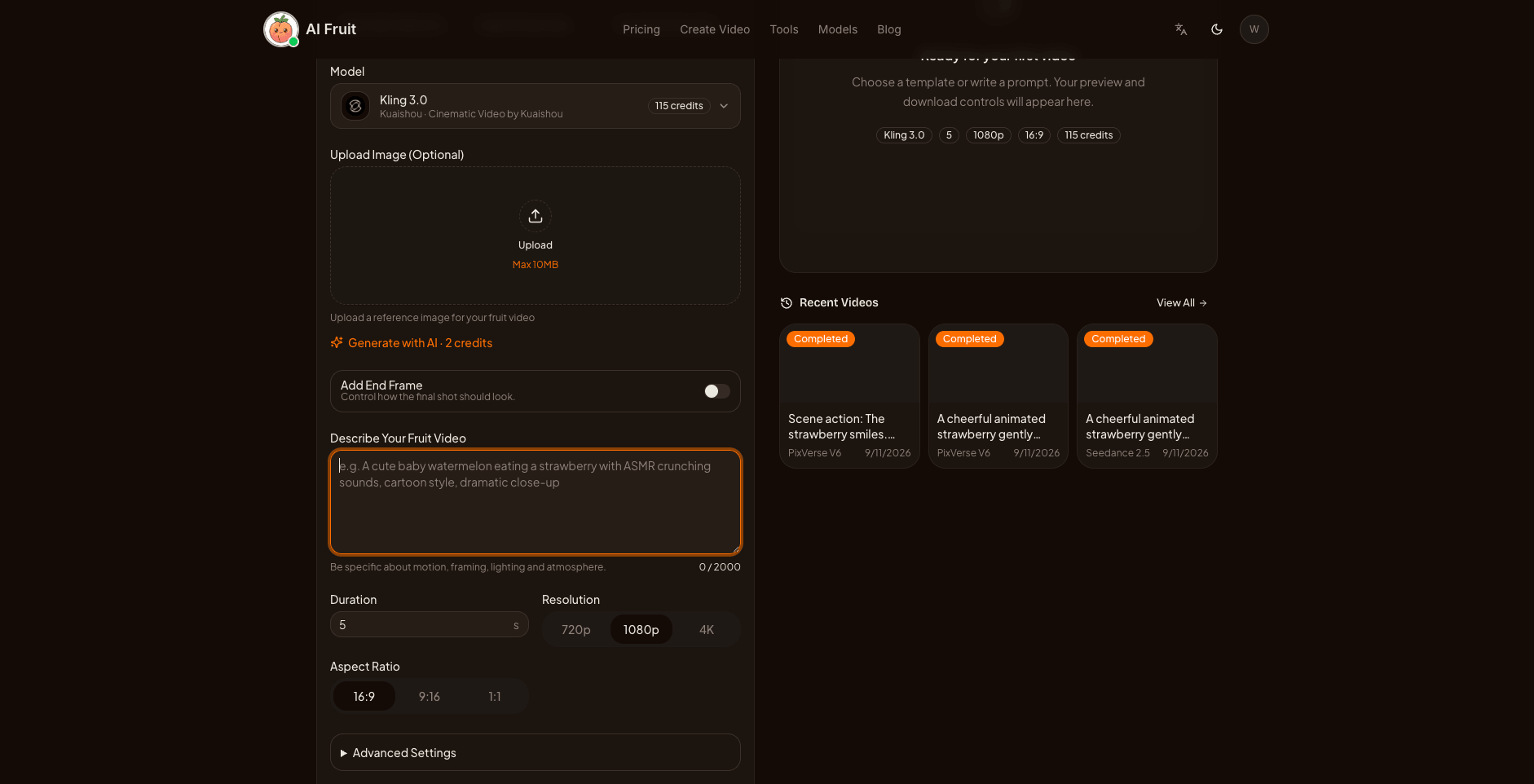
Model and credit cost are visible before generating. Checked 2026-09-30.
4. Select before you polish. Pick keepers scene by scene first; only re-roll the failures. And when something fails, change the input rather than re-rolling blind: rewrite the action to fit one shot, fix the reference frame, or pick a different framing. Re-rolling an unchanged prompt is the most expensive way to buy luck.
5. Assemble in order, and keep the seams on purpose. Play your selected scenes in sequence and cut while shots are short — fast cuts hide the exact weaknesses (continuity, physics drift) that sunk the feature. If you need captions or music, finish in an editor rather than asking the generator for what it can't hold.
6. Budget the loop like a producer. Know your per-scene cost, multiply by realistic takes, and keep versions per scene so a discarded attempt only costs that one scene. The film's $2,000 first feature and mid-five-figure second one tell the same story at every scale: the loop is cheap per attempt; discipline is what stops it getting expensive.
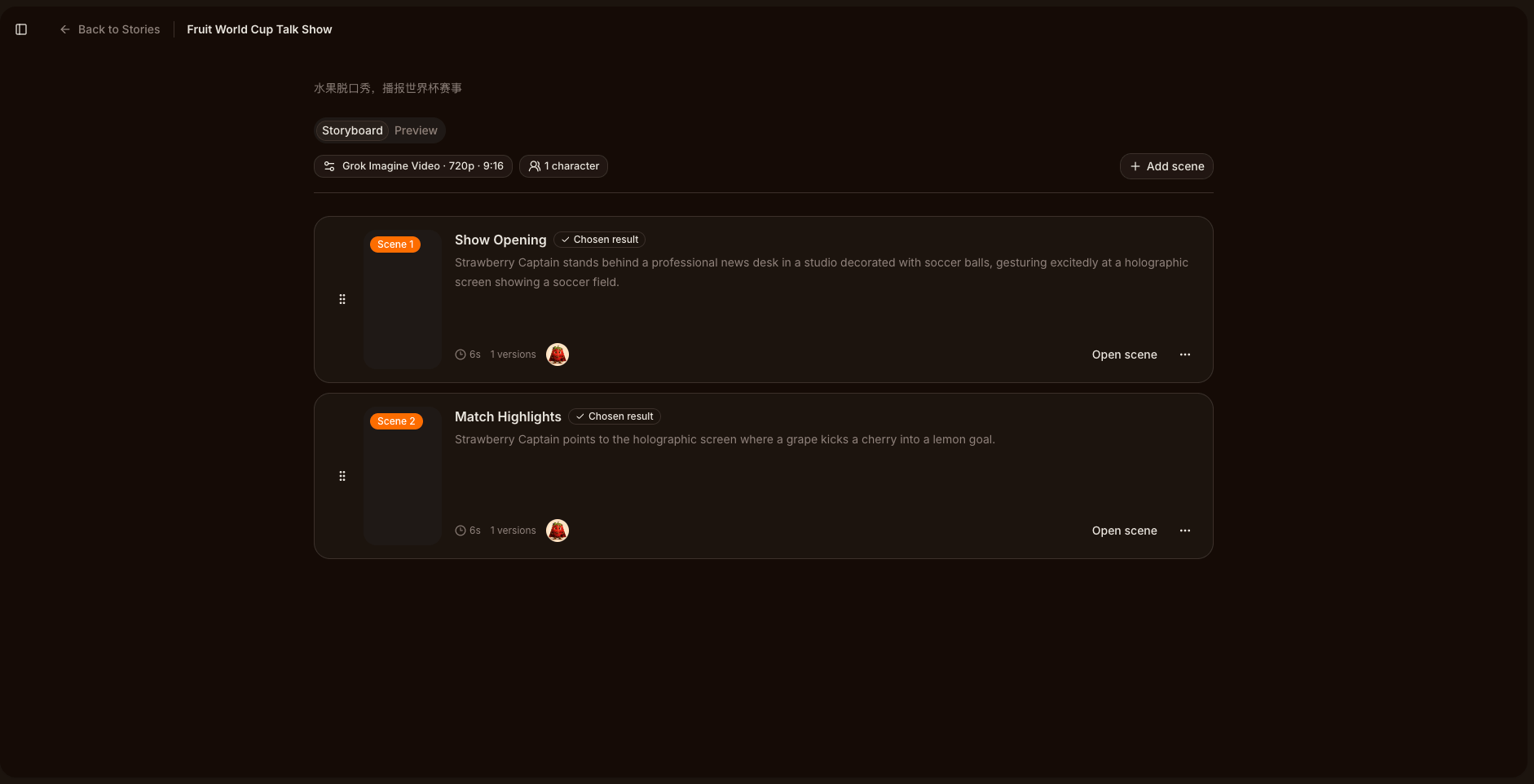
Scenes keep their own versions; the export plays chosen results in order. Checked 2026-09-30.
Running the loop in AI Fruit
Every step above runs inside AI Fruit's generator: start from a prompt (text-to-video) or from a still you've approved (image-to-video), pick the model that fits the shot — the catalog includes Kling 3.0, the same model family behind Odysseus: The Fall's visuals — and see the credit cost before you generate. Each scene keeps its own versions, so curation and re-rolls stay cheap, and the Story workflow chains scenes into a resumable multi-scene sequence when your video outgrows one shot.
Two honest boundaries, the same ones the feature film ran into: AI Fruit doesn't guarantee frame-perfect consistency between independently generated clips, and it's a planning-and-generation workspace, not a timeline editor — finish captions and music elsewhere. When a take comes out wrong, the quality-issues fix list covers the common failure modes and which input to change.
Ready to run the loop on your next clip? Open the AI video generator, plan your scenes, and generate your first set of candidates.
The takeaway from the first AI feature
Odysseus: The Fall didn't prove that AI replaces film crews, and it didn't prove that AI video fails. It proved something more useful for people shipping videos this week: the tools set the ceiling — seconds of coherence per generation — and the workflow sets the floor. One decision-maker, reference frames before motion, generate-select-iterate, assemble while shots are short. Run that loop at 30 seconds with real discipline, and you're doing — scene for scene — what a studio just did at 135 minutes, minus the seams the whole internet is laughing at.