
AI Video Models
Compare the video models currently available in AI Fruit. Each model page includes preview assets, supported inputs, credit costs and a generator with that model selected.
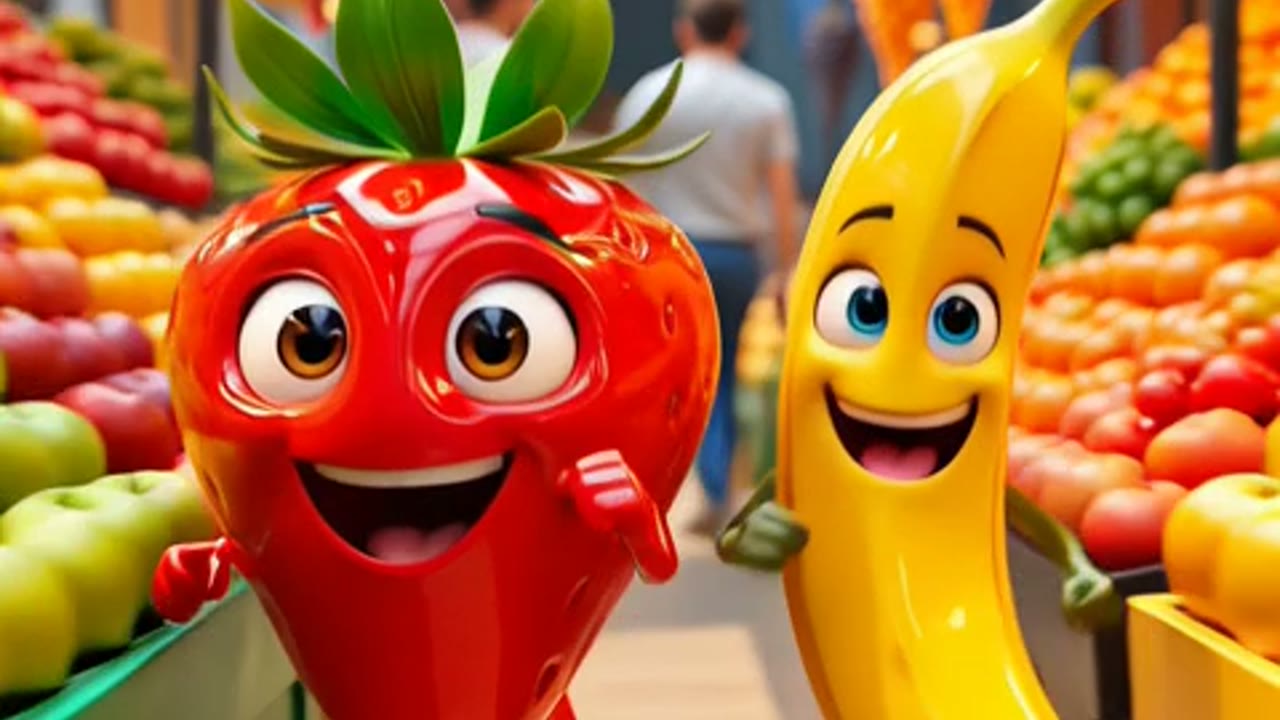
Grok Imagine Video
Use the Grok Imagine Video AI Generator on AI Fruit to turn a prompt or optional reference image into a short fruit video. It is a fast fit for playful social clips, colorful fruit scenes, and creator experiments where the full editor and credit estimate should stay visible before generation.
View Model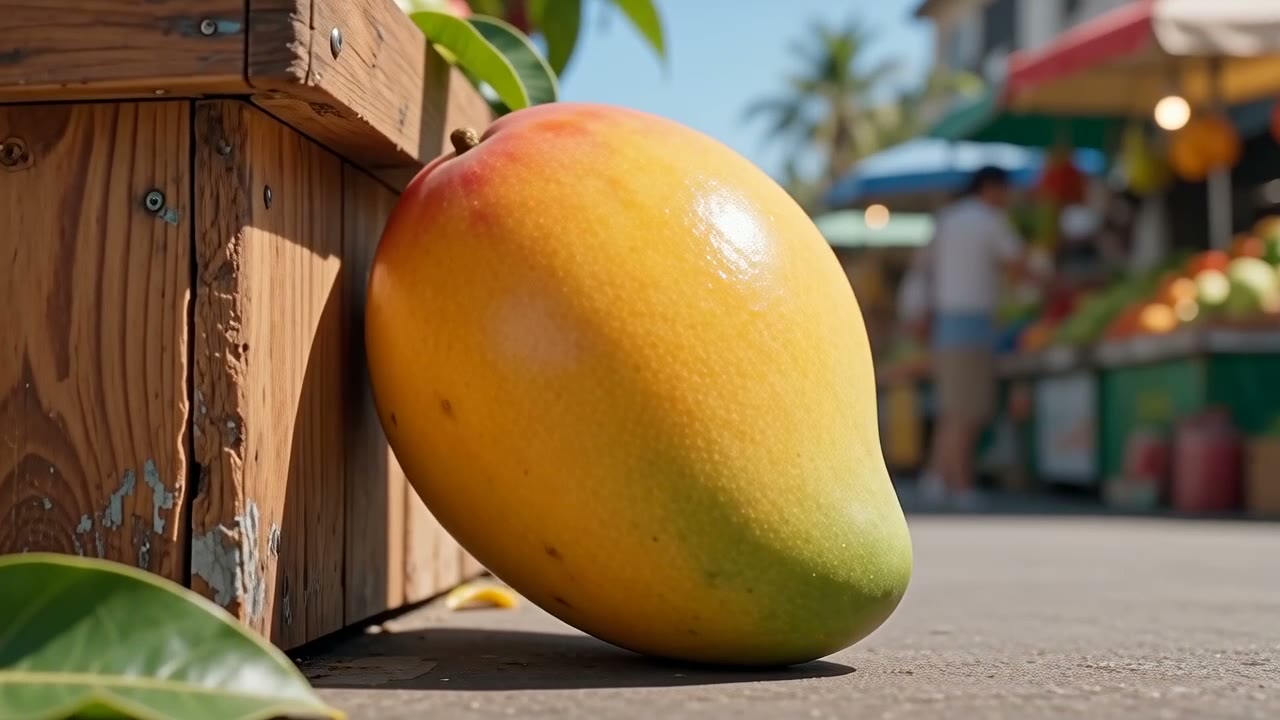
Wan 2.6
Use the Wan 2.6 AI Video Generator on AI Fruit to create fruit videos with stronger narrative structure. It is a good fit for short multi-beat concepts, creator story prompts, and product scenes where text or image input can guide the output.
View Model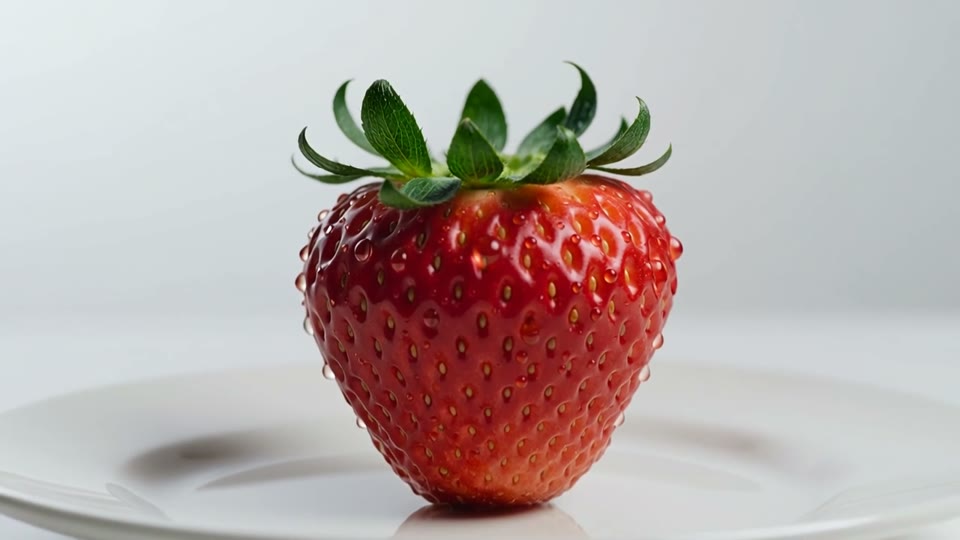
Happyhorse 1.1
Use the Happyhorse 1.1 AI Video Generator on AI Fruit to turn a text prompt into a fruit video. It is built for creators who need recognizable fruit shape, product texture, and social-ready framing, with the full editor and credit estimate on the page.
View Model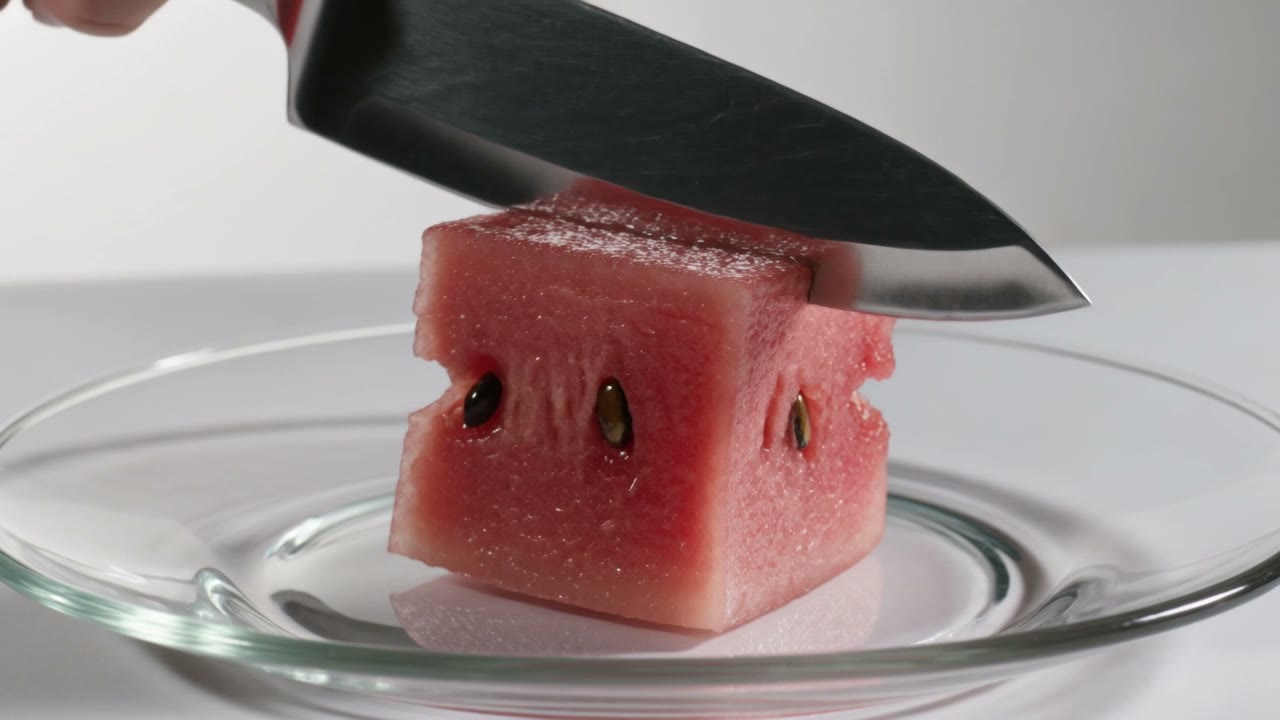
Kling 3.0
Use the Kling 3.0 AI Video Generator on AI Fruit when fruit videos need stronger cinematic framing, optional audio, and last-frame control. The model page opens the full editor with Kling selected so creators can shape prompt, image, duration, resolution, and aspect ratio before spending credits.
View Model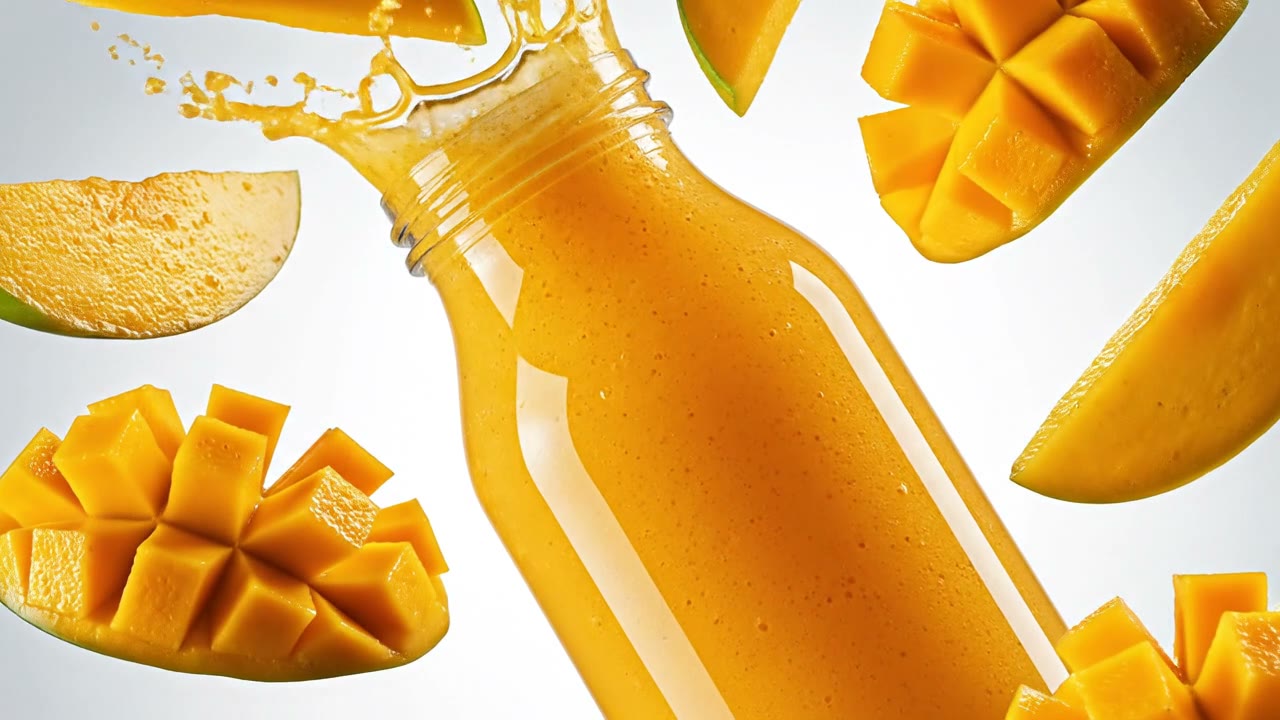
Veo 3.1
Use the Veo 3.1 AI Video Generator on AI Fruit for HD fruit videos, polished product shots, and short commercial scenes where native audio output and last-frame control can matter. The editor opens with Veo selected so you can review settings and credits before generation.
View Model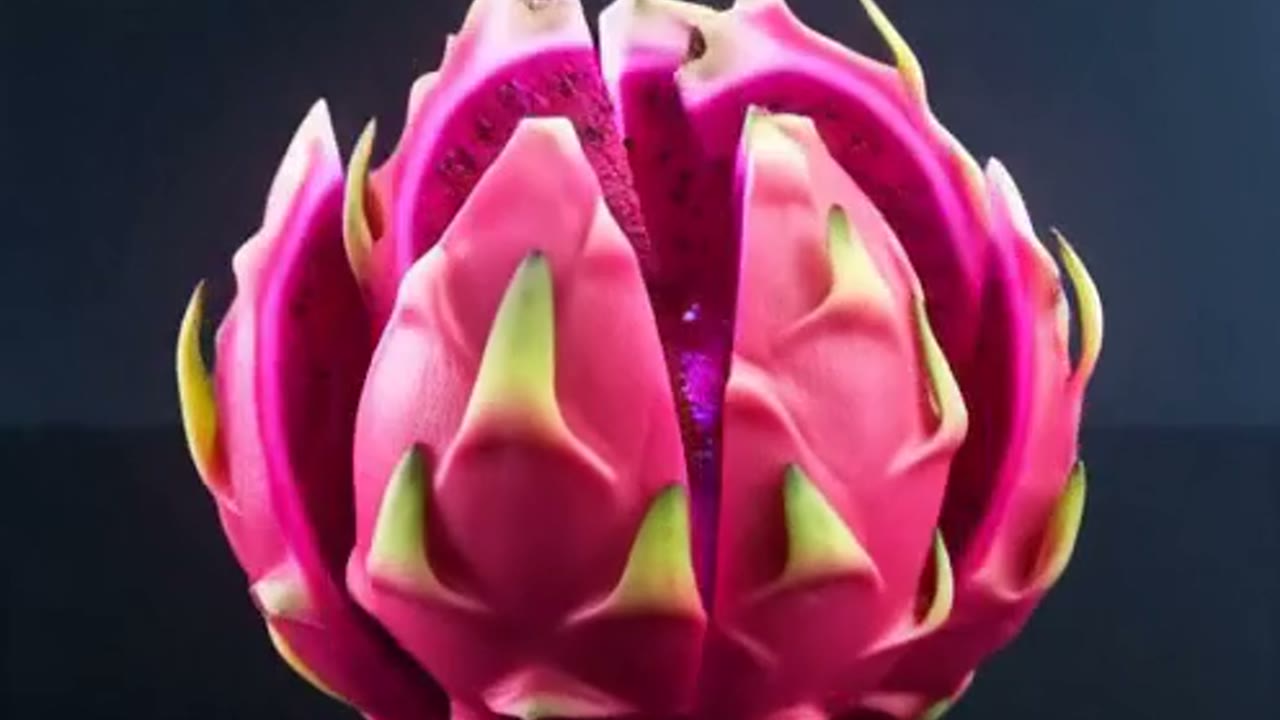
Seedance 2.0
Use the Seedance 2.0 AI Video Generator on AI Fruit for social fruit videos, energetic product clips, and short-form experiments with optional audio and last-frame control. The editor opens with Seedance selected so you can adjust duration, resolution, aspect ratio, and credits before generation.
View Model