
AI Fruit Apple Videos: 3 Formats, 9 Prompts, and the Right Model for Each
Make apple AI fruit videos in three formats — apple characters, cross-sections, and apple ASMR — with nine adaptable prompts, model picks, and credit costs checked October 29, 2026.
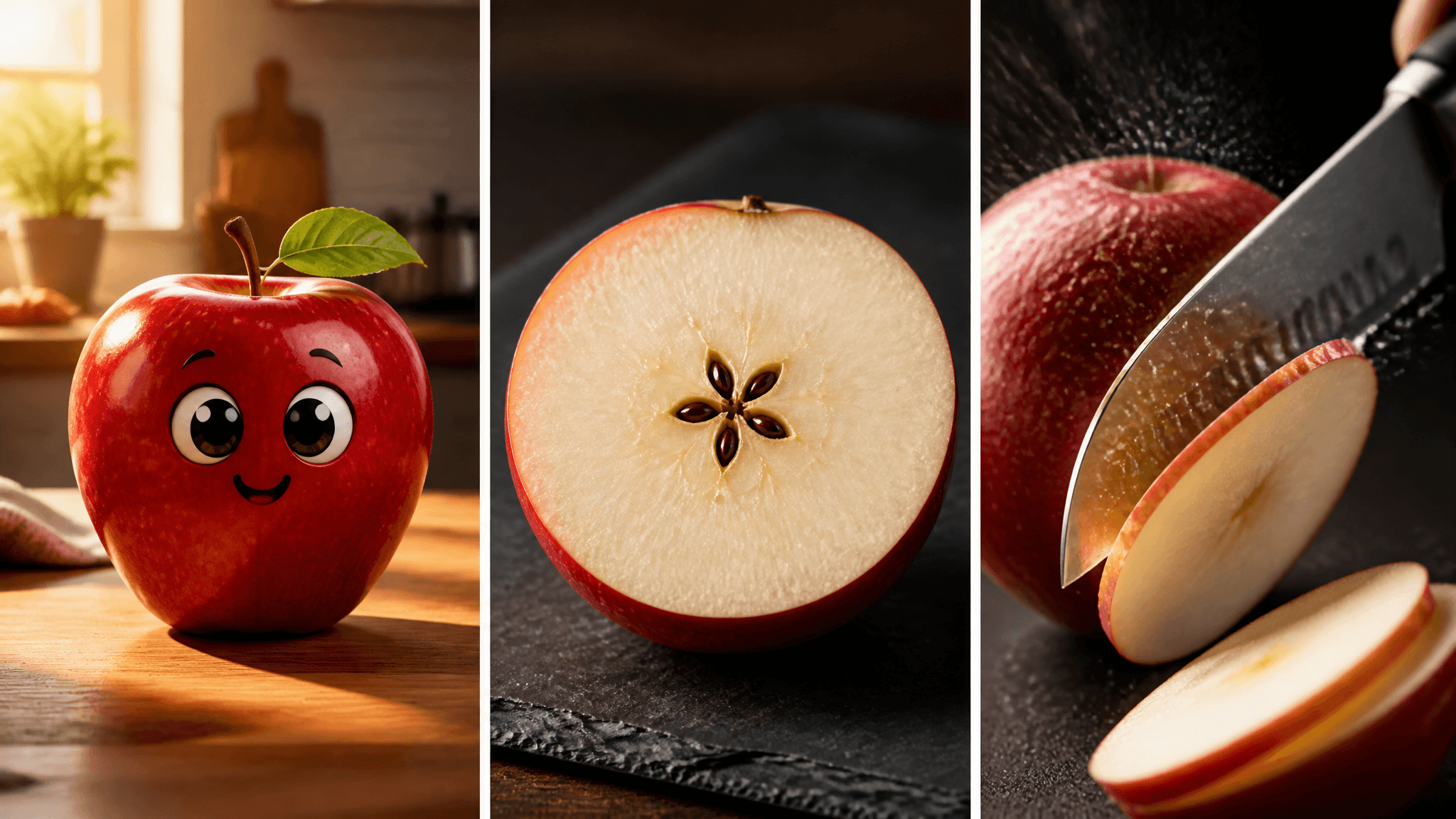
Apple is the most iconic fruit in a short-video feed — the silhouette reads instantly, and the crunch is already famous. If your AI fruit clips so far have leaned on strawberries or watermelons, apple is the natural next single-fruit category to add to your AI fruit videos, and it collapses into three clip formats you can run today: apple character styling, apple cross-sections, and apple ASMR.
This guide gives you all three: nine adaptable prompts covering shape, skin texture, camera, duration, and the sound layer, plus the model and audio settings each format needs. Every setting and credit figure below was checked against AI Fruit's current catalog on October 29, 2026. Everything here is documentation-based — settings come from the live generator and runtime config, not from test renders — so treat each prompt as a starting point to iterate on, not a guaranteed recipe.
The three apple formats at a glance
| Format | The hook | Length | Sound | Cheapest starter |
|---|---|---|---|---|
| Apple character | One apple with star quality | 5–8 s | Optional | Grok Imagine Video — 6 s at 720p ≈ 18 credits |
| Apple cross-section | The cut reveals the surprise | 5–8 s | Optional | Grok Imagine Video, or Kling 3.0 for 3–15 s timing control and a 4K option |
| Apple ASMR | Sound does the selling | 5–8 s | Required | Seedance 1.5 Pro — 5 s at 720p with audio = 20 credits |
Pick the format first, because it decides your model: silent formats can run on the cheapest per-second rates, while ASMR needs a model that actually generates audio.
Format 1: Apple character clips (styling)
Here the apple itself is the protagonist. Recognition comes from two things: the silhouette (round body, stem dimple, a leaf if you want extra character) and the skin — waxy gloss, speckles, gem facets, or caramel sheen. Build each prompt in four layers:
- Shape — what kind of apple, and what (if anything) is added to it: a face, a leaf, a gem cut.
- Skin and material — the texture words that carry the format: waxy glossy skin with subtle speckles, faceted gemstone surfaces, glossy amber candy coating.
- Camera and duration — locked macro or a slow orbit, 5–8 seconds is enough for one clear beat.
- Sound layer — a soft hum, a crystalline chime. Sound words only materialize into a real audio track on models that generate audio (see the ASMR section); on silent models they simply set the mood of the prompt and cost nothing extra.
Three forms that work, with a prompt for each:
Mascot apple:
A shiny red apple with big expressive eyes and a small green leaf on its stem, sitting on a sunlit wooden kitchen table, waxy glossy skin with subtle speckles, slow orbiting camera, 6 seconds, soft playful background hum
Swap the expression, the surface it sits on, or the lighting — keep the skin words, because the gloss is what makes it read as an apple and not a red ball.
Gem apple (adapted from the Ruby Apple example in AI Fruit's crystal fruit tool):
A deep red ruby apple with faceted gemstone surfaces, rotating slowly under a warm spotlight, prismatic sparkle on every facet, black velvet background, macro close-up, 6 seconds, delicate crystalline chime
Candy apple (adapted from the shipped Taffy Apple Stretch example in the candy fruit tool):
A caramel taffy apple stretched and pulled apart in satisfying slow motion, glossy amber coating with candy shine, extreme close-up, 8 seconds, sticky stretch and soft squelch
None of these needs audio, so the cheapest route is Grok Imagine Video at 3 credits per second — a 6-second 720p clip comes to about 18 credits (checked October 29, 2026). If you want the chime or the squelch to be real, render the same prompt on an audio-capable model instead.
Format 2: Apple cross-section clips
The cut is the payoff. Every cross-section clip has the same spine: whole apple → the cut → the interior reveal. The prompt's job is to make that reveal legible in a vertical frame — which means texture words for the inside (cream-white flesh, the star of dark seeds, juice mist) and a camera that holds still enough for the viewer to register the pattern.
Knife slice reveal:
A chef's knife slices a glossy red apple in half in extreme slow motion, revealing cream-white flesh and a neat star of dark seeds, a fine mist of juice catching the light, top-down macro shot, 6 seconds, one crisp snap
Glass apple (adapted from a shipped example in AI Fruit's glass fruit cutting tool):
A golden glass apple being cut open to reveal a shimmering crystal interior, light refracting through the facets, dark studio background, macro close-up, 6 seconds, a delicate glass chime
Rotating half:
A halved red apple rotating slowly on a dark slate board, cut face toward the camera, flesh glistening with juice, tiny bubbles at the core, macro lens, 8 seconds, quiet kitchen ambience
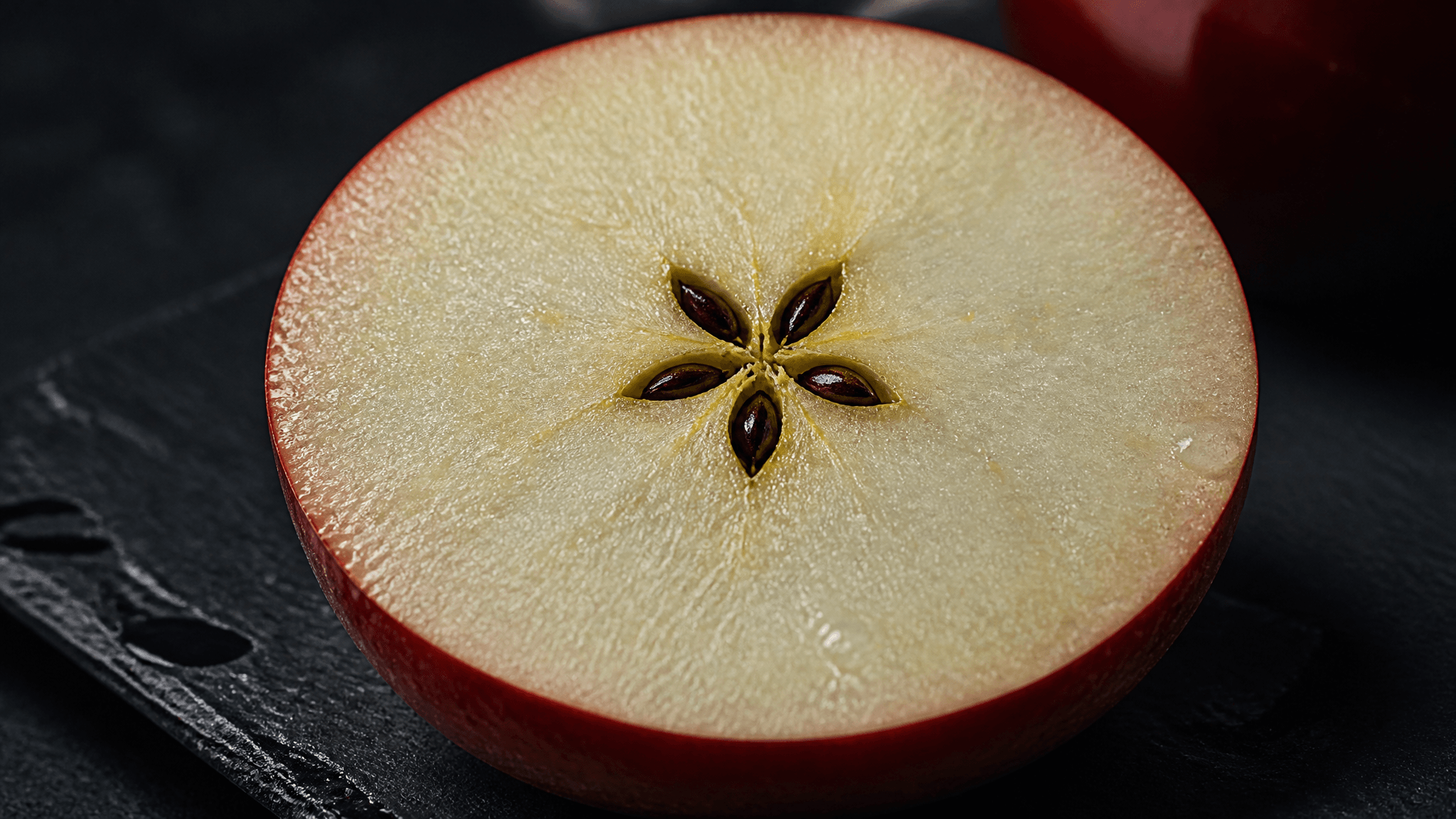
Concept illustration of the reveal the knife-slice prompt aims for (generated for this article, not a product render).
Slow motion matters more than resolution here — a 720p render with a clean 2-second cut beats a rushed 1080p one. The glass-cutting tool is worth a look for this format: it ships crystal, gold, and ice templates, and it accepts a reference image if you want a specific apple transformed instead of an invented one.
Format 3: Apple ASMR clips
In ASMR the sound is the product and the picture serves it. The apple stays the sound subject — knife cuts, a bite into the apple itself, juice droplets. (One boundary worth knowing: this is a different format from fruit-character-eats-fruit clips, where an animated fruit snacks on another fruit. Keep them separate in your prompts and your content plan.)
Which models actually generate audio (catalog checked October 29, 2026):
- Seedance 1.5 Pro — Generate Audio toggle, on by default. 4 credits/s at 720p, so a 5-second ASMR clip costs about 20 credits — the cheapest audio route in the catalog.
- Kling 3.0 — Generate Audio toggle (under Advanced settings), on by default. At 720p, silent is 12 credits/s and audio-on is 17, so a 5-second clip runs about 85 credits with audio. What the extra credits buy is control: a 3–15 s duration range in 1-second steps and a 4K option, where Seedance 1.5 Pro sticks to fixed 5/8/12 s at up to 1080p.
- Seedance 2.0 — Generate Audio toggle, on by default, 35 credits/s at 720p; premium tier.
- Veo 3.1 — generates HD video with audio by default, at a fixed 224 credits per generation.
- Wan 2.6 — audio is embedded in its multi-shot clips (12 credits/s at 720p); useful when an ASMR beat is one scene in a longer sequence.
- Sora 2 (4/8/12 s at 7 credits/s), Grok Imagine Video, and Happyhorse 1.1 don't document audio generation in the catalog — treat them as silent and keep them for formats 1 and 2.
Write the sound layer first and make it specific — loud wet crunch, fine spray of juice, every subtle sound magnified — because that vocabulary is what steers an audio-capable model:
Knife-crunch sequence:
Crisp ASMR audio: a knife cuts thin slices from a cold red apple, each slice releasing a loud crunch and a fine spray of juice, extreme close-up, dark background, shallow depth of field, 8 seconds
The bite:
A close-up bite into a juicy red apple, the crunch loud and wet, juice droplets flying in slow motion, natural window light, macro shot, 8 seconds
Juice-drop macro:
Macro ASMR of a freshly cut apple face, a single drop of juice rolling slowly down the glistening flesh, every subtle sound magnified, dark moody lighting, 5 seconds
For the bite clip, a human mouth or hand works as an off-camera operator — the apple stays the star.
One apple, a hand, or a second fruit?
Every apple prompt is also a casting decision, and the three options trade off cleanly:
- Single apple character. Strongest recognition and the simplest to iterate: keep the same description across prompts and reruns, and the character stays as consistent as the models allow — never guaranteed, but the same wording is the cheapest way to stay close. The limit: one apple can't play off anyone, so the beat has to come from motion, texture, or sound.
- Apple plus a human element (a hand, a knife, a bite). Adds scale and — for ASMR — credibility, because the interaction is what produces the sound. The apple remains the subject.
- Apple plus a second fruit. A color and size contrast hook — pair the apple with a smaller fruit in a clearly different color. Useful for one-off gags — but the moment one fruit starts eating the other, you've moved into the fruit-eats-fruit format, which has its own prompt structure.
And if the apple needs a full human body and a wardrobe, that's no longer an apple clip — that's the fruit-people build, covered separately in AI Fruit People. New to the platform entirely? Start with What is AI Fruit.
Settings to check before you generate
Three settings decide most of the outcome for these formats:
- Watch the credit estimate before you generate. The generator updates it live as you change model, duration, resolution, and audio — no guessing, no surprise deductions.
- Set 9:16 for feed clips. Every format above is framed for vertical; a landscape render wastes the composition.
- Use a reference image when the apple matters. Uploading a photo of a real apple steers color and shape better than describing it. Every model in the catalog accepts an image input and none requires one, so it's a pure quality choice.
Duration guidance: 5–8 seconds covers all three formats. Character clips live at the short end, cross-sections need room for the cut to land, and ASMR benefits from a couple of extra seconds of clean close-up.
If you're ready to run one: open the AI Fruit generator, pick a model, and watch the credit estimate update as you set duration and audio — then run one of the nine prompts above exactly as written before you start customizing.
Start with one format
Match the format to the apple's best asset: its look (character styling), its inside (cross-section), or its crunch (ASMR). Run one prompt as written, judge the result, and change one variable per iteration — swap the texture words, then the camera, then the sound. That single-variable loop is how a one-off apple clip turns into a repeatable series.