
What is AI Fruit — A Fruit-Focused AI Video Generator
AI Fruit is a fruit-focused AI video platform with two creation paths: one-off Single Video clips and resumable multi-scene Stories. See how the workflow, models, and credits work.
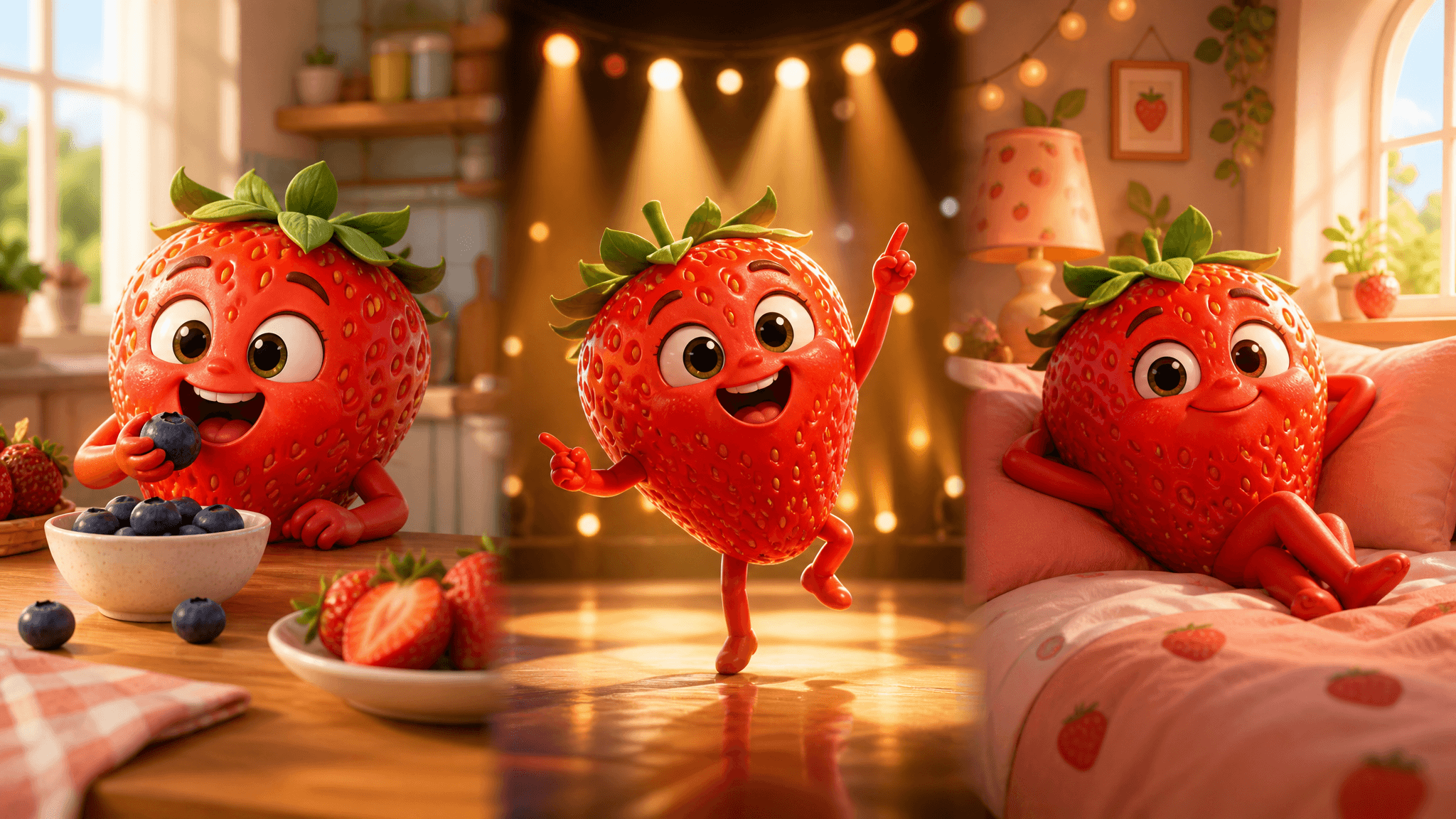
Short-form feeds often feature animated fruits with expressive faces, food interactions, and ASMR-style sound. AI Fruit provides a focused workflow for making and testing this kind of video.
AI Fruit is an AI video generation platform with prompt-, image-, template-, tool-, and model-led creation paths. You can review the selected model's controls and credit cost before submitting a task, and since October 2026 the platform offers two ways to create: a one-off Single Video and a resumable multi-scene Story.
Why AI Fruit Videos Fit Short-Form Feeds
AI fruit videos fit several common short-form patterns:
- Universal appeal: Cute fruit characters transcend language barriers
- ASMR satisfaction: Crunchy, juicy sound effects are incredibly satisfying
- Short format: Many supported models offer durations intended for short-form content
- Endless variety: Every fruit + scenario combination creates unique content
Actual reach depends on the concept, execution, audience, platform, and publishing strategy; AI Fruit does not guarantee views or follower growth.
How AI Fruit Works: Single Video in Three Steps
Single Video is the one-off path: one prompt in, one clip out.
1. Pick a Starting Point
Begin from a blank prompt, an image you upload, a fruit template, a named tool, or a specific model. The template browser is the source of truth for what's available — 50 active fruit templates at the time of writing (checked October 25, 2026).
2. Choose a Model and Review the Estimate
The model selector shows each model's input requirements, controls, and a credit estimate before you submit. Output options vary by model and settings, and may include:
- 9:16 for TikTok and Instagram Reels
- 16:9 for YouTube
- 1:1 for Instagram feed posts
3. Generate & Share
Submit the task and follow its asynchronous progress on the page or in History. Completion time varies by model, settings, provider queue, and availability. When a clip is ready, download it or keep creating from the result.
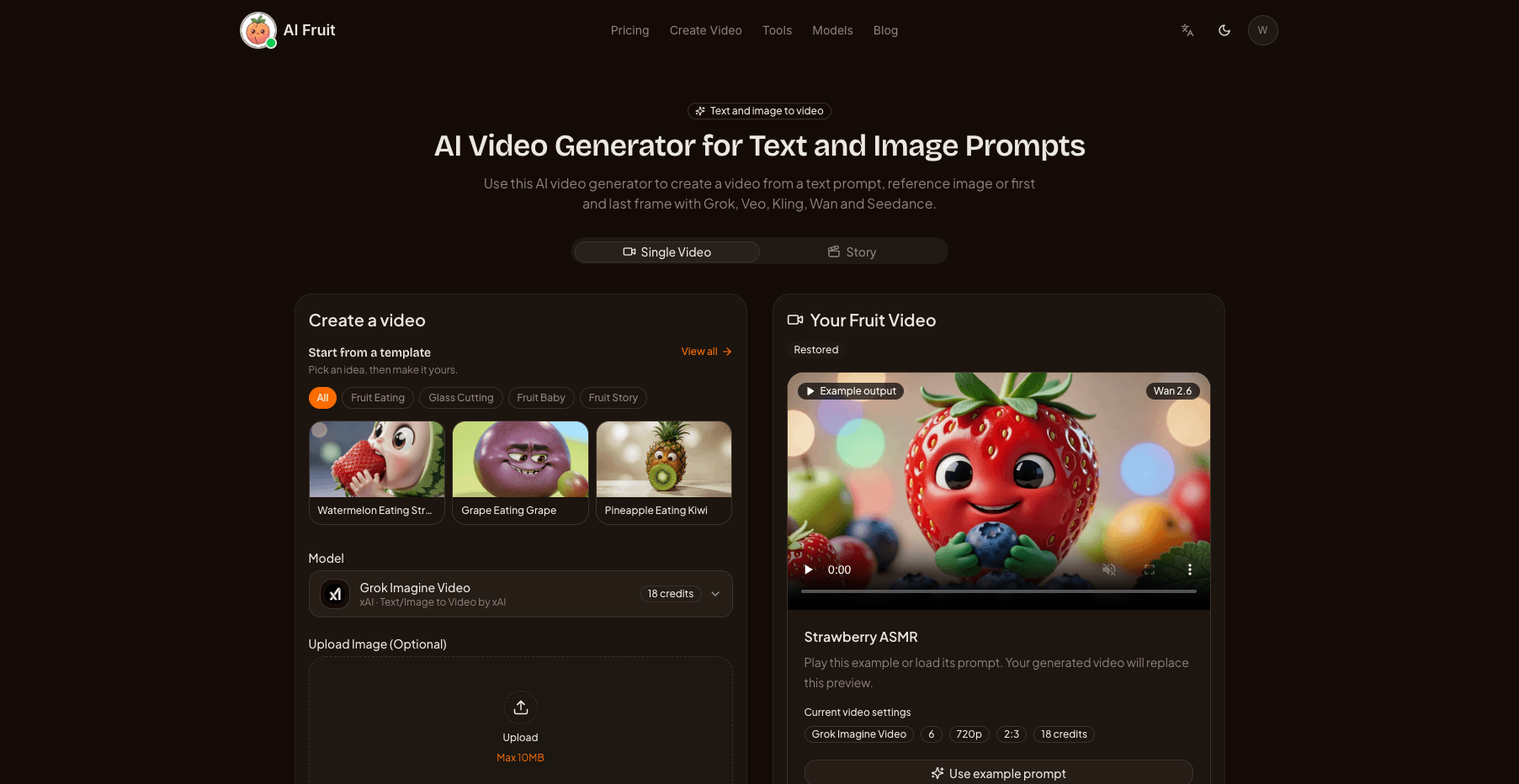
The generator exposes both creation paths, the model selector, and the credit estimate before you submit.
The Story Path: Multi-Scene Fruit Videos
Single Video answers "one clip, right now." Story answers a different job: a recurring series — a fruit character that eats its way through episodes, a baby-fruit drama with several beats, a multi-part ASMR skit — where the character and setting should carry over from scene to scene instead of being re-described from scratch each time.
Story is built around the Director, a conversational workspace launched on October 23, 2026:
- Describe the story in a chat. The Director turns your description into a script: an overview (logline, tone, visual style, ending) plus scenes of 4–15 seconds each — 1 to 12 scenes, 4–180 seconds total. Editing the script is free.
- Set the anchors. Characters, scenes, and objects up to a limit of 9 can be pinned as anchors, taken from your Character Library, uploaded reference images, or generated descriptions. Anchors are what let a character's face and a setting carry across scenes; they preserve context — they don't guarantee pixel-perfect consistency.
- Generate scene by scene. You confirm one itemized credit quote — a frozen price for every scene, valid for 30 minutes — before anything generates. Each scene keeps its versions, and you can regenerate or hand-pick a version per scene without touching the others.
- Export one file. Finished scenes export as a single stitched video in scene order, ready to download.
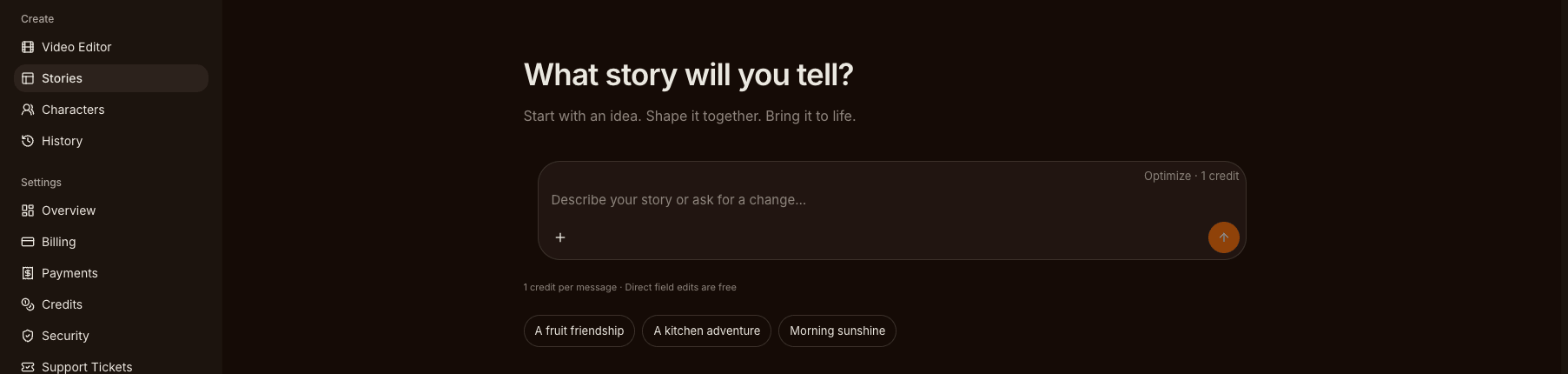
Stories start as a conversation: the Director drafts the script, and editing it is free.
Quality is priced per scene in three tiers, and a four-second scene currently costs about 11 credits at mini 480p (the default), 22 at mini 720p, or 64 at standard (Seedance 2.0 at 480p), checked October 25, 2026 — the live quote always shows the exact number before you confirm. If you want the hands-on version, the AI Fruit story video tutorial walks through a full story from first message to export.
Single Video or Story?
| Single Video | Story | |
|---|---|---|
| Best for | One-off clips, quick tests | Recurring series, multi-beat narratives |
| Length | One clip, model-defined | 1–12 scenes, 4–180 seconds total |
| Continuity | Re-describe everything each time | Anchors carry characters and scene context |
| Editing | Settings before submit; retry after | Free script edits; per-scene regenerate and version picks |
| Cost shape | One credit estimate per clip | One itemized quote (per-scene prices), valid 30 minutes |
Practical rule of thumb: if you would regenerate the same character more than twice, Story is usually the cheaper and saner path; for a single trending clip, Single Video is faster.
Story is deliberately not a timeline editor. There are no transitions, subtitle editing, or audio mixing — scenes are generated, selected, and stitched in order. Generation time, output format, and commercial-use terms always follow the selected model and provider rules.
AI Models Behind the Magic
AI Fruit exposes multiple selectable video models, and the lineup is refreshed as providers ship. The live selector shows the current models, input requirements, controls, and credit estimate. The catalog included 19 visible models from seven providers on October 25, 2026, among them:
- Seedance — 2.0, 2.0 Fast, 2.0 Mini, and 2.5
- Wan — 2.6, 2.7, 3.0, and 3.0 Prime
- Kling — 3.0, 3.0 Omni, and V3 Turbo
- Grok Imagine — Video and Video 1.5
- Google Veo 3.1
- Gemini Omni and Omni 1.1 Flash
- PixVerse V6, MiniMax H3, and Happyhorse 1.1
Available settings, durations, audio support, and output capabilities vary by model and provider — treat the selector, not any fixed list, as the source of truth.
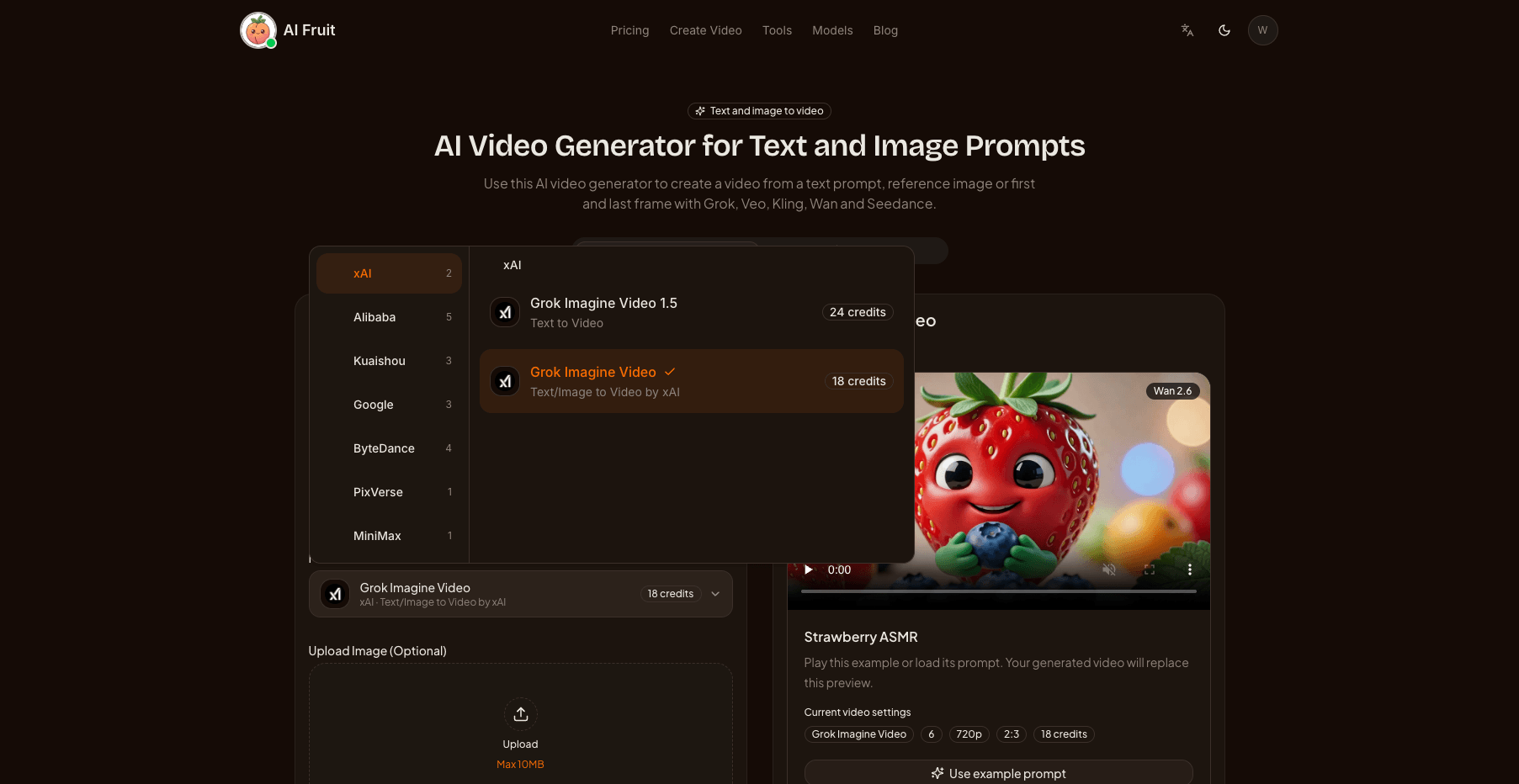
The selector grouped 19 visible models under seven providers on October 25, 2026.
Who Uses AI Fruit?
AI Fruit is built for people who want to create and test short-form video concepts:
- TikTok creators building niche fruit content accounts
- Social media managers who need fresh, engaging content daily
- YouTube Shorts creators looking for trending formats
- Marketing teams creating eye-catching ad content
- Content agencies producing videos at scale
- Recurring-story creators who need the same characters and settings across many clips
Getting Started
New users can sign up and try video generation for free. When you're ready for more, choose a plan:
- Creator ($15/month) — 600 credits with a 30-day validity period
- Pro ($30/month) — 1,500 credits with a 30-day validity period
- Annual subscriptions — Creator $120/year for 7,200 credits; Pro $240/year for 18,000 credits, charged upfront
- One-time packs — available separately, with the current pack values shown on Pricing
As a sense of scale, a 5-second Seedance 2.0 Mini clip at 480p costs about 13 credits, while Veo 3.1 runs a flat 224 credits per generation (checked October 25, 2026) — the estimate you see before submitting is always the current number.
Commercial use depends on the selected model's provider rules, the current AI Fruit Terms, applicable law, and your rights in the inputs. Review those rules before publishing generated content commercially.
Start Creating
Open the AI Fruit Video Generator, choose Single Video or Story, review the credit estimate, and submit your first task.