
AI Sheru Video — Fruit Sheru Bhai Trend Generator
The Sheru Bhai lion trend, as an AI Fruit video generator: describe a fruit character facing a wealthy lion in a white suit — an auction showdown or a billionaire reveal — pick the model, and see the credit cost before you generate.
AI Sheru video examples
Five fruit Sheru-style clips generated for this page, each with the exact prompt used. Load any of them with “Use these settings”.
Mango Boli Auction Showdown
Prompt: A glossy mango in a tiny gold tuxedo standing at a marble auction podium, raising a paddle to outbid a smug lion in a white three-piece suit, luxury auction hall with gold columns and a fruit crowd, dramatic spotlights, playful 3D animation, vertical video
Grape Crew and the White-Suited Lion
Prompt: A bunch of plump purple grapes in velvet bow ties waving a bidding paddle while a white-suited lion host swings a golden gavel over a diamond-studded fruit bowl, marble auction room, warm gold lighting, playful 3D animation, vertical video
Strawberry Stall and the Disguised Lion
Prompt: A humble strawberry running a small street fruit stall at dusk, handing a free slice to a shabby lion traveler, then the lion reveals a gold watch and a gleaming limousine behind him, warm streetlight, playful 3D animation, vertical video
Lemon's Gold Supercar Handover
Prompt: A cheerful lemon receiving the keys to a gold supercar from a lion in a white three-piece suit inside a showroom of polished marble and chrome, falling confetti, cinematic spotlights, playful 3D animation, vertical video
Fruit Crowd Billionaire Reveal
Prompt: A fruit crowd in the foreground gasping and cheering as a lion in a white suit walks down a golden helicopter stairway onto a red carpet in a palace courtyard, big expressive fruit characters close to camera, camera flashes, playful 3D animation, vertical video
How to make an AI Sheru video
From prompt to download in three steps.
- 01
Describe the fruit and the lion
Type your scene in the prompt box — for example: “A glossy mango in a tiny gold tuxedo raising a paddle to outbid a smug lion in a white three-piece suit.” Or open a preset below and edit its prompt.
- 02
Pick model and settings — credits first
Keep the default Grok Imagine Video 6-second 720p run, or adjust duration, resolution, and aspect ratio. The exact credit cost is displayed on the generate button before you spend anything.
- 03
Generate, preview, download
Generation runs asynchronously — completion time depends on the model, settings, and queue. Preview the finished clip, then download the MP4 and add your own edit or sound in the app you already use.
What is an AI Sheru video?
AI Sheru videos are the AI-animated clips built around “Sheru Bhai”, a viral character played as a wealthy lion in a tailored white suit. Two formats carry the trend: the auction, where Sheru outbids cartoon rivals for absurd luxury items with nonsense money words while his opponent faints, and the billionaire-disguise story, where he pretends to be a poor traveler, is helped by someone kind, then reveals his wealth and transforms that helper's business. The tutorial workflow behind both is a script step, an AI video generator, and a mobile edit — and articles covering the trend date from early November 2026.
This page is AI Fruit's fruit version of that trend, not a tutorial. You write one prompt — a mango bidding at a marble auction house, a strawberry stall where a disguised lion reveals himself, a lemon handed the keys to a gold supercar — and the video model animates the scene. Every example below was generated for this page from the exact prompt printed with it. No Sheru Bhai footage, character likeness, logo or music is used, and this page is not affiliated with, endorsed by, or made in partnership with the creators of that character.
Costs stay visible before you spend. The default Grok Imagine Video run — 6 seconds at 720p — costs 18 credits, at 3 credits per second for 480p or 720p. 1080p is priced higher per second and the exact amount for your settings is shown on the generate button before you confirm. Durations run from 6 to 30 seconds, and generation is asynchronous, so completion time depends on the model, settings, and provider queue.
One expectation to clear up first. If you came looking to upload your own photo and put yourself in the scene, the trend prompts on this page are not that: they are prompt-led and fruit-themed, the characters are AI-animated fruit, and no portrait is animated. The same editor does show an optional reference-image upload in Advanced Settings when the model you select accepts an image input — Grok Imagine Video has an image-to-video route — so a photo-led clip is a model-dependent option there, not something these fruit prompts do.
What this fruit Sheru video generator gives you
- Prompt-led fruit scenes
- Type the fruit, the lion, and the setting. The model animates the whole scene from your wording — these prompt-only scenes use no uploaded portrait and no real people.
- Two trend formats to copy
- The auction showdown and the billionaire-disguise reveal are both reachable through prompt wording: an auction hall with a bidding paddle, or a street stall that turns into a palace.
- Credits shown before generating
- The generate button states the exact cost for your model and settings — 18 credits for the default 6-second 720p run — before anything is charged.
- Vertical-first downloads
- Choose the 9:16 aspect ratio and download an MP4 sized for TikTok, Reels, and Shorts without cropping.
Three ways to make an AI Sheru video
Start from an idea, from a generated preset, or from the format you want to hit.
Write the fruit-and-lion prompt
Say who the fruit character is, what the lion does, and where it happens — one or two sentences is enough. Naming the format (auction, reveal, handover) steers the story beat; naming the room and lighting steers the look. If you would rather write the whole thing from scratch, the Sheru Bhai video prompt guide lays out the three layers — a character reference sheet, a story master prompt, and a motion prompt for each clip.
- Any fruit lead: mango, grapes, strawberry, lemon, or a whole fruit crowd
- A white-suited lion as host, rival, or disguised billionaire
- Scene direction: marble auction hall, street fruit stall, palace courtyard
- Reusable prompts — every example below prints its exact text
Start from a generated preset
Open one of the five examples below, press “Use these settings”, and the prompt loads into the editor ready to edit. Swap the fruit, change the luxury item, or run it as-is.
- Five real fruit Sheru-style scenes, each with its published prompt
- One click loads the prompt into the editor
- Edit the wording to make the scene yours before generating
Tune model, format, and credits
Choose duration, resolution, and aspect ratio in Advanced Settings. The credit cost updates with your choices and is displayed on the generate button before you confirm.
- Duration from 6 to 30 seconds on Grok Imagine Video
- 480p, 720p, or 1080p resolution
- 9:16 vertical, 16:9, 1:1, and more aspect ratios
- Cost shown before generation — the default 6s 720p run is 18 credits
AI Sheru video FAQ
Short answers on the trend, photo upload, cost, and reuse.
A short AI-animated clip built around “Sheru Bhai”, a viral character played as a wealthy lion in a white suit. The two common formats are the luxury auction, where he outbids cartoon rivals, and the billionaire-disguise story, where he pretends to be poor, is helped by someone kind, and then reveals his wealth. Tutorials for the trend date from early November 2026 and usually combine a prompt-writing step, an AI video generator, and a mobile edit.
Partly, and only as a model-dependent option. This trend page is prompt-led and fruit-themed: you describe the scene and AI-animated fruit characters play it. When the model you select accepts an image input, the editor shows an optional reference-image upload in Advanced Settings — Grok Imagine Video supports image-to-video — so with those models you can start a clip from a photo. What this page does not promise is a portrait of you placed next to the lion.
Write one prompt that names the fruit, the lion, and the place — for example “a glossy mango raising a paddle to outbid a smug lion in a white three-piece suit in a marble auction hall”. Pick the model and aspect ratio, check the credit cost on the generate button, generate, then preview and download the MP4. The five examples on this page are the same workflow with their prompts printed.
Related Tools
Keep exploring fruit video formats.

AI Dance Generator
AI dance trend clips are all over TikTok, and this is AI Fruit's fruit version. Describe the fruit dancers and their moves, pick the model, and see the credit cost before you generate. The generator is prompt-led — you type the scene rather than uploading a photo — and movement style, duration, resolution, and audio depend on the model and settings you choose.
Try Generator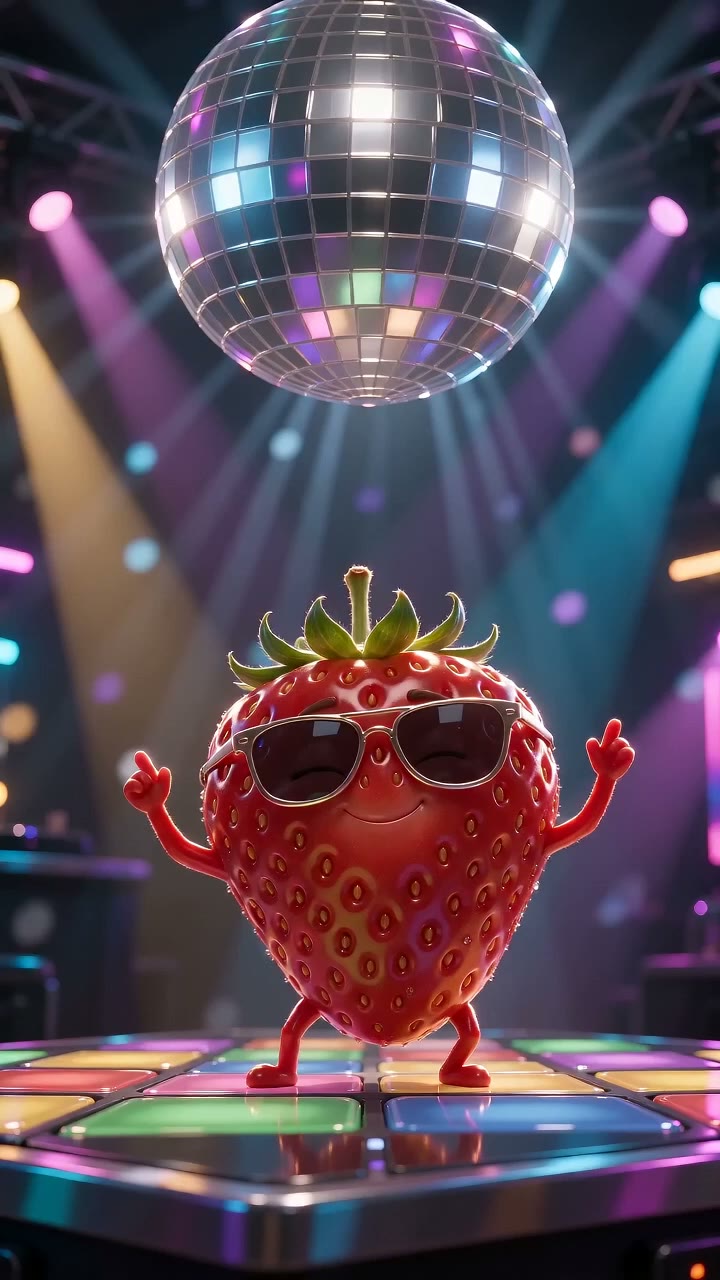
Dancing Fruit Generator
Describe a fruit dance scene — or start from a preset — and generate a short AI video of fruit characters dancing. Pick the model and settings with the credit cost shown before you generate, then download the clip for TikTok, Reels, or Shorts. Movement style, duration, resolution, and audio depend on the model and settings you choose.
Try Generator
AI Talking Fruit Video
Make any fruit speak, roast, sing, or gossip. Generate funny talking fruit meme videos with expressive mouth movements and over-the-top personalities for TikTok, Instagram & YouTube.
Try GeneratorReady to make your AI Sheru video?
Describe your character, or start with an example above.