
Pika H3 Flex: How to Run It on Web, API, or ComfyUI — and When to Pick It
Every documented way to run Pika H3 Flex — Pika web, API pricing, ComfyUI templates, Diffusers — and when the 6-step open model beats base H3 or hosted rivals.

Pika's H3 Flex is a six-step, open-weights rework of MiniMax H3 that generates video with synchronized stereo audio, and there are exactly four documented ways to run it: the Pika web app, the Pika API, ComfyUI, and Diffusers. Pick the web app to try it in a browser, the API when you need 1080p-to-4K finishing and separable audio stems, and ComfyUI or Diffusers when you want the weights running on your own GPU at a native 480p/768p. Compared with the base MiniMax H3 it is trained on, it samples in 6 steps instead of 20–50, and on the DesignArena text-to-video board shown on Pika's own model page it is the highest-ranked model with open weights. This guide walks through each access path with the actual requirements and prices, then compares H3 Flex against the models you might pick instead.
What Pika H3 Flex actually is
Pika H3 Flex launched on October 29, 2026 as a post-trained derivative of MiniMax H3, the open video-and-audio model released by MiniMax earlier in 2026. Technically it is not a new architecture: it ships as two LoRA adapters that load on top of the MiniMax H3 base. The FL2VA adapter handles text prompts plus first-frame, last-frame, or first-and-last-frame conditioning; the Ref2VA adapter handles multimodal references. According to the official ComfyUI documentation, Pika fine-tuned H3 on a curated multi-task corpus, distilled the 50-step generator down to 6 steps, then refined the result with reward feedback and preference optimization.
What makes the model family unusual is that audio is generated in the same pass as the picture — synchronized stereo sound at 32 kHz, mixed into the exported MP4 — rather than added by a separate pipeline afterwards.
One thing to check before commercial use: the adapters are distributed under the MiniMax H3 Community License Agreement, and both Pika's model card and the ComfyUI tutorial tell you to review its territorial and commercial-use conditions first. The bundled Qwen text encoder and the example code are Apache 2.0, but that code license does not cover the model weights.
What it can do
The specification below comes from the official model card on Hugging Face.
| Capability | Pika H3 Flex (local weights) | Via Pika API |
|---|---|---|
| Generation modes | Text-to-video-audio, first-frame, last-frame, first-and-last-frame, reference-to-video | Same, plus hosted finishing |
| Native resolution | 480p / 768p, 11 aspect ratios (21:9 through 9:21) | 1080p, 2K, 4K via draft-to-video |
| Duration | 5–15 seconds (a 5s request renders 124 frames ≈ 5.17s; 15s renders 362 ≈ 15.08s), 24 fps | Same takes, finished at higher resolution |
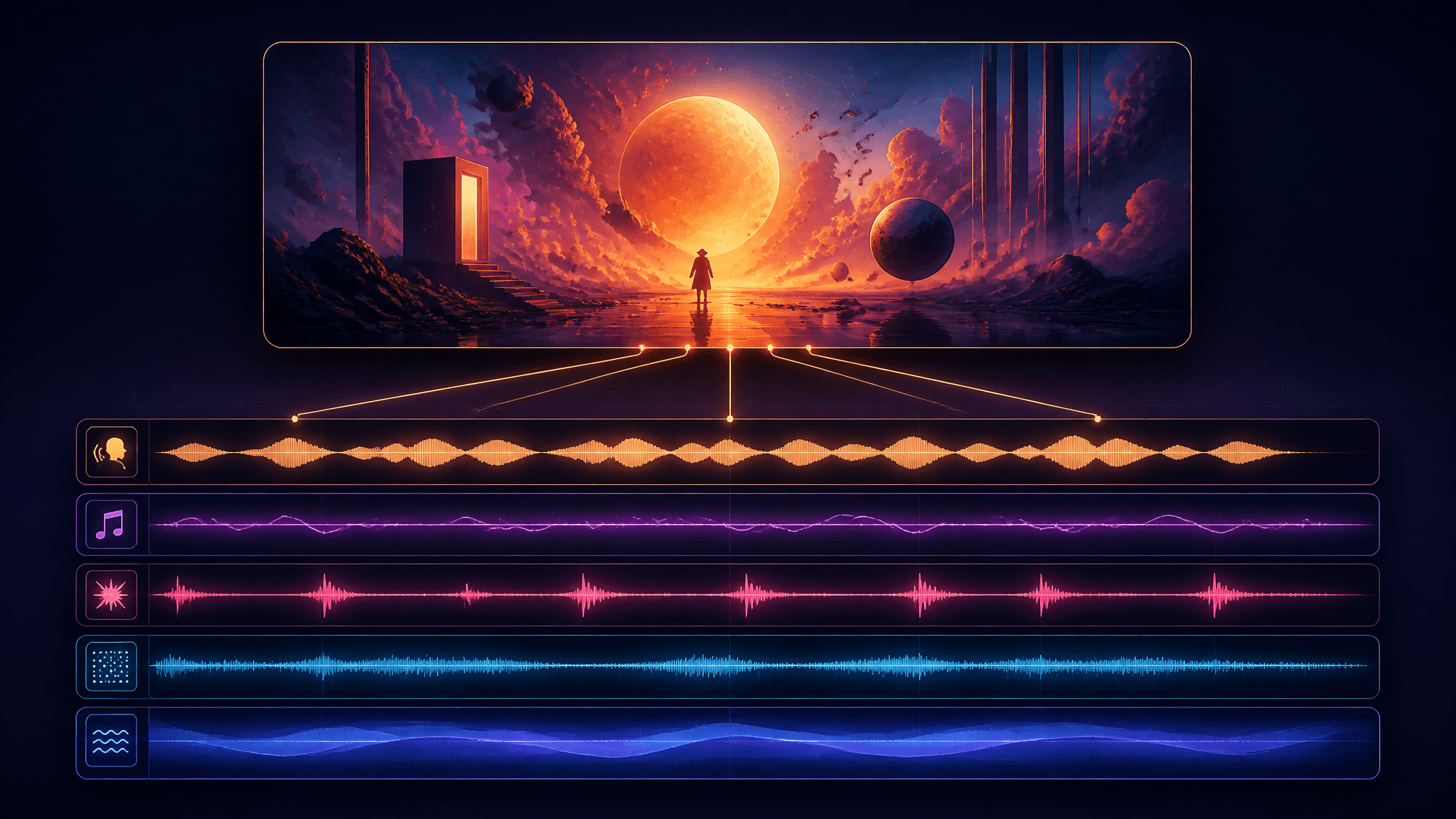
| Audio | 32 kHz stereo, generated in-pass | Plus five separable stems: dialogue, score, SFX, foley, ambience |
| References | Up to 12 files: ≤9 images, ≤3 videos, ≤3 standalone audio clips | Same |
| Output | MP4 (H.264 + AAC) with JSON metadata | Same |
| Prompt | 1–8,000 characters | Plus prompt enhancement |
The reference system is the core of the "Flex" pitch. A Ref2VA generation takes an ordered set of up to 12 references — sketches, photos, video clips, voice samples, moodboards — and each video or audio reference must be 2–15 seconds long, with combined video and combined standalone audio each capped at 15 seconds. At least one image or video is required. Pika positions this for precision editing as much as creation: add or remove a character, swap a voice, change camera moves or looks by swapping a reference rather than rewriting the whole prompt. The company showcases complex camera choreography, multi-shot sequences with hard cuts and dialogue, motion graphics, product films, and animated shorts as the model's strong genres.

Four documented ways to run it
1. Pika web app — fastest start
H3 Flex is selectable as a video model inside Pika's web studio (the "Try Now" path on the official model page). This is the only path with zero setup, and it inherits the platform-side features: 1080p/2K/4K finishing, audio stems, and prompt enhancement. For evaluating whether the model fits your content, this is the cheapest way to find out.
2. Pika API — the full feature ceiling
The hosted API is the only access path documented with the complete feature set, because three capabilities exist only as hosted services: higher-resolution draft-to-video finishing, audio stems, and prompt enhancement. The prompt rewriter is included free when Pika hosts your generation; if you self-host the weights, calling it is a separate (paid) API. Pricing is per output-video second — the table in the next section breaks it down. There is also a Pika API Club membership ($10/month, returned as $10 in API credits); during the launch window Pika advertised 15 free H3 Flex generations per day for members.
3. ComfyUI — local control on your own GPU
ComfyUI's official tutorial ships three template workflows in Template Library → Video: Text to Video (needs ComfyUI 0.43.2+), Reference to Video, and First and Last Frame (both 0.30.0+). All three run on the MiniMax H3 base plus one adapter. If you already run base H3 locally, the only new downloads are the two BF16 LoRA adapters (pika_h3_flex_fl2va_v1_bf16, pika_h3_flex_ref2va_v1_bf16); if not, you also need the pruned INT8 diffusion model for your mode, the Qwen3-VL text encoder, and the two VAEs (video INT8, audio FP32), placed in the standard models/ folders.
Three settings from the tutorial matter enough to break outputs if ignored. The templates ship Pika's published six-step schedule — lcm sampling with ManualSigmas and CFG 1.0 through BasicGuider — and you should keep that sigma list unchanged, keep adapter strength at 1.0, and never stack a turbo or Lightning LoRA on top, because the adapter is already distilled and a second acceleration LoRA corrupts the output.
Hardware is the real constraint locally: the model card's tested configurations list representative 480p and 768p requests passing on an H100 80GB, with a --cpu-offload option for large requests. The ComfyUI documentation is more concrete about speed — a 5-second 1344×768 clip finishes in about a minute on a single card — but that class of card is not casual consumer hardware. Comfy Cloud runs the same templates if you want node-based control without the GPU.

4. Diffusers and third-party hosts
On Hugging Face, the documented Diffusers path is two loading steps: pull the MiniMaxAI/MiniMax-H3 pipeline, then load_lora_weights("Pika-Labs/Pika-H3-Flex") (Pika's examples pin a specific upstream Diffusers commit, so expect to follow their requirements file rather than latest-main). The weights are also reachable through third-party inference providers — WaveSpeed is listed on the model's inference providers panel — and the repo shows active ecosystem use (roughly 633 downloads and 18 community Spaces in the month after launch, checked November 2026). One related option to know about: FastH3 Omni is a separate 8-step open distillation of the same MiniMax H3 base by FastVideo, so if your goal is simply "H3-class video, fewer steps, open weights, local", it competes in the same slot.
What it costs on the API
Pika charges per output-video second. Prices below are from the official H3 Flex page, checked November 4, 2026, with the launch promo (50% off) running through November 5:
| Output resolution | Text/image/keyframe-to-video | Reference-to-video (video reference used) |
|---|---|---|
| 480p | $0.02 → launch $0.01 | $0.06 → launch $0.03 |
| 768p | $0.04 → launch $0.02 | $0.12 → launch $0.06 |
| 1080p | $0.07 → launch $0.035 | $0.15 → launch $0.075 |
| 2K | $0.08 → launch $0.04 | $0.16 → launch $0.08 |
| 4K | $0.16 → launch $0.08 | $0.20 → launch $0.10 |
Two rules make the table cheaper than it looks. First, reference-to-video with video references charges for input seconds too — a 15-second video reference plus a 15-second output bills 30 seconds at that tier, while image and audio references are free. Second, draft-to-video finishing bills only the difference: you can draft at 768p and finish the same take (same motion, same audio) at 4K, paying 4K-minus-draft rates rather than a fresh 4K generation.
A worked example: a 10-second 768p draft costs $0.20 at launch pricing ($0.02/s). Finishing that draft at 4K keeps the take and bills only the rate difference — meaningfully less than a fresh 10-second 4K run at $0.80 ($0.08/s launch). Audio stems add $0.001 per second if you want the five stems exported as separate WAVs for your editor.
Pika H3 Flex vs the alternatives
Versus its own family first. Against base MiniMax H3, Flex's advantage is the 6-step sampling schedule (base H3 needs 20–50 steps for comparable runs in ComfyUI), plus the tuned reference workflow and the hosted 4K/stem extensions. On the DesignArena text-to-video board as displayed on Pika's model page in November 2026, H3 Flex scores 1293 versus 1277 for both base H3 and H3Max. Pika's own evaluations go further — claiming the #1 open-source text-to-video model, up to 91% outperformance of competitors, and top human rankings for anatomy and aesthetics — and those numbers are worth reading as the vendor's study rather than an independent benchmark.
The broader leaderboard context. The same board puts Gemini Omni 1.1 Flash first at 1360, with Gemini Omni Flash at 1343, HeyGen Video 1.0 (1080p) at 1334, and Wan 3.0 at 1324 — all ahead of H3 Flex's 1293. Seedance 2.5 trails at 1256. Pika's page bills H3 Flex as the highest-ranked model with open weights on that board. So the honest summary is: H3 Flex is the best open-weights entry on that board, not the best entry overall, and leaderboard scores measure text-to-video preference, not your specific genre.
| You want… | Reasonable pick |
|---|---|
| Open weights, fast local iteration, native audio | Pika H3 Flex (ComfyUI/Diffusers) |
| Highest leaderboard scores, hosted | Gemini Omni 1.1 Flash or Wan 3.0 |
| The same H3 base with another open distillation | FastH3 Omni (8 steps) |
| 4K finishing and audio stems without GPUs | Pika API (H3 Flex) or any hosted flagship |
| The base H3 online, no setup | Hosted platforms — see below |
No GPU? The base model runs online
If the comparison above lands on "the H3 family fits my content, but I don't want an H100 or an API integration," the base MiniMax H3 that Flex is trained on is available as a hosted option on several platforms. On AI Fruit's MiniMax H3 model page, it runs text-to-video and image-to-video with 4–15 second durations, 768P or 2K output, and first/last-frame control, with credit costs shown before you generate — useful for testing whether H3-style prompts and audio-first workflows suit your channel before committing to local hardware or the Pika API. Note the distinction we opened with: AI Fruit hosts the base H3, not Pika H3 Flex itself.
Evidence and pricing notes
Consolidating the caveats that apply across this guide: the access instructions are documentation-based (official Pika pages, the Hugging Face model card, and the ComfyUI tutorial), not from hands-on runs, so treat exact render times as environment-dependent. Speed and quality comparisons against H3Max are Pika-reported averages measured on DiT time; leaderboard numbers reflect the DesignArena board as displayed on Pika's model page in November 2026; all prices were checked November 4, 2026, and the launch promo ends November 5. Before commercial use of the open weights, review the MiniMax H3 Community License's territorial and commercial terms.
The one-line summary
Run H3 Flex in Pika's studio to evaluate it, on the API when you need 4K finishes and separable stems, and in ComfyUI or Diffusers when local control and open weights are the point — and if you only want the H3 base running in a browser today, a hosted MiniMax H3 gets you there without the hardware.