
Gemini Agentic Video Understanding: A Practical Map for Short-Video Creators
Google's agentic video understanding cuts token use up to 88% and cost up to 66% on long videos; Qwen3.8-Omni-Flash just cut hourly audio input prices over 98% and audio-video over 93%. Where cheap AI video analysis fits in clip selection, rough cuts, and QC — and how to enable it today.
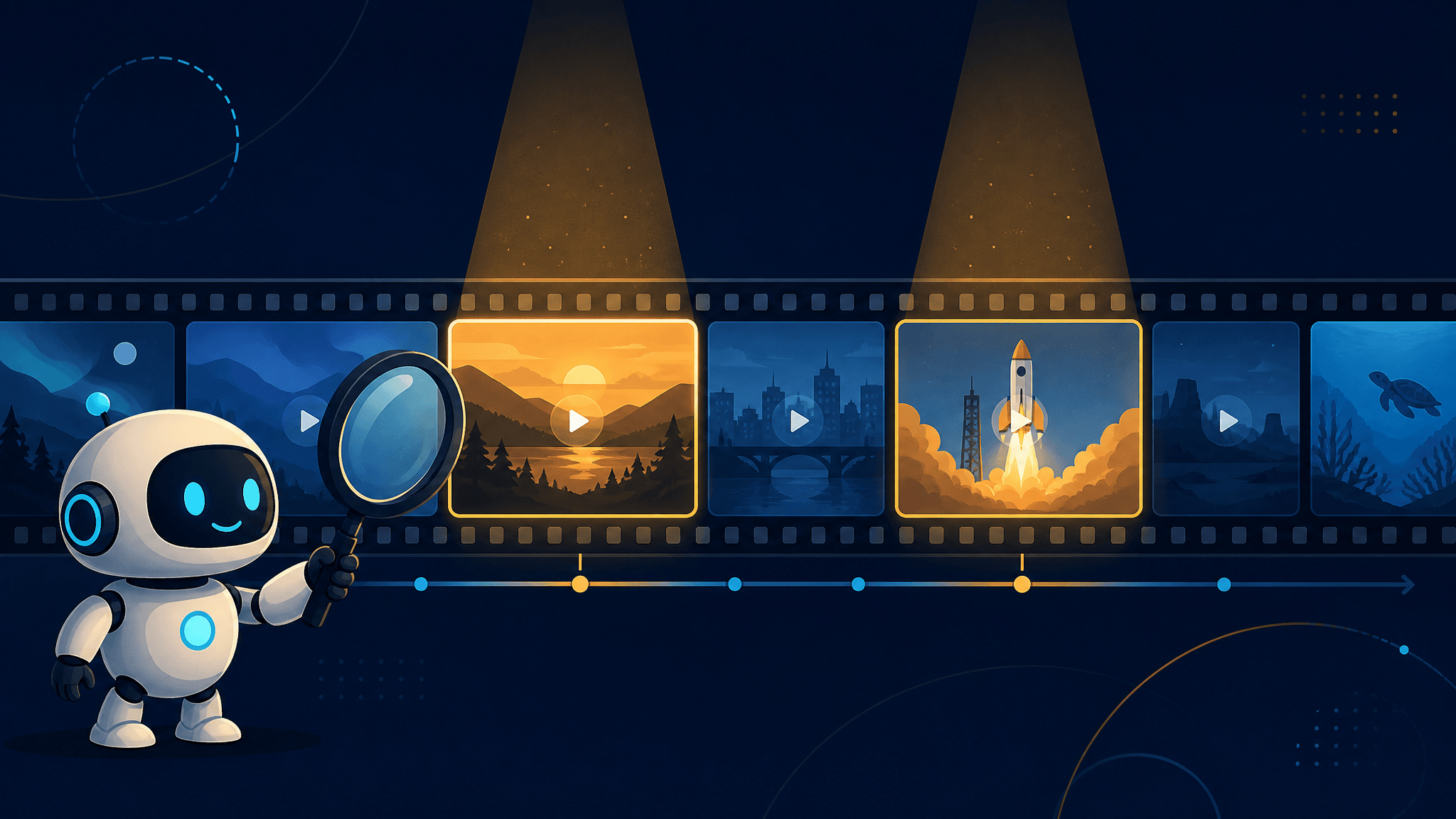
Google's agentic video understanding, launched September 1, 2026, changes what it costs to have AI actually watch your footage: on standard video analysis benchmarks, Gemini models with the feature enabled cut token consumption by up to 88% and analysis costs by up to 66%, while improving accuracy by up to 7% — and the biggest gains land exactly where creators drown: long videos, from 10-minute how-to guides to multi-hour recordings.
If you make short-form video, this is not another generation model announcement. Nothing here produces a single frame of footage. Agentic video understanding is about analysis — finding moments, checking content, answering questions about what's in a video — and the economics of that analysis just changed by an order of magnitude. This article explains what actually changed under the hood, reads the headline numbers honestly, maps each documented capability onto the clip-selection, rough-cut, and QC stages of a short-video workflow, and shows how to switch the feature on today. It was updated on September 19, 2026, with the second data point: Qwen's newly launched Qwen3.8-Omni-Flash cut the hourly price of audio input by more than 98% and audio-video input by more than 93%. The cost collapse now has two providers behind it.
Static vs. agentic: what actually changed
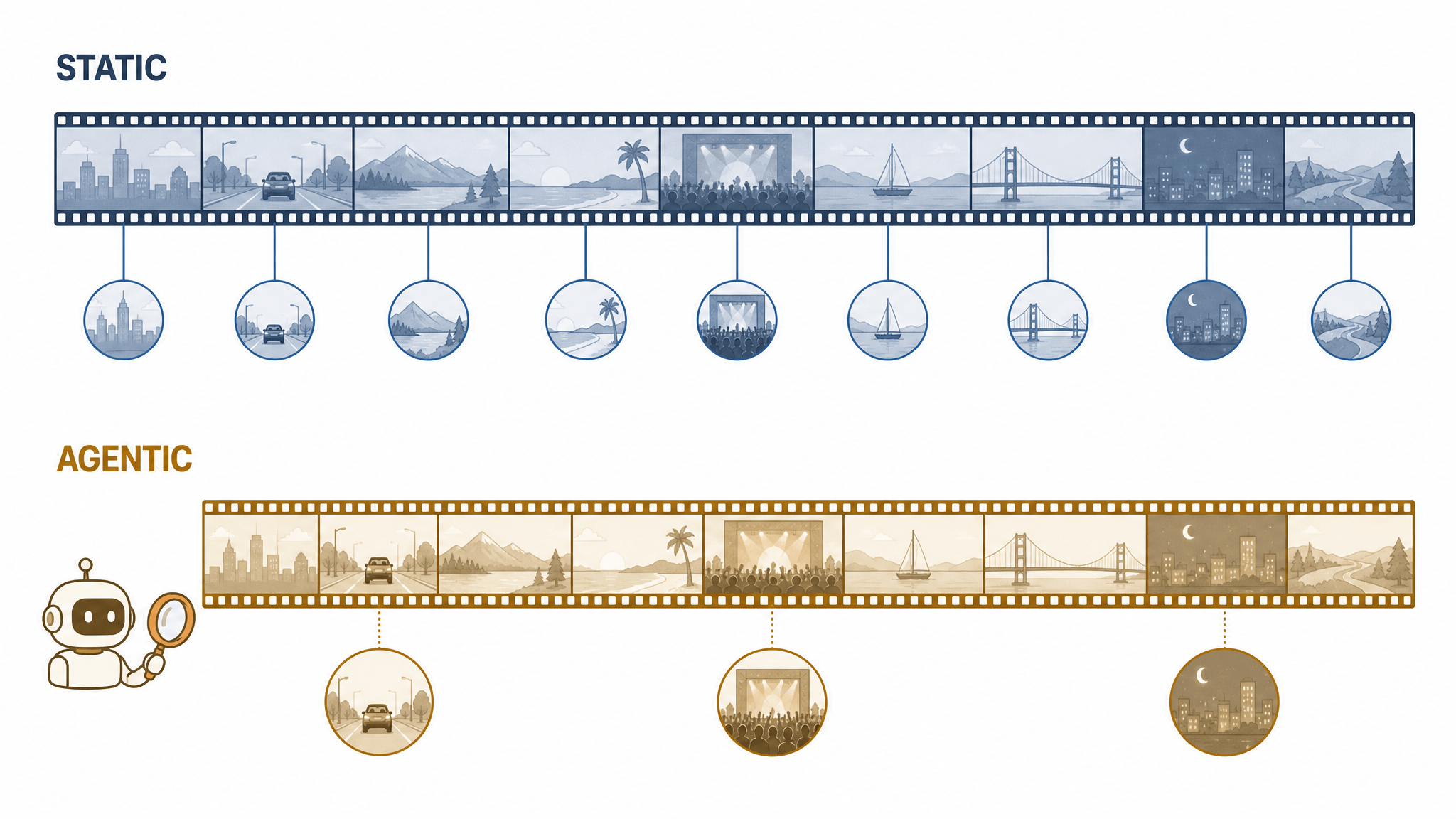
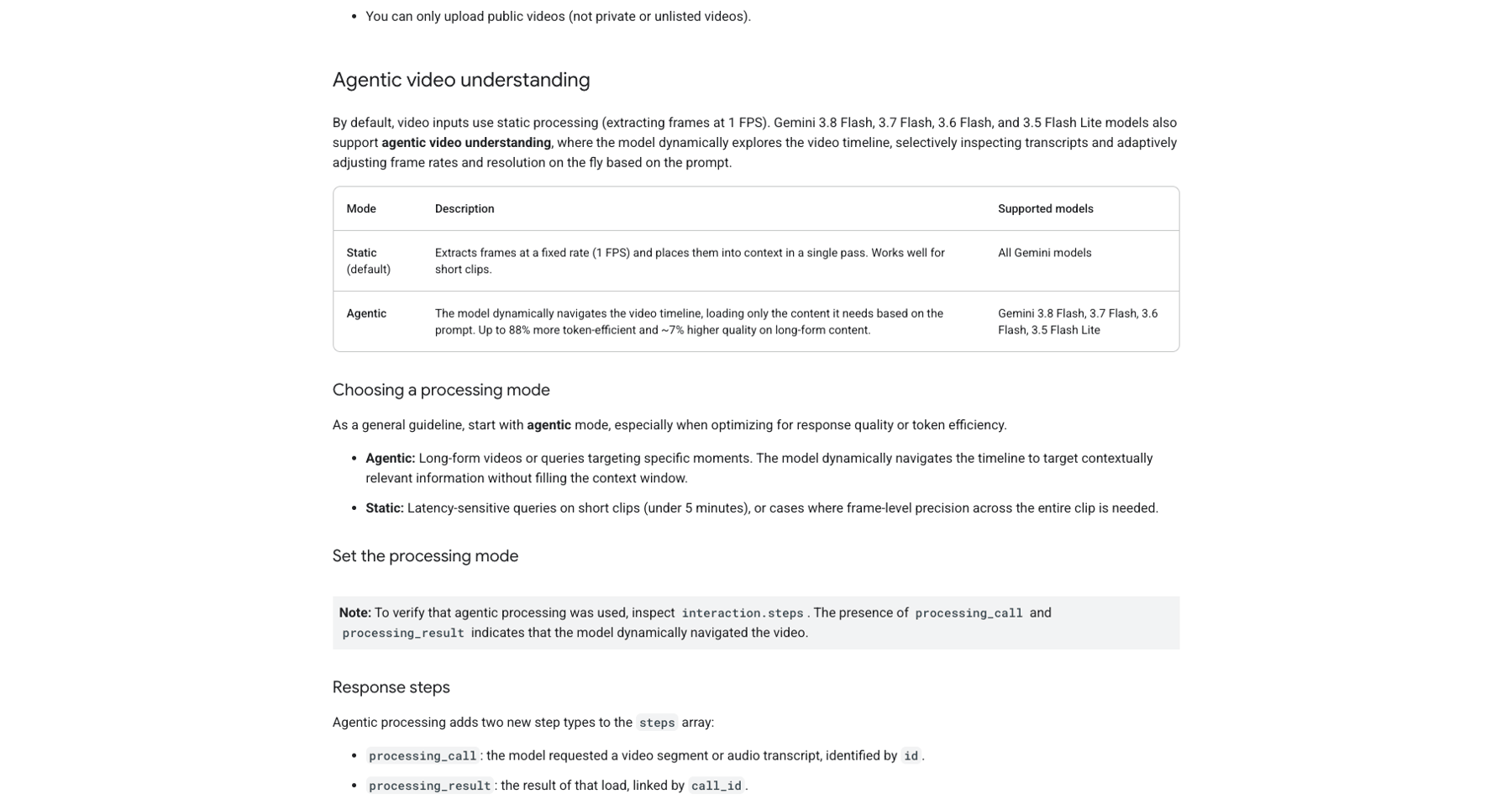
Until now, Gemini processed video the way it always has: static processing. The model extracts frames at a fixed rate — 1 FPS by default — and loads them into its context in a single pass. Every second of the video costs roughly the same, whether it contains the moment you care about or forty seconds of dead air.
Agentic video understanding flips that. Instead of one fixed-speed pass, the model takes an active, goal-directed role in deciding what to watch, at what speed, and through which modality — visual frames, audio, or the transcript. It navigates the video timeline through an agentic loop, invoking an internal tool to load only the segments and signals relevant to your prompt. Google describes it as the video counterpart of agentic vision, which pairs code execution with Gemini's native image understanding.
| Static (default) | Agentic | |
|---|---|---|
| How it reads video | Fixed frame rate (1 FPS by default), one pass into context | Dynamically navigates the timeline, loading only needed segments |
| Signals used | Visual frames as sampled | Visual frames, audio, and transcripts, chosen per query |
| Best fit | Short clips; latency-sensitive queries | Long-form video; queries targeting specific moments |
| Supported models | All Gemini models | Gemini 3.8 Flash, 3.7 Flash, 3.6 Flash, 3.5 Flash Lite |
The launch covered 3.7 Flash, 3.6 Flash, and 3.5 Flash-Lite; Google's current developer documentation already lists the newer 3.8 Flash as supported too.
Reading the numbers honestly
Every efficiency figure in Google's announcement is an "up to" number, reported by Google on standard video analysis benchmarks — so treat them as a ceiling, not a promise for your specific clip. The three claims:
-
Token consumption: down up to 88%. The model stops paying for frames nobody needed.
-
Analysis cost: down up to 66%. Fewer tokens, standard Gemini API token pricing, no separate feature fee.
-
Accuracy: up to 7%. Selective attention doesn't just save money; on long-form content the model answers more accurately, apparently because it isn't stuffing its context window with filler.
Two qualifiers matter. First, Google states the gains are most pronounced on long-form video — 10-minute how-tos, 90-minute lectures, multi-hour recordings — where static processing forced developers to choose between high token bills and detail-dropping tricks. A 30-second clip gains far less. Second, Google says Gemini 3.7 Flash with agentic understanding sits at the accuracy-to-cost pareto frontier among tested models for video analysis, with its long-form comparison run against the LongVideoBench benchmark. That's a tested-models claim, not a claim of superiority over every possible tool.
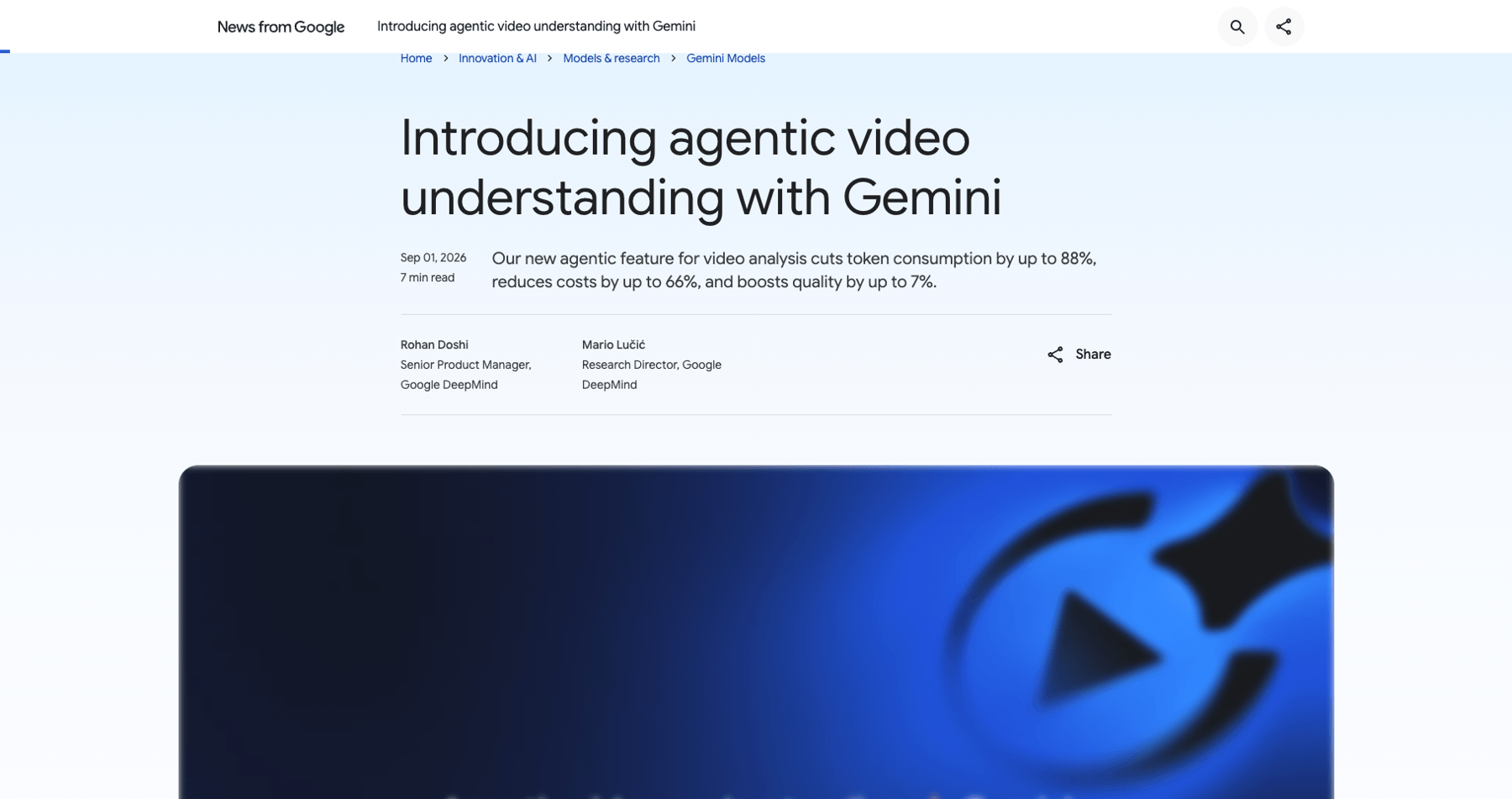
Source: Google DeepMind blog, “Introducing agentic video understanding with Gemini” (Sep 1, 2026)
Eighteen days later: Qwen makes it a trend
On September 18, Qwen launched Qwen3.8-Omni-Flash, its next-generation natively omni-modal model: it accepts text, image, audio, and video input, with a 1M-token context window. The headline for creators is not the benchmark sheet — it's the pricing line. Per Qwen's launch post, the API's per-hour audio input price dropped by more than 98% and the per-hour audio-plus-video input price by more than 93%, versus the previous generation Qwen3.5-Omni-Plus. The company also reports an average score improvement of more than 25% across 29 evaluations against that same predecessor, so the cheapened input is not a stripped-down model.
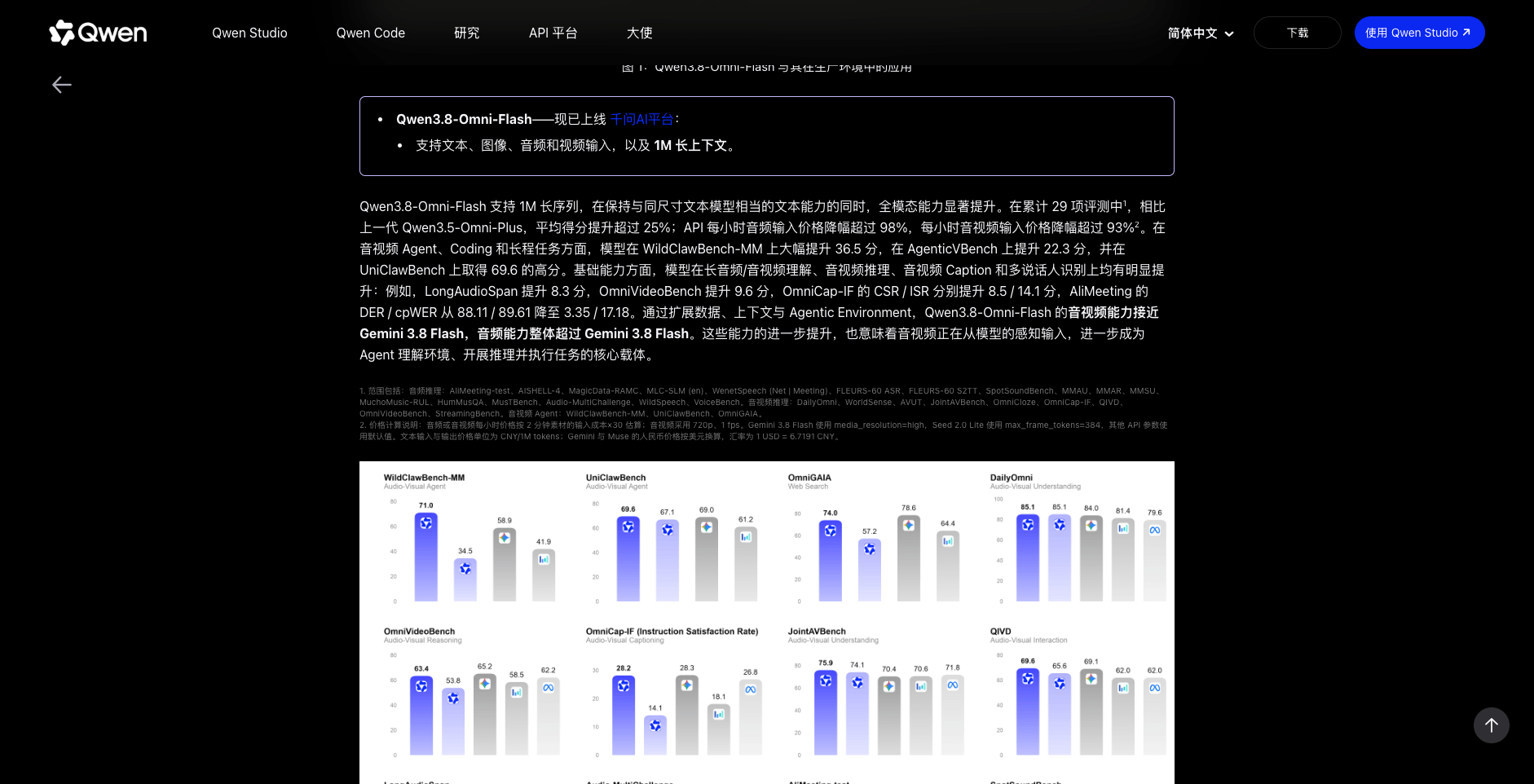
Source: Qwen blog, “Qwen3.8-Omni-Flash” launch post (Sep 18, 2026); pricing figures are Qwen's own reported comparisons
Read the fine print — Qwen published it, which is to its credit. Those hourly prices are Qwen's own estimates: the input cost of two minutes of material multiplied by thirty, with audio-video computed at 720p and 1 fps, and Gemini 3.8 Flash compared at high media resolution, all in CNY with dollars converted at a fixed rate. They are directional comparisons under Qwen's methodology, not invoice lines you will receive. Even with that discount applied, the shape of the number is the news: audio and video input are moving toward text-level economics, the same direction Google's agentic numbers point.
The agentic pattern replicates on Qwen's side, too. On Qwen's OmniVideoBench comparison, switching from static to agentic processing — with Qwen Code as the agent harness — lifted accuracy from 63.4 to 67.8 while cutting tokens per query from 145,736 to 79,117, roughly 45.7% fewer. And Qwen claims its audio-visual capability now approaches Gemini 3.8 Flash while overall audio capability exceeds it. Treat that as one vendor's benchmark positioning, published the same month as Google's; but note the direction of travel.
The productization differs in a way creators will feel. Google's feature lives behind the Gemini API and AI Studio. Qwen shipped Qwen-MM-Plugins, open-source plugins that run inside agent harnesses many creators already have open — Claude Code, Qwen Code, Codex — and its documented workflows read like a creator's checklist: music videos cut to a song's structure and lyrics, short-drama translation with voice cloning, long-movie commentary production, and multi-hour video compressed into notes. A Realtime variant handles live audio-video interaction. The blueprints in the next section now have two vendors' worth of plumbing behind them.
Where it fits in a short-video workflow
Here's the practical translation. Google documented four capabilities, and each one maps onto a stage of a creator's pipeline. Since the feature is developer-facing today, think of these as workflow blueprints — things you can now build (or ask for in tools) rather than buttons you can already press in an app.
1. Finding moments: clip selection at pipeline scale
The needle-in-a-haystack capability answers complex queries across multi-hour videos "without consuming millions of tokens," per Google. For a creator, that's the selection problem: which sixty seconds of a two-hour stream, podcast recording, or vlog raw file deserve to become a Short?
Blueprint: feed the full recording with agentic processing and ask for timestamped candidates that match a brief — "moments with a strong emotional reaction," "the three times the product demo actually works," "segments where the guest contradicts what they said earlier." Because the model chooses its own sampling, the cost scales with the question, not with the video's length. Sub-second moment retrieval then sharpens the result: it pinpoints split-second state changes and tight cut boundaries that a 1 FPS pass simply cannot see.
2. Rough-cut support: structure and counting
Static cuts fail on physical action — at 1 FPS, a fast movement is a blur between two frames. Agentic processing counts repeated movements and distinct objects accurately by rewatching segments at whatever frame rate the action requires, and it can pull structure out of footage: where the hook lands, where the demo starts, how long each beat runs.
Blueprint: ask for a cut list — timestamps for each beat, counted repetitions, segment durations — and hand that list to your editor or to an automated assembly step. The model proposes the skeleton; you keep creative judgment over what actually ships.
3. The QC pass: anomaly detection
Before publishing, the same capability re-samples suspicious time windows at higher FPS to inspect rapid motion and subtle visual artifacts. For AI-generated footage specifically, that's a way to hunt the failure modes that get clips flagged as fake: warped hands mid-gesture, objects that duplicate, text that wobbles between frames.
Blueprint: a final-pass prompt that sweeps the cut and reports anomalies with timestamps — cheap enough to run on every video because the model only dwells where something looks wrong.
The honest caveat
These are documented capabilities, not a tutorial I've run for you. Today the feature lives in the Gemini API — Google AI Studio and the Gemini Enterprise Agent Platform — so realizing any blueprint means working through the API directly or through tools that wrap it. Qwen's route is already productized differently: its open-source Qwen-MM-Plugins bring video understanding into the agent harnesses above, which shortens the path from blueprint to working script. Google says the feature will roll out to everyone in the Gemini app across Flash and Flash-Lite models soon, and that agentic video understanding will power YouTube's "Ask YouTube" watch-page feature in the coming months. The direction is clear: video understanding is becoming a cheap, standard layer — and creator tools are the natural place it lands.
How to turn it on
The activation is deliberately boring: set processing to "agentic" on the video input. The developer guide shows it in a few lines:
from google import genai

client = genai.Client()
interaction = client.interactions.create(
    model="gemini-3.7-flash",  # 3.8 Flash, 3.6 Flash and 3.5 Flash-Lite also supported
    input=[
        {
            "type": "video",
            "uri": "https://youtu.be/7Z5Vy9JBANs",
            "processing": "agentic",
        },
        {
            "type": "text",
            "text": "What are the 3 most important announcements in this keynote?",
        },
    ],
)
print(interaction.output_text)
Practical notes from the documentation:
-
Verification: to confirm the model actually went agentic, inspect interaction.steps — the presence of processing_call and processing_result entries shows the model navigated the video dynamically.
-
Mode choice: Google's own guidance is to start with agentic mode when optimizing for quality or token efficiency, and keep static for latency-sensitive queries on clips under 5 minutes, or when you need frame-level precision across an entire short clip.
-
Mixing modes: one request can combine both — agentic for the two-hour lecture, static for a 20-second clip in the same prompt.
-
Input limits: the File API accepts videos up to 20GB on paid tiers (2GB free), inline data under 100MB, and public YouTube URLs (private or unlisted videos are rejected). You can upload up to 10 videos per request on Gemini 2.5 and later models.
Source: Gemini API documentation, “Video understanding” (accessed Sep 3, 2026)
What it is — and what it isn't
One consolidated reality check before you re-plan your week around this:
-
It doesn't generate video. Agentic video understanding analyzes, retrieves, counts, and checks. For generation you still need dedicated video models — that remains true even as Google's own Gemini Omni blurs lines on the generation side.
-
The numbers are vendor-reported. The −88%/−66%/+7% figures come from Google's own benchmarks; Qwen's >98%/>93% hourly price cuts come from Qwen's own pricing math, published with its methodology. Benchmarks like LongVideoBench are standard, but independent verification will take time — for both providers.
-
Results vary. Per Google's own framing, model behavior depends on the selected model, settings, and content; long-form benefit far outweighs short-clip benefit.
-
Consumer access is staged. Google: API and AI Studio today, Gemini app "soon," Ask YouTube "in the coming months." Qwen: platform API and open-source plugins today; its Realtime variant targets live interaction, not batch analysis of long footage.
The takeaway
Agentic video understanding is the first mainstream-priced way to have AI genuinely watch long footage instead of sampling it blind — and that turns three expensive manual stages of a creator's pipeline (finding moments, rough-cutting, QC) into cheap, scriptable questions. Two providers, eighteen days apart, turned the price of machine attention into a falling line item. Read every vendor number as directional, but the direction itself is no longer in doubt. Creators who think in workflows, not single tools, will be ready when it lands in their app of choice.
And when the workflow points the other direction — you know exactly which moment or format you want, and you need footage that never existed — that's a generation problem. AI Fruit generates short videos from prompts, images, and templates, with model choices and credit costs visible before you spend. Understanding tells you what to make; generation makes it.