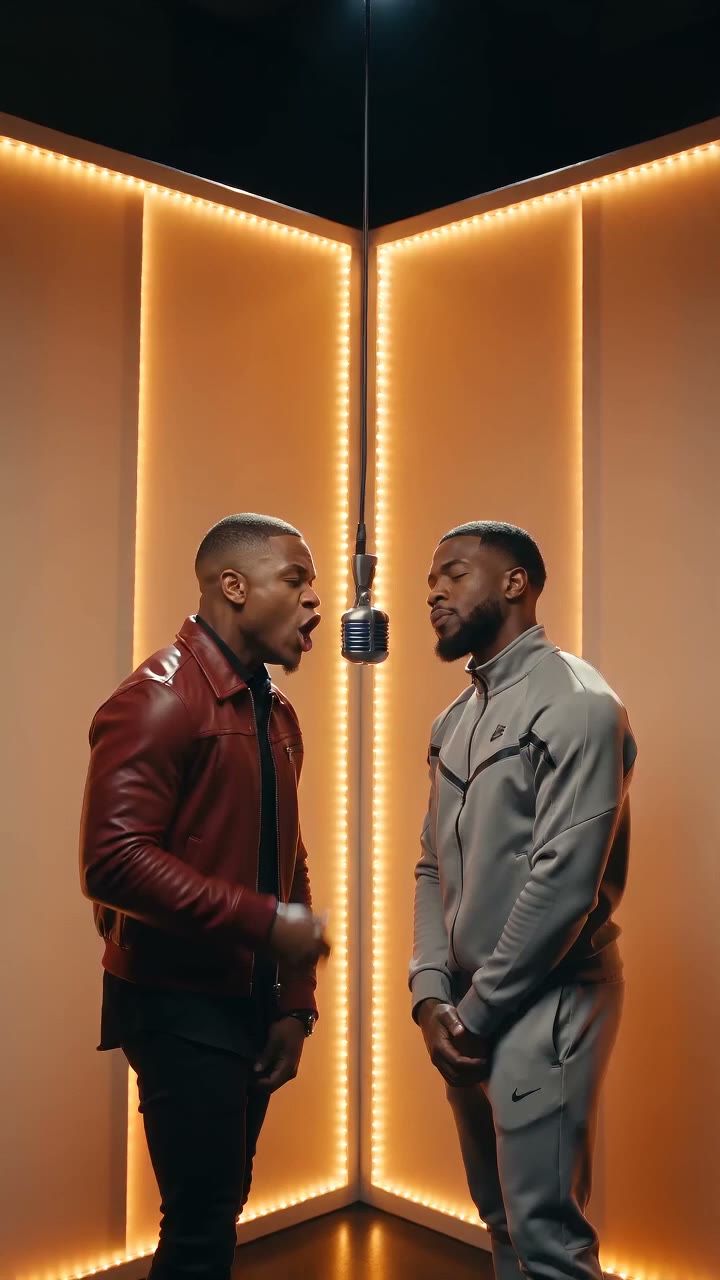
Zombie Trend AI Video Generator: Make the Viral Apocalypse Clip

The AI zombie trend turns people into zombie-apocalypse clips — one person mid-transformation, the other holding them at gunpoint. Describe the scene below and generate it, or cast your photos with a reference-image model and join the trend.

Create with Zombie Trend Generator

Start from a template

Pick an idea, then make it yours.

Upload a reference image for your fruit video
Be specific about motion, framing, lighting and atmosphere.294 / 2000
s
Sign in to see creditsGet More Credits
Your Fruit Video
Restored

Ready for your first video

Choose a template or write a prompt. Your preview and download controls will appear here.

Grok Imagine Video6720p2:318 credits
CurrentModel Catalog
Model-specificResolution
AsynchronousGeneration
Review TermsCommercial Use

What Is the Zombie Trend?

The zombie trend is the AI video format currently flooding TikTok, Instagram Reels, and Shorts: creators turn people — often straight from photos — into short zombie-apocalypse clips. The most shared version is the standoff: one person mid-transformation into a zombie, the other pointing a gun. As of October 2026, Google Trends lists "ai zombie trend" as a breakout related query in the US, and the clip format keeps spawning prompt-led tutorials.

You do not need the exact two-photo setup to join in. AI Fruit renders every signature shot from a text prompt alone, and when you want real faces in the scene, the main generator supports photo casting — including Seedance 2.0's reference-image mode, which accepts up to 9 images to carry each person's face and outfit into the clip.

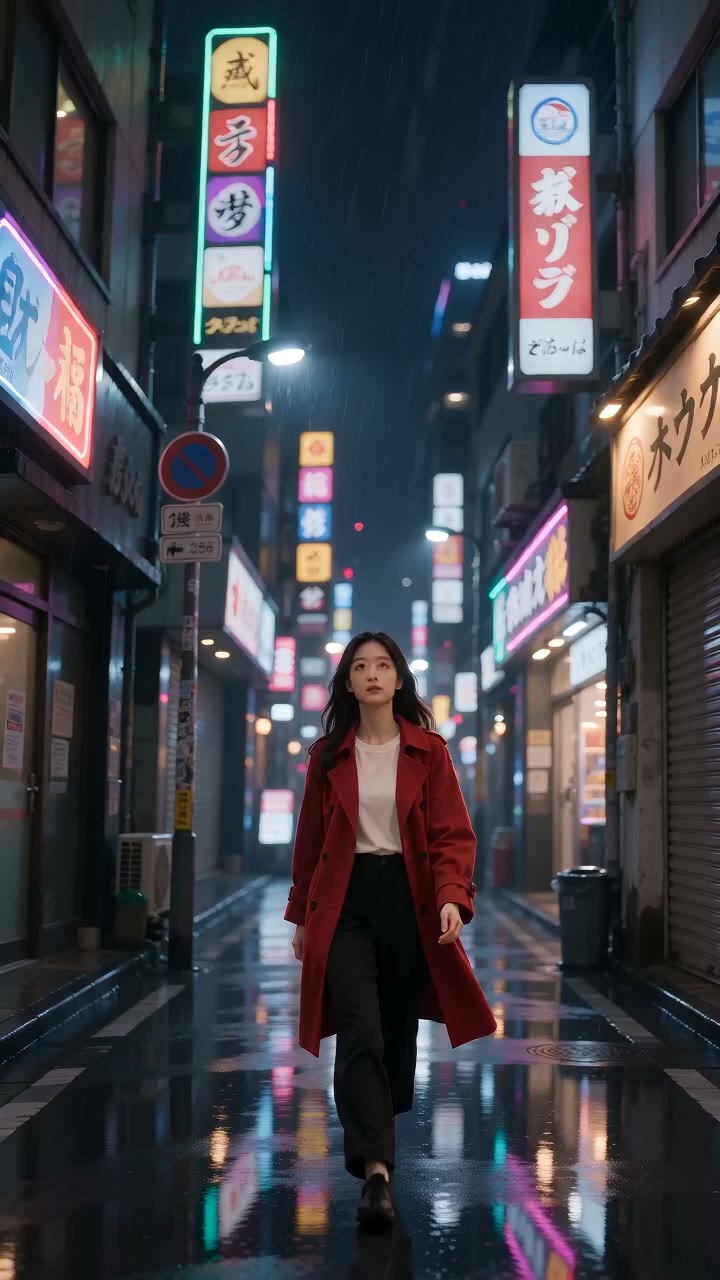
The signature shots

The Standoff
One person transforms into a zombie while the other holds them at gunpoint — the two-role shot that made the trend.
The Transformation
A close-up portrait decaying into zombie form: darkening veins, milky eyes, gray-green skin. One face, one clip.
The Horde Walk
A slow shamble of zombies down a foggy street, shot documentary-style. Renders well from a prompt with no photos at all.
Photo Casting
Bring real faces into the scene: up to 9 reference images on Seedance 2.0, or a first-frame photo on models like Grok Imagine Video and Kling.

Three Ways to Make a Zombie Trend Video on AI Fruit

Start from a prompt, from your photos, or straight from the model settings — every path ends in a downloadable clip.

Describe the Standoff

Write the scene in plain language — who turns, who holds the gun, the setting, the light, the camera move — and the editor renders it. Every prompt on this page is copy-paste ready.

  • Natural-language scene prompts
  • Copy-paste prompts for every signature shot
  • Camera keywords like push-in and handheld shake
  • Edit wardrobe, setting, and pacing freely

Cast Your Photos

Open the main generator and add photos of your cast. Seedance 2.0 accepts up to 9 reference images to keep faces and outfits consistent; models like Grok Imagine Video and Kling use one photo as the clip's first frame.

  • Seedance 2.0 reference-image casting (up to 9 photos)
  • First-frame photo support on Grok Imagine Video, Kling, Wan, and more
  • Optional end frame on models that support it
  • The two-photo mechanic the trend is known for

Pick Model, Check Credits, Generate

Choose a model from the current catalog, set duration and resolution, and read the credit cost before you generate. Clips render asynchronously — review, download, or re-prompt.

  • Visible model catalog with settings
  • Credit cost shown before generating
  • 9:16 vertical output from image-capable models
  • Asynchronous generation with download or re-prompt

Why Make the Zombie Trend on AI Fruit

A trend guide that doubles as a working generator — prompts, casting, and costs all in the open.

Prompt Library Included

The standoff, the transformation, the horde walk — every signature shot ships with a copy-paste prompt and a generated example rendered from it.

Real Face Casting

Seedance 2.0's reference-image mode carries your cast's faces and outfits into the scene — the photo mechanic the trend is known for, with room for up to 9 images.

Model Choice, Visible Costs

Pick from the current catalog — Grok Imagine Video, Seedance 2.0, Kling, Wan, and more — and see the exact credit cost before you commit.

Built Vertical-First

Image-capable models offer 9:16 aspect options, so clips land on TikTok, Reels, and Shorts without cropping.

How to Make a Zombie Trend Video

From prompt to downloadable clip in three steps.

1

Choose the Shot and Write the Prompt

Pick a signature shot, then describe it like a director: roles, wardrobe, setting, lighting, camera move. Start from the prompts on this page and edit the details.

2

Add Photos (Optional)

In the main generator, cast your people: up to 9 reference images on Seedance 2.0, or a single photo as the first frame on models like Grok Imagine Video and Kling.

3

Generate, Review, Download

Set duration, resolution, and aspect ratio; check the credit cost; generate. Review the clip, then download it or refine the prompt and run it again.

Zombie Trend Video Examples

Five zombie-apocalypse clips generated for this page with Seedance 2.0 Mini, each from the exact prompt shown. Treat them as style references, not quality guarantees.

The Standoff

Prompt: One person in a torn plaid shirt staggers forward with gray-green zombie skin, dark veins, and milky white eyes while a second person in a black jacket points a handgun at them, foggy suburban street at dusk, handheld camera, cinematic horror lighting, tense standoff atmosphere, vertical video

▶

The Transformation

Prompt: Extreme close-up of a young woman in a denim jacket as her face slowly transforms into a zombie — veins darken, eyes turn milky white, skin turns gray-green — flickering fluorescent light in an abandoned parking garage, cinematic body-horror look, slow push-in, vertical video

▶

The Horde Walk

Prompt: A horde of slow-walking zombies in torn everyday clothes shambles down a foggy residential street at dawn, broken streetlights, abandoned cars, found-footage documentary style, handheld camera, muted color grade, vertical video

▶

The Survivor POV

Prompt: Point-of-view shot of a survivor holding a flashlight and a gun in a dark supermarket aisle, zombie hands reaching from the shelves, trembling handheld camera, horror movie lighting with deep shadows, vertical video

▶

The Reveal

Prompt: A zombie in a torn wedding dress slowly turns its head toward the camera in a rainy cemetery at night, a flash of lightning reveals its decayed face, dramatic horror-movie lighting, slow push-in, rain streaks in the air, vertical video

▶

Zombie Trend FAQ

Quick answers about the trend and how to make it here.

A viral AI video format where creators turn people — often from photos — into short zombie-apocalypse clips. The most shared version is the standoff: one person mid-transformation into a zombie, the other pointing a gun. As of October 2026, Google Trends lists "ai zombie trend" as a breakout related query in the US.

No. Every signature shot works from a text prompt alone. If you want real faces, the main generator supports photo casting: Seedance 2.0 accepts up to 9 reference images, while models like Grok Imagine Video and Kling use a single photo as the clip's first frame.

Grok Imagine Video is the default — clips from 6 to 30 seconds at 480p to 1080p with 9:16 support. Use Seedance 2.0 when casting reference photos: 4 to 15 seconds, up to 4K, with generated audio. Kling 3.0 Omni is a middle ground at 3 to 15 seconds. Settings and availability vary by model.

Ready to Join the Zombie Trend?

Describe the standoff or cast your photos — pick a model, check the credits, and generate your zombie clip.

Open the AI Video Generator