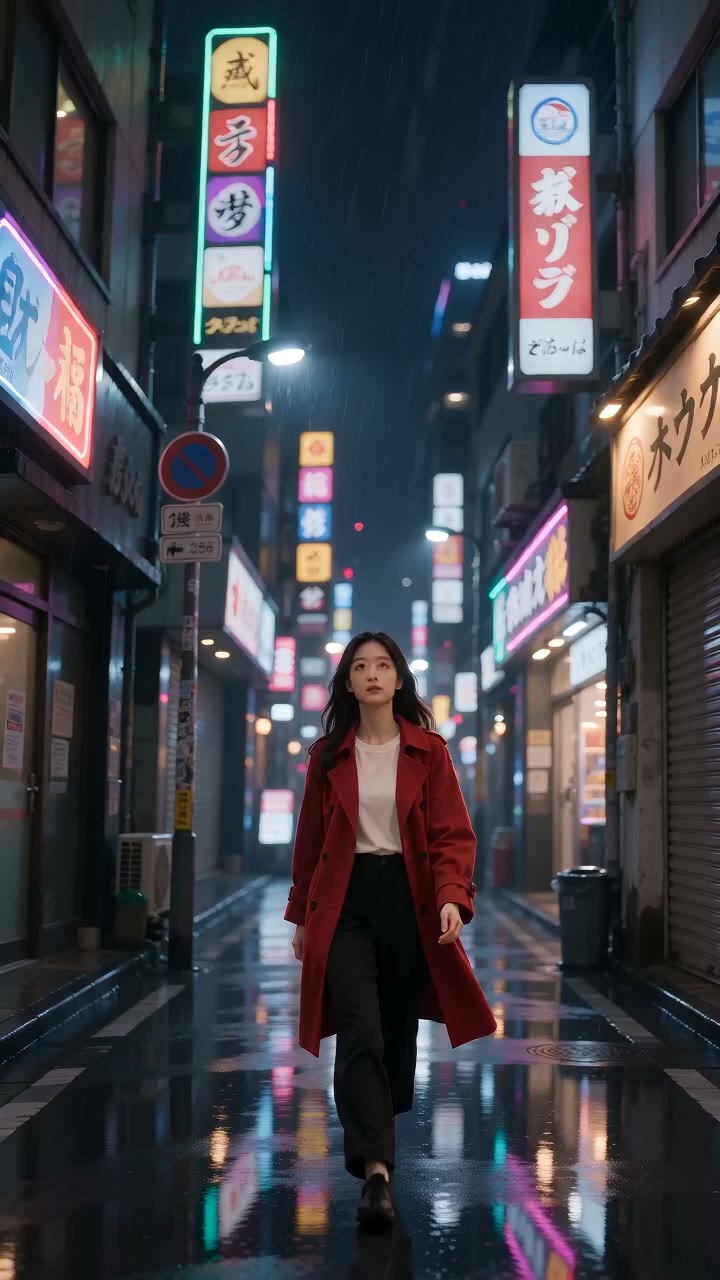
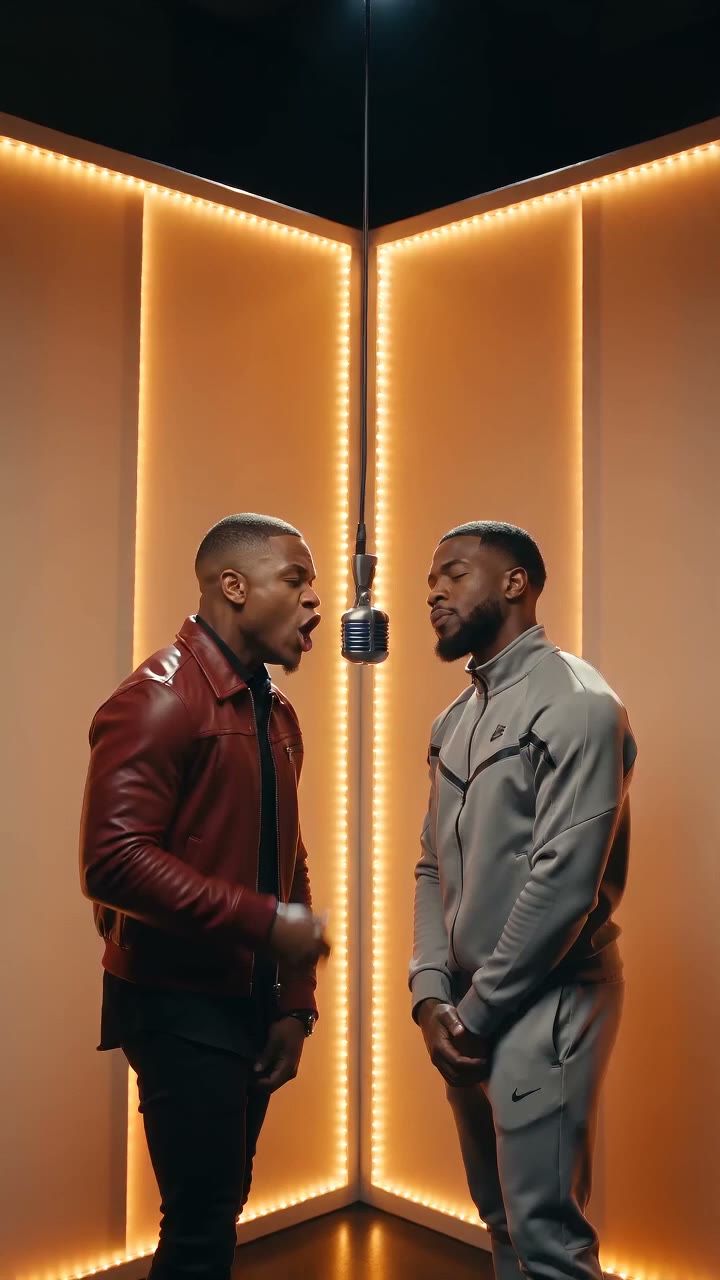
Raindance AI: Make Your Own Trend Video

The Raindance AI trend turns the Dave & Tems pier scene into a music-video edit anyone can remake. Describe the scene below and generate it, or bring a photo into the main generator and let an image-to-video model cast you on the pier.

Create with Raindance AI Video Generator

Start from a template

Pick an idea, then make it yours.

Upload a reference image for your fruit video
Be specific about motion, framing, lighting and atmosphere.224 / 2000
s
Sign in to see creditsGet More Credits
Your Fruit Video
Restored

Ready for your first video

Choose a template or write a prompt. Your preview and download controls will appear here.

Grok Imagine Video6720p2:318 credits
CurrentModel Catalog
Model-specificResolution
AsynchronousGeneration
Review TermsCommercial Use

What Is the Raindance AI Trend?

The trend takes its name from "Raindance," the Dave & Tems track from the album The Boy Who Played the Harp (released October 24, 2025), and the music-video-style edits around it. The scene everyone recreates is cinematic: one person sits at the end of a pier, a second figure appears far away across the water and walks toward them, and the sea, sky, and warm light do the rest. TikTok and Instagram tutorials show how to rebuild that composition with AI video tools, and character-swap versions — Shrek, Haaland, Hotel Transylvania — keep the format looping across feeds.

There are two ways in on AI Fruit. The editor on this page is a text-to-video generator: describe who sits on the pier, who approaches, the light, the camera move — and it renders an original take. To star in it yourself, open the main AI video generator and upload your photo with an image-to-video model (the photo drives the first frame, or Seedance 2.0 accepts up to 9 reference images to keep you in the scene). AI Fruit generates new footage; it does not re-cut the original music video, and generated audio depends on the model.

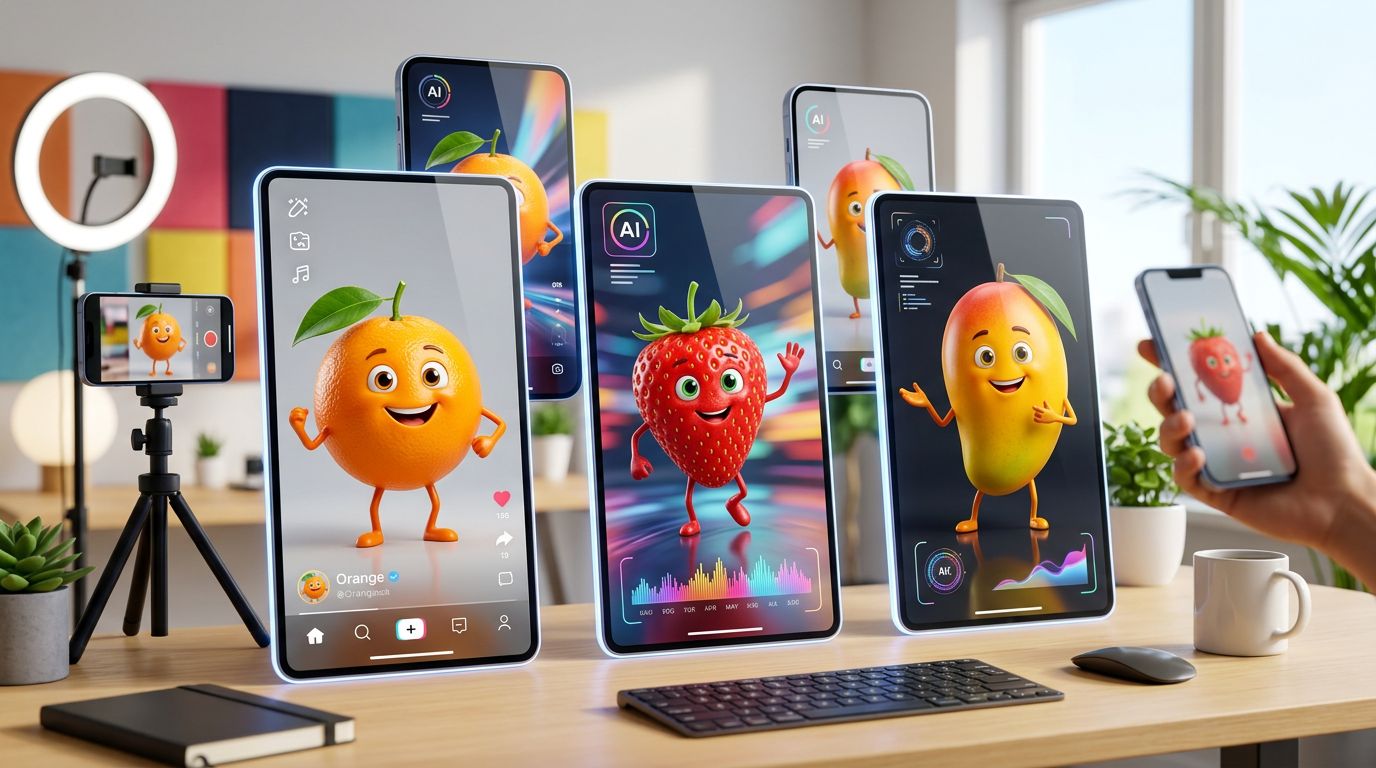
What you can make

The pier tableau
One figure seated at the end of the pier, a second walking in from the distance, calm water, warm cinematic light — the composition the trend is built on.
The rain-spin variation
A sudden shower, a dancer spinning through it, droplets lit warm — an original creative spin on the same pier-scene look that you can prompt in one line.
Character-swap versions
Put a mascot, an athlete, or your own character in the scene — the variant that keeps the trend mutating across feeds.
Your face or an original cast
Prompt original characters in the editor, or bring a photo into the main generator and let an image-to-video model cast you.

Two Ways to Make a Raindance AI Video

Start from a written scene or from your own photos — both paths end in a vertical clip ready for the song.

Prompt the Scene

Write the pier scene in plain language — the seated figure, the approach across the water, the warm light, the slow push-in — and the editor renders it. The more specific the composition, the closer you land to the trend's look.

  • Natural language scene prompts
  • Composition, wardrobe, and lighting control
  • Camera keywords like push-in and slow motion
  • Aspect options from the selected model

Cast Your Photo

Open the main generator and upload a photo with an image-to-video model: the photo drives the first frame, or Seedance 2.0 accepts up to 9 reference images to keep your face and outfit inside the scene.

  • Photo-driven clips on models like Grok Imagine, Sora 2, and Wan
  • Seedance 2.0 reference-image casting (up to 9 images)
  • Keep your character's face and outfit
  • Model-specific duration and resolution

Check Model and Credits

Pick from the current model catalog and read the credit cost before you generate. Generation runs asynchronously; when the clip is ready, download it and pair it with the song in your editing app.

  • Visible model catalog with settings
  • Credit cost shown before generating
  • Asynchronous generation
  • Download, re-prompt, or continue from a result

Why Use This Raindance AI Video Generator

A direct path from the trend to your own clip — with the model, settings, and cost in view before you spend credits.

Your Own Take on the Scene

No re-posting the same edit everyone downloads — generate an original pier scene, your cast and camera direction, so the trend video is yours.

Two Real Entry Points

Prompt-led for speed, photo-led for likeness: text-to-video in the editor, or image-to-video and reference images in the main generator. Both are current product paths, not workarounds.

Models and Costs in the Open

Compare the catalog — Grok Imagine, Kling, Veo, Seedance, Sora 2, Wan — and see what each generation costs before you commit credits.

Terms You Can Check

Commercial use depends on the selected model's provider terms and the AI Fruit Terms of Service, and the song carries its own rights. Review both before client or ad work.

How to Make a Raindance AI Video

From trend to posted clip in three steps.

1

Describe the Scene or Bring a Photo

Write the tableau — "a person sits at the end of a wooden pier, a figure walks toward them across the water, warm light, slow push-in" — or open the main generator and upload your photo with an image-to-video model.

2

Pick the Model and Settings

Choose a model from the catalog and set duration, resolution, and aspect ratio — vertical 9:16 matches the trend. Some models take reference images for casting; the credit cost updates before you generate.

3

Add the Track, Review, Post

Generation runs asynchronously. Download the clip, add Dave & Tems' "Raindance" in your editing app, check the sync on the walk-in, and post. Re-roll the prompt if the composition drifts.

Raindance AI Video Examples

Five Raindance-style clips generated for this page with Seedance 2.0 Mini (9:16, 720p, 5s), each from the prompt shown — copy one and make it yours.

The Pier Tableau

Prompt: A person sits at the end of a wooden pier looking out to sea, a distant figure appears and walks toward them along the planks, calm water, blue sky, warm golden light, slow cinematic push-in, music-video mood, vertical video

▶

The Walk-In

Prompt: A figure in a flowing coat walks toward the camera along a weathered pier over calm water, sea breeze, warm backlight, gentle ripples, shallow depth of field, slow tracking shot, cinematic music-video look, vertical video

▶

The Rain Spin

Prompt: A dancer spins with arms outstretched in a sudden warm summer rain on a pier, raindrops lit golden by the low sun, slow motion, joyful energy, cinematic grade, vertical video

▶

The Jersey Celebration

Prompt: A footballer in a rain-soaked jersey dances under warm floodlights on a pier at night, celebration choreography, rain streaking through the light, slow motion, cinematic sports-video mood, vertical video

▶

The Umbrella Duet

Prompt: Two people share one umbrella at the end of a pier at dusk, one steps out and dances as rain falls, city lights shimmering on the water, smooth cinematic camera drift, music-video mood, vertical video

▶

Raindance AI FAQ

What the trend is and how to make your own clip.

It is a wave of AI-made music-video edits built on "Raindance" by Dave & Tems — track five on the album The Boy Who Played the Harp, released October 24, 2025. The signature shot is cinematic: a person sits at the end of a pier while a second figure walks toward them from far away across the water, with sea, sky, and warm light. Character-swap versions keep it spreading.

Two ways with this Raindance AI video generator. Describe the pier scene in the editor — who sits, who approaches, the light, the camera move — and generate. Or open the main AI video generator and upload a photo with an image-to-video model so the clip keeps your face and outfit.

Yes — through the main generator. The editor on this page is text-only, but image-to-video models like Grok Imagine and Sora 2 accept a photo to drive the clip, and Seedance 2.0 takes up to 9 reference images to hold your likeness in the scene.

Ready to Make Your Raindance AI Video?

Describe the pier scene or bring your photo — pick a model, check the credits, and generate your take on the trend.

Open the AI Video Generator