Higgsfield Genjutsu: Keep the Motion, Swap the World

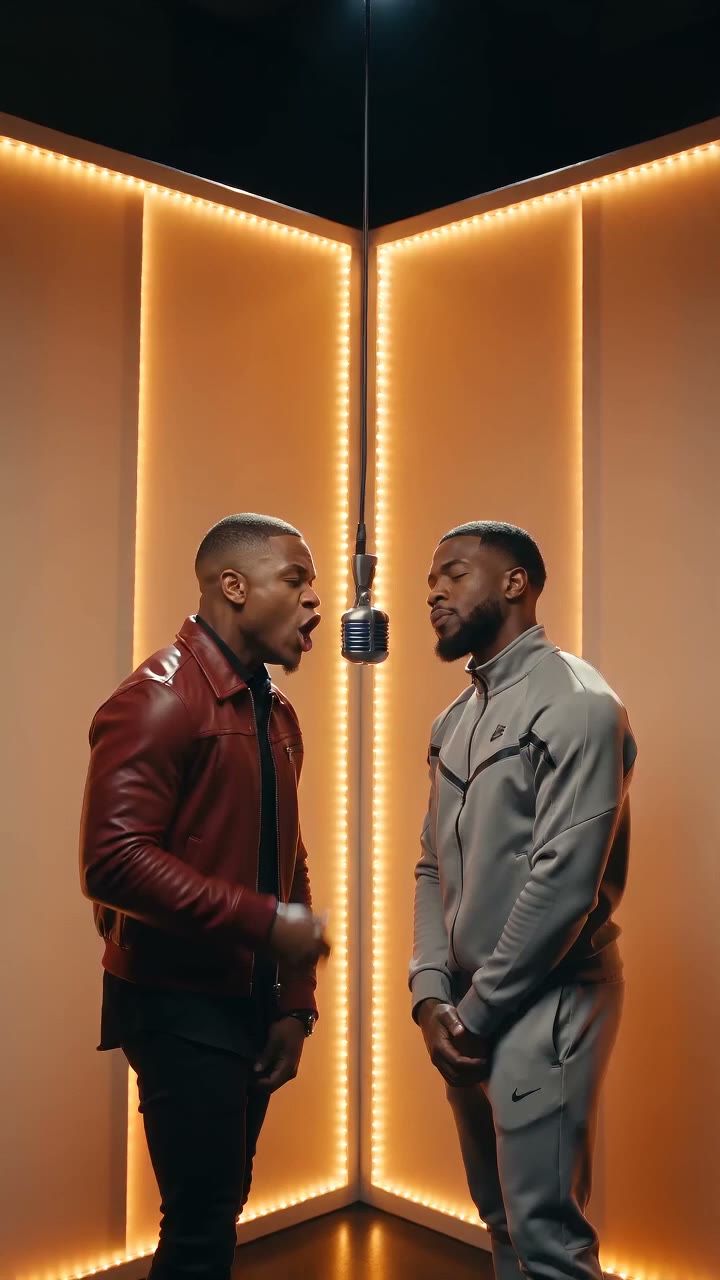
Higgsfield Genjutsu is the video effect that rebuilds a clip around its original motion — same take, new character or world. AI Fruit doesn't restyle your footage, but you can generate Genjutsu-style scene-swap clips from a prompt below, or cast your photo into a new world with image-to-video models.

Create with Higgsfield Genjutsu Effect

Start from a template

Pick an idea, then make it yours.

Upload a reference image for your fruit video
Be specific about motion, framing, lighting and atmosphere.325 / 2000
s
Sign in to see creditsGet More Credits
Your Fruit Video
Restored

Ready for your first video

Choose a template or write a prompt. Your preview and download controls will appear here.

Grok Imagine Video6720p2:318 credits
CurrentModel Catalog
Model-specificResolution
AsynchronousGeneration
Review TermsCommercial Use

What Is the Higgsfield Genjutsu Effect?

Higgsfield Genjutsu is a video tool launched in September 2026, built on two moves. Motion Transfer takes the movement and camera of an existing clip and rebuilds everything around them — “the movement and camera stay exactly as filmed” while everything performing is yours. Object Swap replaces one element you point at while the rest of the shot continues untouched. Together they produce the Genjutsu clip flooding short-video feeds: a walk that flips from a plain street into a fantasy world, an outfit that changes mid-stride, a bedroom that becomes a concert stage — one seamless take. The official workflow: one 4–30 second clip, up to 30 reference images, an optional prompt or preset.

AI Fruit cannot restyle footage you already shot — it generates original video from prompts and photos. So the Genjutsu look is recreated, not transferred: describe the subject, the motion, and the exact moment the world changes, and the editor on this page renders the whole one-take Genjutsu-style swap. To put yourself in the scene, open the main generator and use an image-to-video model — your photo anchors the first frame (Seedance 2.0 takes up to 9 reference images) while the prompt builds the new world. AI Fruit renders new footage; it does not re-cut your recording, and audio depends on the model.

Genjutsu-style clips you can make here

The teleport walk
The classic Genjutsu teleport: a character keeps walking while the world flips mid-take — street to sky bridge, park to blizzard — pace and framing unbroken.
The mid-motion outfit change
The walk or dance continues while the wardrobe swaps — the wardrobe-change use case from Genjutsu's own playbook, rebuilt as an original clip.
The two-worlds match cut
The same action cut across two realities, synced to a beat or a doorway — the "same take, two realities" format.
You in a new world
Bring a photo into the main generator and let an image-to-video model keep your face and outfit inside a rebuilt Genjutsu-style scene.

Two Ways to Recreate the Genjutsu Effect on AI Fruit

Genjutsu transfers motion from footage you already have. AI Fruit builds the same look from a written scene or your photo — here is what each path controls.

Prompt the One-Take Swap

Write the scene in three parts — who is moving, the motion, and the exact moment the world changes — and the editor renders the whole take, swap included. The more precisely you time the flip, the more the clip reads like a Genjutsu edit.

  • Natural-language scene prompts
  • Mid-take world swap written into the prompt
  • Camera keywords like push-in, orbit, and tracking shot
  • Aspect options from the selected model

Cast Your Photo into a New World

Open the main generator and upload 1–2 photos with an image-to-video model: the photo anchors the first frame, and Seedance 2.0 accepts up to 9 reference images to keep your face and outfit inside the rebuilt scene.

  • Photo as first frame on models like Grok Imagine, Kling, Veo, and Wan
  • Seedance 2.0 reference-image casting (up to 9 images)
  • Keep your character's face and outfit in a new world
  • Model-specific duration and resolution

Compare Models and Credits

Pick from the current catalog — Grok Imagine, Wan, Happyhorse, Kling, Sora 2, Veo 3.1, Seedance — and read the credit cost before you generate. Generation runs asynchronously; review the clip, then download or re-roll your Genjutsu-style swap.

  • Visible model catalog with settings
  • Credit cost shown before generating
  • Asynchronous generation
  • Download, re-prompt, or continue from a result

Why Make a Genjutsu-Style Video on AI Fruit

Genjutsu's magic is fixing a take without a reshoot. AI Fruit skips the shoot entirely — write the swap, get an original clip.

The Trend, Without the Footage

Genjutsu restyles a clip you filmed. AI Fruit goes one step earlier: no source video needed — describe the motion and the world change, and an original Genjutsu-style one-take clip comes back ready to post.

Two Real Entry Points

Prompt-led for speed, photo-led for likeness: text-to-video in the editor on this page, or image-to-video and reference images in the main generator. Both are current product paths.

Models and Costs in the Open

Compare the catalog — Grok Imagine, Wan 2.6, Happyhorse 1.1, Kling, Sora 2, Veo 3.1, Seedance 2.0 / 1.5 Pro — and see what each generation costs before you commit credits.

Terms You Can Check

Commercial use depends on the selected model's provider terms and the AI Fruit Terms of Service. Review them before client or ad work.

How to Make a Genjutsu-Style Scene-Swap Video

From trend to posted clip in three steps.

1

Write the Motion, Then the Swap

Lock the motion first, then time the world change: "a woman in a red coat walks down a rainy neon street; halfway she steps through a glowing gate and the street becomes a sky bridge above clouds; she keeps walking, same pace, seamless single take."

2

Pick the Model and Settings

Choose a model from the catalog and set duration, resolution, and aspect ratio. Casting a photo? Open the main generator and use an image-to-video model. The credit cost updates with your settings before you generate.

3

Generate, Review, Post

Generation runs asynchronously. Review the finished swap, tighten the prompt and re-roll if the flip lands late, then download — the vertical cut is built for short-video feeds. Audio depends on the model.

Genjutsu-Style Scene-Swap Examples

Five Genjutsu-style one-take swap clips generated for this page with Seedance 2.0 Mini (9:16, 720p, 5s), each from the prompt shown — copy one and make it yours.

The Teleport Walk

Genjutsu-style prompt: A woman in a red coat walks down a rainy neon Tokyo street at night, cinematic tracking shot from the front; halfway through she steps through a glowing torii gate and the street instantly becomes a floating sky bridge above the clouds, she keeps walking at the same pace, seamless single take, photorealistic, vertical video

▶

The Mid-Stride Suit Up

Genjutsu-style prompt: A man walks confidently toward the camera through a sunlit city park in a grey hoodie; at the exact midpoint his outfit changes into a sharp blue suit while his walk and the camera continue unchanged, seamless single take, photorealistic, vertical video

▶

Summer to Blizzard

Genjutsu-style prompt: A young man strolls along a park path in golden autumn light with leaves falling, smooth side tracking shot; halfway the same path flips to deep winter covered in snow, he keeps strolling without breaking stride, seamless single take, photorealistic, vertical video

▶

Bedroom to Stage

Genjutsu-style prompt: A dancer performs the same routine in a small bedroom, handheld camera; at the beat drop the bedroom transforms into a huge concert stage with spotlights and a cheering crowd, the dancer never stops moving, seamless single take, vertical video

▶

Desert to Neon City

Genjutsu-style prompt: A vintage car drives down a desert highway at sunset, drone shot following from behind; halfway the desert instantly turns into a glowing cyberpunk city canyon with neon towers, the car continues at the same speed, seamless single take, cinematic, vertical video

▶

Higgsfield Genjutsu FAQ

What the effect is, what it costs, and how to make the same look on AI Fruit.

It is a video tool Higgsfield launched in September 2026 that rebuilds part of an existing clip while keeping the rest as filmed. Its two features: Motion Transfer — the movement and camera of your clip drive a new character or rebuilt scene — and Object Swap, which replaces one element while the rest of the shot continues. Per Higgsfield's official docs, it takes one 4–30 second clip, up to 30 reference images, and an optional prompt or preset, with output up to 1080p.

Higgsfield prices Genjutsu generations by length and resolution; its official blog lists a 15-second clip at 40 credits (about $2.00) for 480p, 104 credits (about $5.20) for 720p, and 144 credits (about $7.20) for 1080p, verified September 2026. Check Higgsfield's current pricing before you commit — credit costs can change.

No. AI Fruit generates original footage from prompts and photos — it does not offer video-to-video motion transfer that rebuilds an uploaded clip around its movement. What you can do is recreate the Genjutsu look: prompt a one-take scene swap here, or cast your photo into a new world with an image-to-video model.

Ready to Make Your Genjutsu-Style Scene Swap?

Write the motion and the world swap — or cast your photo into a new scene. Pick a model, check the credits, and generate your Genjutsu-style take.

Open the AI Video Generator