
Vidu S2 Explained: Real-Time AI Avatar Video for Creators
Vidu S2 pairs a real-time digital-character model with live video-stream editing. What the September 15 release changes for short-form creators — and how to start.
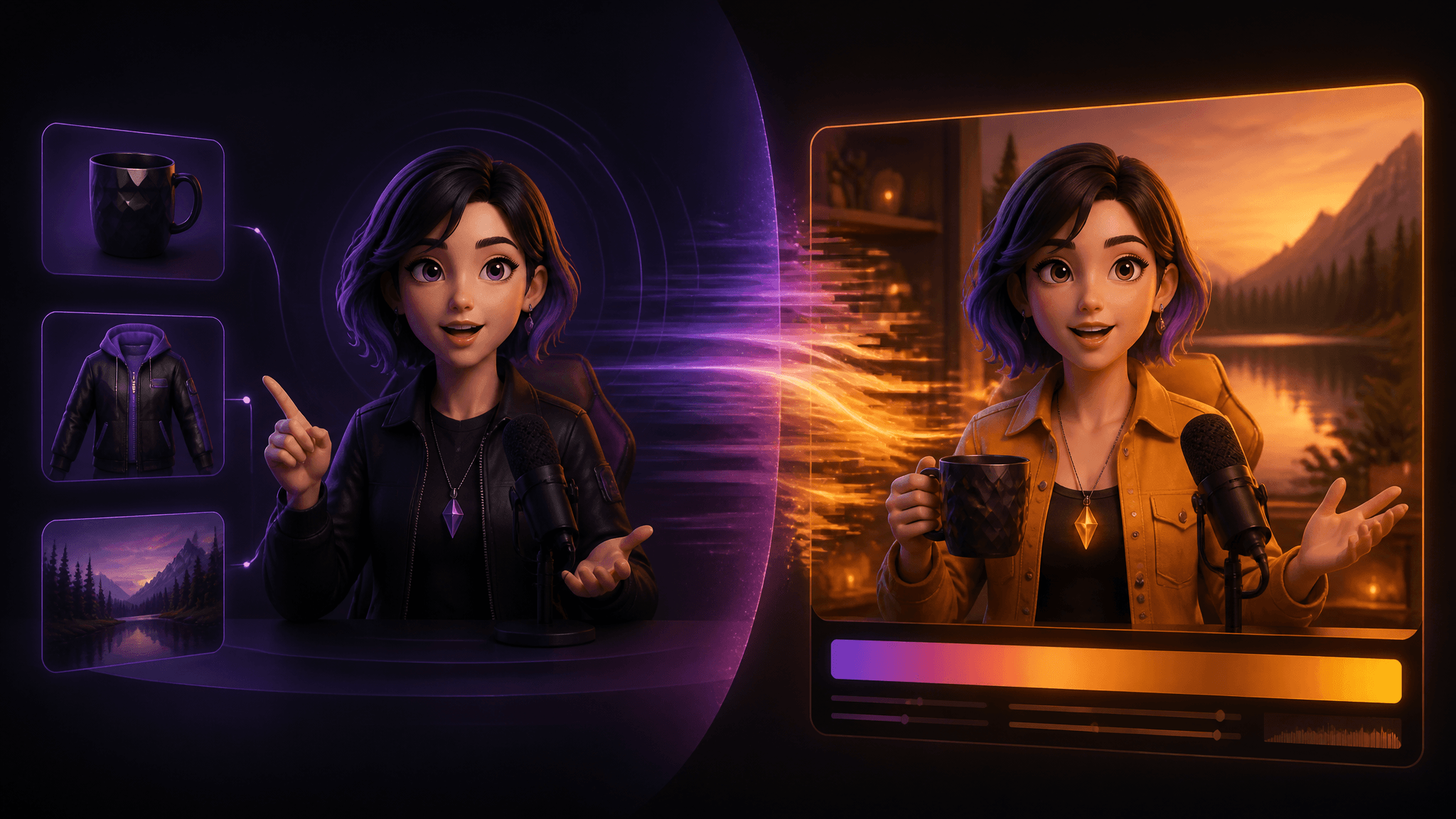
Shengshu Technology shipped Vidu S2 on September 15, 2026, and it went live for everyone the same day — no waitlist, no research-preview gate. The release is really two models: Vidu S2-Avatar, a real-time digital-character model you can talk to and direct while it generates, and Vidu S2-Editing, a model that restyles an incoming video stream while it plays. If you make short videos, that combination points at a workflow built around the moment: an AI avatar video that responds to your voice and new visual references while it plays, and footage you can re-skin for a new trend without re-shooting anything.
This article breaks down what each model actually does, maps the release onto three concrete short-form workflows, and separates what's shipping from what's still a lab demo — the VR spatial-video part is the latter. One caveat up front: everything here is documentation-based. We haven't run Vidu S2 ourselves, and the performance numbers below come from the company's own technical report.
Key takeaways
- Vidu S2 = two models: S2-Avatar (real-time interactive digital characters) and S2-Editing (real-time editing of an incoming video stream).
- Per the technical report, S2-Avatar raised real-time output from 540p to 720p while keeping 25–42 FPS.
- Both models accept reference images mid-stream — swap outfit, background, object, or scene without restarting.
- S2-Editing covers four live operations: style rendering, clothing replacement, character replacement, and background replacement.
- The benchmarks are vendor-reported; the spatial-video VR demo is an exploration, not a consumer feature.
Two models, one release
Vidu S2's structure is the clearest way to understand what changed. S2-Avatar answers "can I have a digital character that interacts live?" S2-Editing answers "can I edit footage that's still coming in?" The official announcement frames them as one system with two entry points, and both were usable on day one at vidu.com/vidu-stream.
| Vidu S2-Avatar | Vidu S2-Editing | |
|---|---|---|
| What it takes in | Your voice/text plus a character image, with reference images injected live | A continuous video stream — camera, video file, or still image |
| What it puts out | A real-time digital character that talks, moves, and reacts (720p per the report) | The same stream, re-styled in real time |
| Creator job | Live avatar content: streams, interactive characters | Repurposing and re-skinning footage without re-shooting |
The distinction matters because previous "real-time" releases in this category usually meant one or the other — an interactive character demo, or an offline editor with fast rendering. S2 treats both sides as streaming problems. For context on why resolution matters: Vidu S1 topped out at 540p and was largely limited to talking-head-style characters.
S2-Avatar: a digital character you direct live
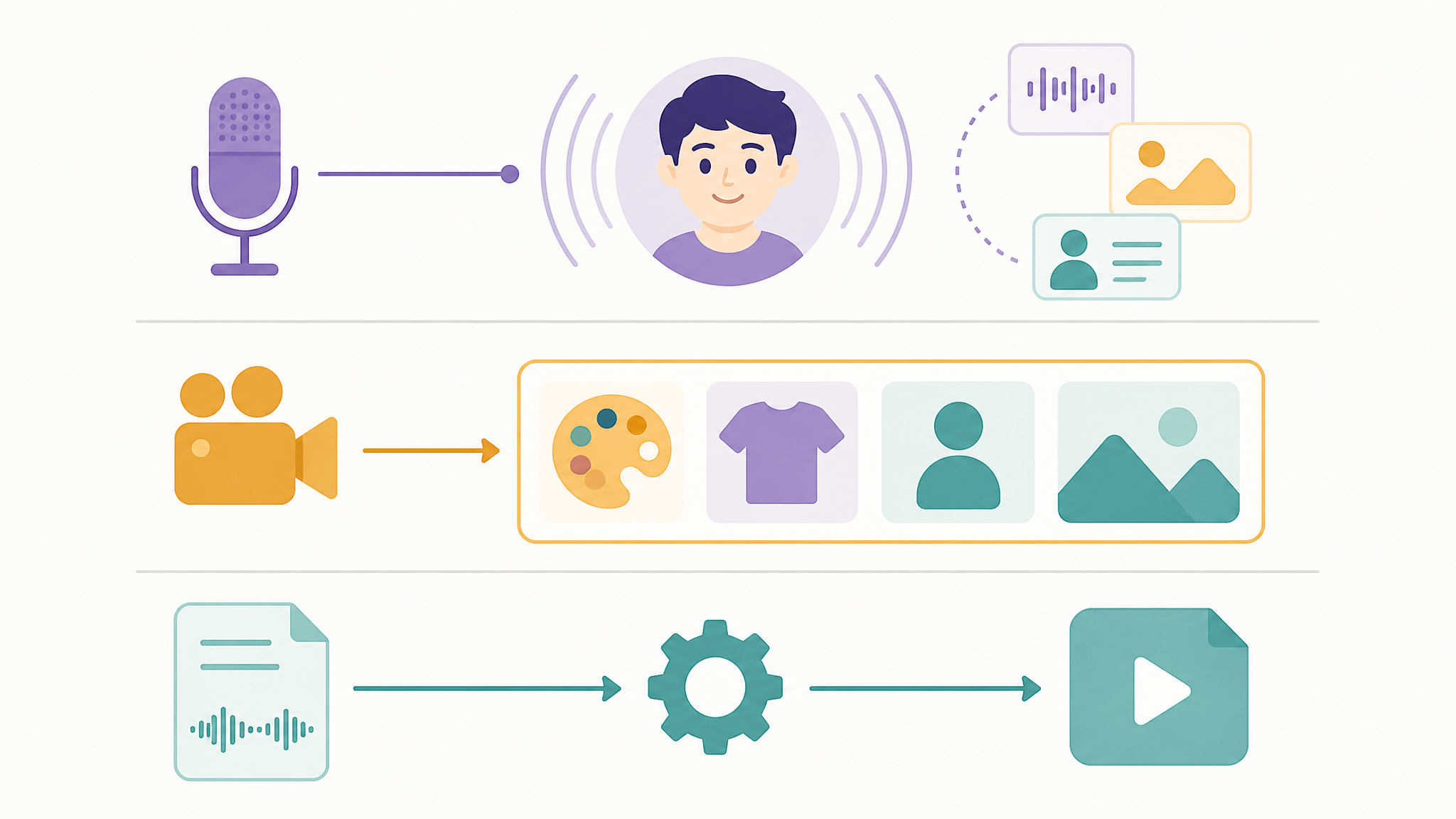
S2-Avatar's headline change is resolution: the technical report puts real-time generation at 720p, up from S1's 540p, while holding 25–42 FPS. The mechanism is a lightweight refiner that adds a single step to lift resolution, so the fast backbone keeps running underneath. Treat those numbers as vendor-reported — there's no independent latency test yet — but 720p is the threshold where output starts looking usable on a phone screen rather than obviously generated.
The more creator-relevant change is dynamic references. At any point in a live session you can feed the character a new image — an object, an outfit, a background — and it responds in the moment: pick up the cup from the reference photo, wear the jacket you just dropped in, move into the new scene. The report also describes state preservation across sequential instructions: "pick up the cup, then smile" means the character keeps holding the cup while smiling, and "take off the hat and put it back on" produces a coherent sequence rather than a reset. Instruction following now covers large body movements like dancing, driven by voice.
The official page draws one more distinction worth knowing: the real-time mode is the "online" digital human — interruptible, two-way. There's also an offline mode: one character image plus an audio or text script becomes a lip-synced video through normal asynchronous generation. That async path is what most TikTok and Reels creators actually need, and it's the closest comparison point for tools that already do talking-character videos.
S2-Editing: restyle a video while it plays
S2-Editing takes a stream that already exists — your webcam, an uploaded clip, even a still image — and applies four operations live: style rendering (re-grade the whole stream to a reference aesthetic), clothing replacement (virtual try-on), character replacement (swap the person on screen), and background replacement. Because it edits a stream rather than a finished file, the edits follow motion and camera movement: when the subject raises an arm or turns around, the replacement tracks.
The workflow implications are bigger than the feature list. Reference images can be swapped mid-stream, and scenes can change without interrupting the output — so you can test three outfit directions in one recording session instead of three shoots. For a creator repurposing one piece of footage across platforms, trends, or languages, the "film once, restyle many" loop is the actual product.
Three workflows this unlocks
Based on the official product page and technical report, the documented capabilities map onto three short-form jobs.
1. The live avatar presenter. Start from one character image, talk to the audience through S2-Avatar's voice interaction, and push reference images as the session runs — hold up the product, change into the merch, move to a new backdrop. This is the VTuber/ livestream-presenter pattern, and it's what "real-time" is actually for: the character keeps responding while you steer.
2. Film once, restyle everywhere. Record ordinary footage, then let S2-Editing re-skin it per destination — a cinematic grade for one platform, a seasonal outfit for another, a new background for a trend that popped after you shot. The mid-stream swap capability is what makes iteration fast.
3. Async talking-character clips. If you don't need live interaction, the offline digital-human path — one image, one script, one rendered video — is the mainstream job: character clips for TikTok, Reels, and Shorts, produced without a timeline editor. For most publish-oriented creators this is the highest-volume use case, and it's also the one that existing async tools already serve.
Entry points if you want to try it: the official Vidu S2 demo is open in-browser, and there's an API through Shengshu's platform for pipeline use.
Vidu S2's official product page, accessed September 17, 2026. Source: vidu.cn/vidu-stream (Shengshu Technology).
What the benchmarks do and don't tell you
The technical report is unusually specific about test design, which is worth more than the raw numbers. S2-Avatar was evaluated on StreamAV-Bench — 160 scenarios per track, where the Interactive track injects a runtime update every 30 seconds for five updates over sessions up to 180 seconds. That design targets exactly what breaks in real demos: interruption, recovery, and state handling, not just one clean generation. The report claims S2-Avatar led compared models across all nine metrics, and S2-Editing scored above the listed offline and streaming baselines on four editing benchmarks (OpenVE-Bench, Sparkle-Bench, RefVIE-Bench, ViViD).
What the benchmarks don't tell you: how output looks on your footage, whether voice quality holds in your language, and what any of this costs. Those numbers come from the model's own team, no independent evaluation exists at writing time, and "outperforms baselines" in a vendor report is a claim to verify with your own eyes — which the open demo makes easy.
The honest limits
- Vendor-reported numbers. 720p, 25–42 FPS, and the benchmark wins all trace to Shengshu's own report and press materials.
- We haven't run it. This article is documentation-based; treat the workflow sections as orientation, not hands-on results.
- Consumer pricing is unverified. Credit costs, subscription terms, and output quotas for the demo weren't published in the sources we could access; the WeChat announcement itself was verification-gated for us, so we leaned on the press release and official site.
- Spatial video is a demo, not a feature. Converting the live stream to left/right-eye views for VR headsets is an exploration with no consumer rollout. Bloomberg's report that ByteDance is working on something similar (based on Seedance) is context, not confirmation of either product.
- Commercial-use terms vary. Output rights depend on provider terms and your jurisdiction — true for any AI video model, including the ones in your current stack.
Where this fits your creation pipeline
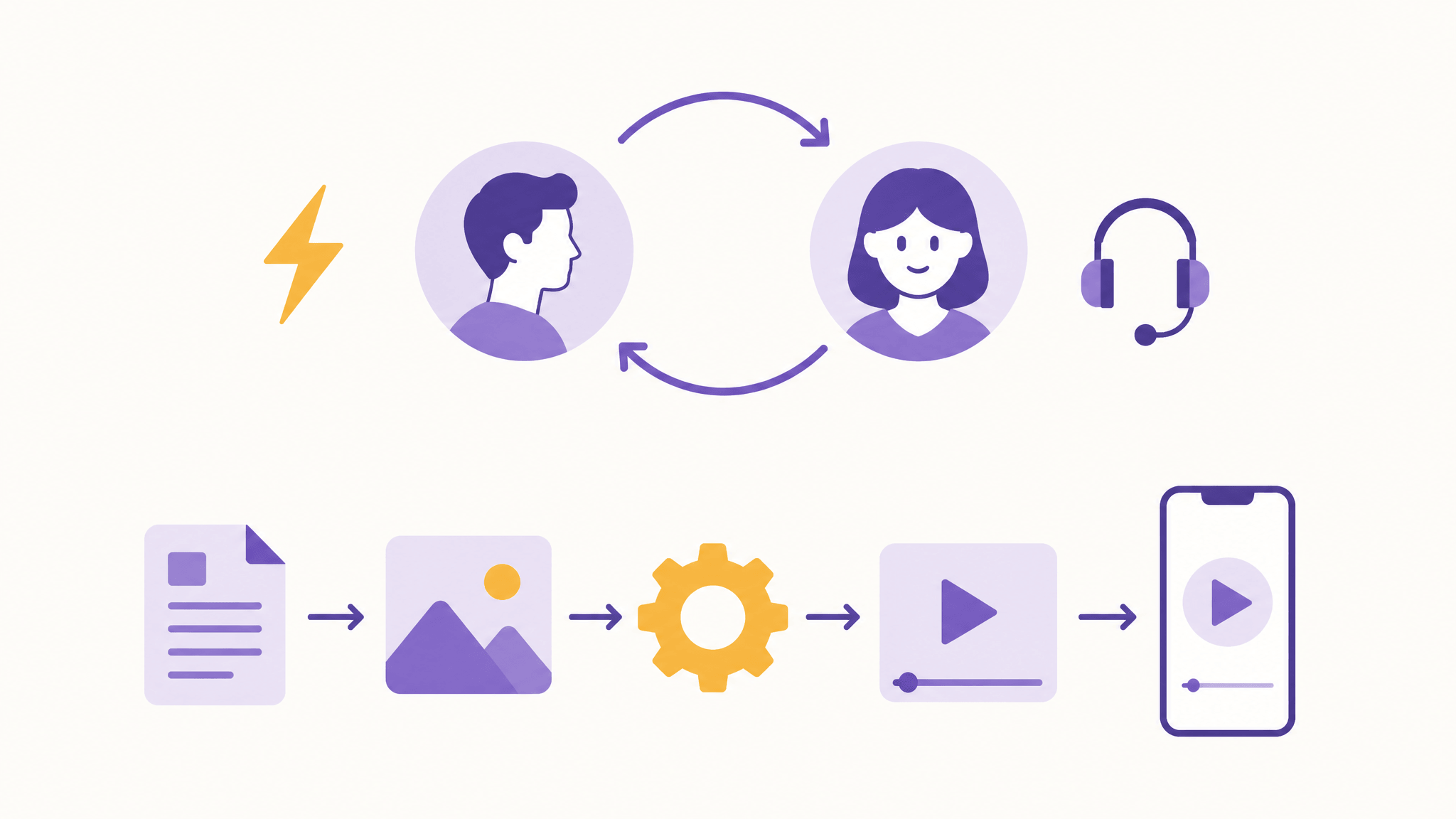
There's a useful line between what S2 shows off and what most creators ship daily. Real-time interaction is for live surfaces — streams, interactive characters, sessions with an audience in the room. Publish-ready short-form is still mostly asynchronous: you write, generate, review, then post. S2-Avatar's offline digital-human mode acknowledges that, and it's the mode that competes with the tools you may already use.
If your actual job this week is a batch of talking-character clips — not a live avatar session — an async generator does it today. That's the AI Fruit talking fruit tool: one prompt per clip, expressive mouth movement and over-the-top personalities for TikTok, Reels, and YouTube Shorts, with the model choice and credit cost visible before you spend anything.
The bottom line
Vidu S2 shipped as one open system — live avatar interaction and live stream editing together, available to everyone on day one rather than behind a research preview — and the open demo means you can pressure-test it today instead of trusting the benchmarks. If you stream, S2-Avatar is the experiment worth running. If you repurpose footage, S2-Editing's restyle loop is the practical draw. And if you just need publish-ready character clips, the async path — in any tool, including ours — remains the workhorse.
Create your video with AI Fruit and keep Vidu S2 on your watchlist for the live stuff.