9 AI Fruit Video Prompts for Seed 2.1 Pro
Use 9 AI fruit video prompts for ASMR, Baby Fruit, Fruit Drama, TikTok hooks, shot lists, moods, and batch ideas.
 AI Fruit Team
Last updated: June 24, 2026
You ask an AI video model for a cute mango story, and it gives you a floating mango, three random camera jumps, and no reason to keep watching. The issue is not the fruit idea. The issue is that most AI fruit video prompts describe a subject but forget the hook, shot order, sound, and platform format.
This guide gives you a practical workflow for AI fruit video prompts: how to turn rough short-video ideas into concepts, scripts, shot lists, style variants, and batch prompts for Fruit Eating Fruit ASMR, Baby Fruit scenes, Fruit Drama, and TikTok hooks. Use it with Seed 2.1 Pro for ideation and planning, then execute the best ideas in AI Fruit when you are ready to generate fruit videos.
The timing is useful. AI Hot Daily's June 24, 2026 digest highlighted "Seed 2.1 Pro Enhances Content Creation," pointing to more prompt examples and content-creation use cases. ByteDance's own Seed2.1 page describes stronger agent, coding, reasoning, and multimodal understanding, while its release blog says Seed2.1 can handle real productivity tasks across tools. Code Arena's WebDev leaderboard also lists seed-2.1-pro-preview at rank 8 with a 1539 score as of June 19, 2026. For creators, the takeaway is simple: use stronger planning models to produce tighter briefs before you spend credits on video generation.
Table of Contents
- Why Your AI Fruit Video Prompts Aren't Working
- The Anatomy of a Great AI Fruit Video Prompt
- 9 Ready-to-Use AI Fruit Video Prompt Templates
- Advanced Prompting Techniques
- Common Mistakes to Avoid
- FAQ
Why Your AI Fruit Video Prompts Aren't Working
Weak AI fruit video prompts usually fail because they ask for a visual object, not a watchable short. A useful prompt gives the model a subject, a first-second hook, a physical action, a camera plan, sound cues, mood, format, and an ending beat that can loop or invite a replay.
Here are the most common failures:
| Weak prompt | Why it fails | Better direction |
|---|---|---|
| "A strawberry eats a watermelon" | No hook, no scale, no sound, no camera | "A tiny strawberry takes one dramatic crunchy bite from a giant watermelon slice, macro close-up, juice splash, satisfying ASMR crunch, 9:16 vertical, loop ending." |
| "Cute baby fruit video" | Too broad; the model invents the story | "Baby mango takes its first steps across a kitchen counter, wobbles, smiles at camera, soft morning light, gentle toy-piano audio, 8-second TikTok loop." |
| "Fruit drama scene" | No conflict or shot order | "Apple and orange argue over the last grape, soap-opera lighting, 3-shot sequence, zoom-in reaction faces, dramatic sting, final freeze-frame." |
Seed 2.1 Pro is useful at the planning stage because it can turn a rough idea into a structured creative brief. Instead of asking a video generator to guess everything, ask a planning model to produce 5-10 polished AI fruit video prompts, then send the best one into your execution tool.
The Anatomy of a Great AI Fruit Video Prompt
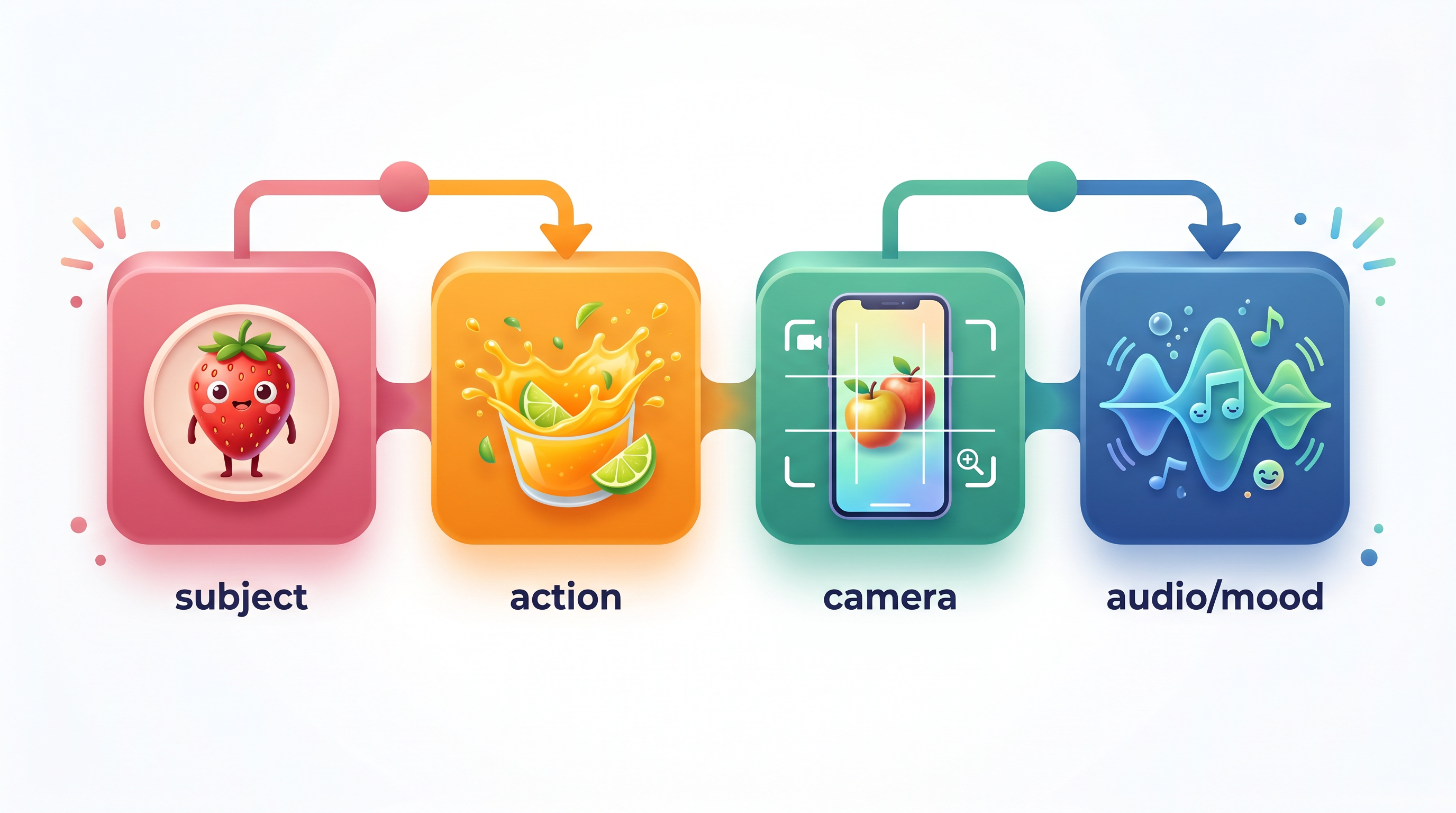
A strong AI fruit video prompt is a compact production brief. It should tell the model what appears on screen, what happens, how the camera moves, what the viewer hears, what mood to use, and how the clip should end.
Use this formula:
[Fruit subject] + [TikTok hook] + [physical action] + [shot order] + [camera movement] + [audio cue] + [style/mood] + [format and duration] + [ending]
| Prompt element | What to specify | Example |
|---|---|---|
| Subject | Fruit, character role, scale, expression | "tiny baby strawberry with glossy seeds and oversized eyes" |
| Hook | First-second reason to watch | "starts by whispering 'don't eat the blueberry yet'" |
| Action | Physical motion the model can show | "takes one crunchy bite, juice sprays upward" |
| Shot list | 2-4 beats with timing | "0-2s close-up, 2-6s bite, 6-8s reaction" |
| Camera | Angle and movement | "macro push-in, handheld TikTok framing" |
| Audio | Sound effects or music mood | "crisp crunch, wet fruit splash, soft room tone" |
| Style | Visual genre and palette | "bright 3D cartoon, soft kitchen light" |
| Format | Platform, aspect ratio, length | "9:16 vertical, 8 seconds, loop-ready" |
For TikTok, keep most AI fruit video prompts under 80 words. Short prompts force decisions. Long prompts often mix three ideas and produce a confusing clip.
9 Ready-to-Use AI Fruit Video Prompt Templates
These AI fruit video prompts are copy-ready templates. Replace the bracketed fields, generate 3-5 variations, then keep the one with the clearest first-second hook and most repeatable visual structure.
Template 1: Fruit Eating Fruit ASMR
Prompt:
A tiny [FRUIT A] character sits beside a giant slice of [FRUIT B]. First second hook: [FRUIT A] looks at camera like it is about to do something forbidden. Macro close-up as it takes one slow crunchy bite from [FRUIT B], juice droplets splash toward the lens, satisfying wet crunch audio, clean kitchen background, glossy fruit texture, 9:16 vertical, [6-8] seconds, loop ends with [FRUIT A] reaching for another bite.
What it does: Turns Fruit Eating Fruit into an ASMR-first clip with a clear action and replayable ending.
Customization tips: Change the sound cue before you change the subject. "Glass crack," "soft squish," and "crispy snap" produce very different outputs.
Template 2: Baby Fruit First Moment
Prompt:
Baby [FRUIT] with tiny arms and expressive eyes has its first [MOMENT: step, sneeze, laugh, dance] on a bright kitchen counter. Start with a close-up face reaction, then a small wobbly movement, then a proud smile at camera. Soft pastel 3D style, warm morning light, gentle toy-piano music, cute but not chaotic, 9:16 vertical, 8 seconds, ending loops back to the first pose.
What it does: Creates a simple Baby Fruit scene with emotion, movement, and a usable loop.
Customization tips: Baby Fruit works best with one emotional beat. Do not combine "sad," "dancing," "flying," and "eating" in the same short prompt.
Template 3: Fruit Drama Mini-Episode
Prompt:
[FRUIT A] discovers that [FRUIT B] stole the last [OBJECT: grape, lemon slice, mango cube]. 0-2s: dramatic close-up on [FRUIT A]'s shocked face. 2-5s: [FRUIT B] slowly hides the evidence. 5-8s: both fruits freeze as dramatic soap-opera music hits. Cinematic fruit drama, exaggerated reaction faces, rich color, shallow depth of field, 9:16 vertical, add space at top for caption text.
What it does: Gives Fruit Drama a conflict, evidence, reaction, and ending frame.
Customization tips: Use one stolen object or secret. More plot points make the model rush.
Template 4: TikTok Hook Generator
Prompt:
Generate 20 TikTok hooks for AI fruit videos about [FORMAT: Fruit Eating Fruit ASMR / Baby Fruit / Fruit Drama]. Each hook must be 5-9 words, create curiosity in the first second, avoid clickbait claims, and imply one visible action. Return a table with columns: Hook, Fruit Pairing, Visual Payoff, Audio Cue, Best Template.
What it does: Uses Seed 2.1 Pro as an ideation model before generation.
Customization tips: Ask for 20 hooks, not 5. The first few are usually obvious; the middle of the list often contains better angles.
Template 5: Shot List Expander
Prompt:
Turn this AI fruit video idea into a 3-shot vertical short-video plan: [ROUGH IDEA]. Keep total duration under [8/10/12] seconds. For each shot, give timing, camera angle, visible fruit action, audio cue, and exact prompt wording. Make the final shot loop naturally into the first shot.
What it does: Converts a loose idea into production-ready AI fruit video prompts with timing.
Customization tips: If the output feels too cinematic, add "TikTok handheld framing, simple background, fast first-second payoff."
Template 6: Mood and Style Variants
Prompt:
Create 12 style variants for this AI fruit video prompt: [PROMPT]. Keep the same fruit subject and action, but vary mood, lighting, color palette, camera energy, and audio. Include variants for ASMR, cute baby, dramatic soap opera, glossy product ad, cozy kitchen, surreal dream, high-energy TikTok, and cinematic slow motion. Return each variant as a complete prompt under 70 words.
What it does: Produces fast A/B tests while keeping the core idea stable.
Customization tips: Use this when a concept is good but the first render feels bland.
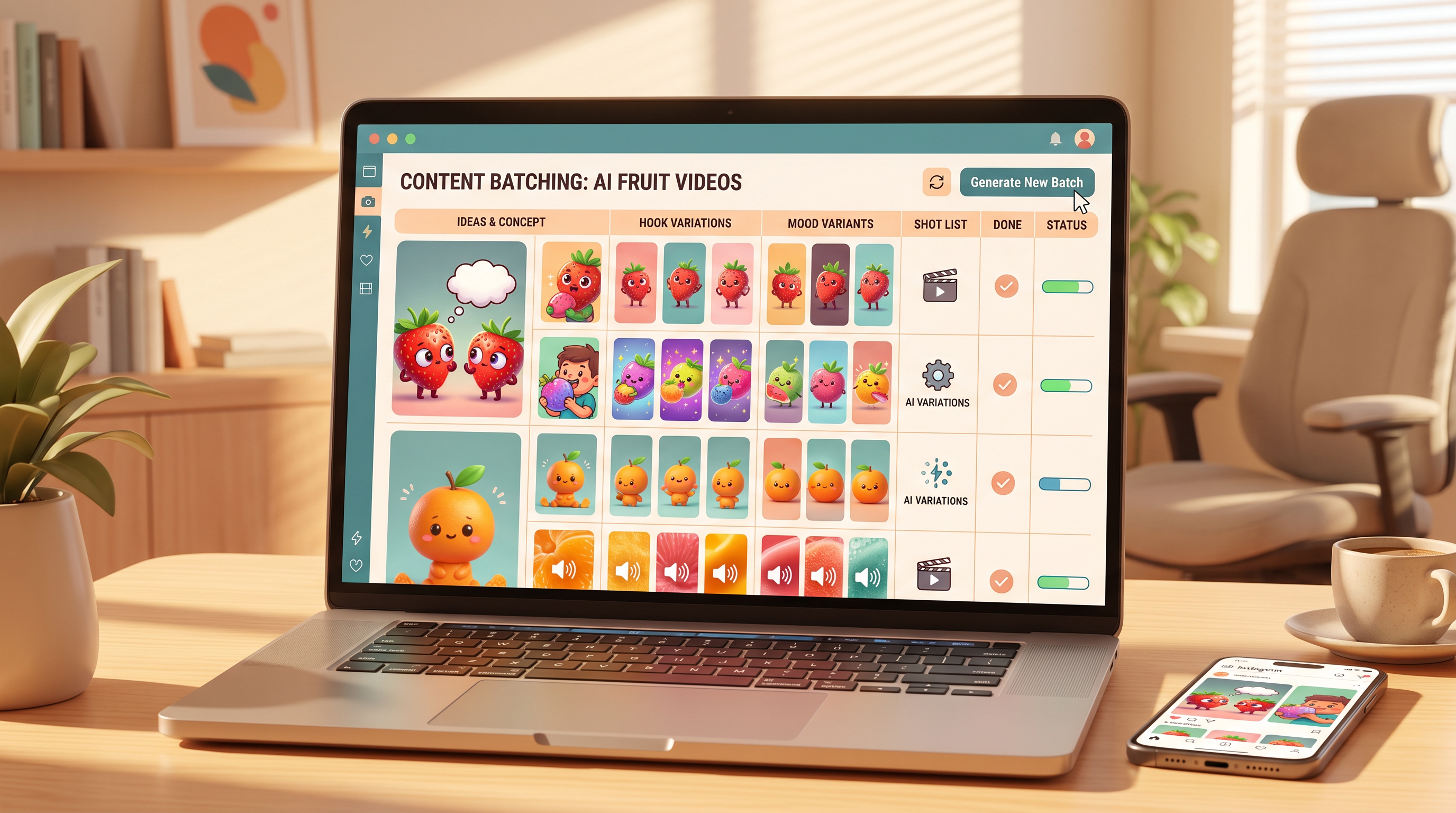
Template 7: Batch Idea Generator
Prompt:
Create 30 AI fruit video prompts for a TikTok account about [NICHE]. Split them into 10 Fruit Eating Fruit ASMR prompts, 10 Baby Fruit prompts, and 10 Fruit Drama prompts. For each prompt include: fruit pair, first-second hook, visible action, sound cue, style, duration, and why viewers might replay it. Avoid repeating the same fruit pair more than twice.
What it does: Builds a weekly prompt bank from one niche angle.
Customization tips: Add your audience constraint, such as "for cozy late-night ASMR viewers" or "for meme-heavy Gen Z captions."
Template 8: Execution Prompt for AI Fruit
Prompt:
Rewrite this concept for AI Fruit generation: [CONCEPT]. Choose the best AI Fruit format from Fruit Eating Fruit, Baby Fruit, Fruit Drama, Fruit ASMR, Glass Cutting, or Fruit Story. Return one final 9:16 prompt under 75 words, one caption hook, one audio cue, and one negative prompt that prevents extra limbs, melted fruit faces, and unreadable text.
What it does: Bridges planning and execution. After Seed 2.1 Pro refines the concept, run the final prompt in AI Fruit or start from AI Fruit video templates when you want a faster template-first path.
Customization tips: Keep the final execution prompt short. AI Fruit already provides 50+ fruit-specific templates, so you do not need to over-describe the category.
Template 9: Negative Prompt Cleaner
Prompt:
Review this AI fruit video prompt and create a cleaner version: [PROMPT]. Remove conflicting instructions, keep only one main action, add a clear first-second hook, add one camera move, add one audio cue, and write a negative prompt to reduce common AI video artifacts. Return: Clean Prompt, Negative Prompt, Caption Hook, Retry Tip.
What it does: Turns messy AI fruit video prompts into cleaner generation inputs.
Customization tips: Use this before every paid batch. It reduces wasted credits from prompts that ask for too much.
Advanced Prompting Techniques
Advanced AI fruit video prompts are not longer prompts. They are prompts that split planning, execution, and retry decisions into separate steps so each generation has one clean job.
1. Chain the workflow
Do not ask for a final video prompt immediately. Use a 3-step chain:
- Ask Seed 2.1 Pro for 20 hooks.
- Pick 3 hooks and ask for shot lists.
- Convert the best shot list into a final AI Fruit prompt.
This keeps ideation broad and execution narrow.
2. Use before/after refinement
| Before | After |
|---|---|
| "A cute strawberry dances" | "Baby strawberry hears a tiny drumbeat, looks surprised in the first second, does three wobbly dance steps, smiles at camera, soft toy drum audio, pastel 3D kitchen, 9:16, 8 seconds." |
| "Watermelon ASMR" | "Macro close-up of a crystal watermelon slice being cut once with a glass knife, crisp crack sound, juice beads on blade, slow push-in, clean white studio, 9:16, 6-second loop." |
3. Add one negative prompt
Use a negative prompt when the same artifact appears twice:
Negative prompt: extra limbs, melted face, human hands, unreadable text, duplicate fruit eyes, floating objects, sudden scene cuts, distorted mouth, low-light blur.
Do not list 40 negatives. A short list of recurring problems is more useful.
4. Batch by variable, not by chaos
When testing, change only one variable per batch:
| Batch type | Keep fixed | Change |
|---|---|---|
| Hook batch | fruit, action, style | first-second hook |
| Style batch | fruit, action, hook | lighting and mood |
| Sound batch | fruit, action, shot list | crunch, splash, music cue |
| Ending batch | everything else | loop ending or freeze-frame |
This is how you learn which part of your AI fruit video prompts actually improves the result.
Common Mistakes to Avoid
Most failed AI fruit video prompts fail from too many ideas, not too little detail. Keep one subject, one action, one emotional beat, and one ending.
| Mistake | Fix |
|---|---|
| Asking for a full story in 8 seconds | Use one conflict or one reveal |
| Skipping sound cues | Add crunch, splash, gasp, toy piano, or dramatic sting |
| Forgetting platform format | Always specify 9:16 vertical and duration |
| Mixing styles | Choose one: ASMR, cute, drama, product ad, or cinematic |
| No first-second hook | Add a visible surprise, forbidden action, or direct look at camera |
| Overwriting AI Fruit templates | Let the template do category work; keep the prompt focused on action |
FAQ
What are the best AI fruit video prompts for TikTok?
The best AI fruit video prompts for TikTok combine a first-second hook, one visible fruit action, a sound cue, and a loop-ready ending. Fruit Eating Fruit ASMR, Baby Fruit first moments, and Fruit Drama reaction scenes are the most repeatable formats because viewers understand them in under two seconds.
How should I use Seed 2.1 Pro for AI fruit video prompts?
Use Seed 2.1 Pro as a planning model, not just a final prompt writer. Ask it to generate hooks, shot lists, style variants, negative prompts, and batch ideas. Then send the cleanest final prompt to AI Fruit or another video generator for execution.
How long should an AI fruit video prompt be?
Most AI fruit video prompts should be 50-80 words for the final generation step. Ideation prompts can be longer because they ask for tables and options, but the final execution prompt should stay compact and specific.
Do I need a separate prompt for sound?
Yes, add sound cues directly inside the video prompt. Fruit videos often depend on ASMR crunch, juice splash, toy music, or dramatic stings. If you skip audio, the model may produce a visually correct clip that feels flat on TikTok.
Should I start with prompts or templates?
Start with prompts when you are exploring a new concept, then use templates when you want faster execution. A strong workflow is: generate ideas with Seed 2.1 Pro, clean the best prompt, then run it in AI Fruit using the closest Fruit Eating Fruit, Baby Fruit, Fruit Drama, or ASMR template.
Conclusion
Good AI fruit video prompts are small production briefs. They define the fruit subject, the first-second hook, the physical action, the shot order, camera movement, audio cue, mood, format, and ending. Seed 2.1 Pro is useful because it can expand rough ideas into structured choices before you spend credits on video generation.
Start with one format this week. Generate 20 hooks, expand 3 into shot lists, run 1 polished prompt, and save every result. That feedback loop will teach you faster than trying to write the perfect prompt from scratch.
Ready to turn these prompts into fruit videos? Try AI Fruit free → — 50+ fruit video templates for ASMR, Baby Fruit, Fruit Drama, and TikTok-ready short videos.