5 Best PixVerse V6 Alternatives for Short Videos (2026)
Compare PixVerse V6 with Wan 2.6, Seedance, Hailuo, and AI Fruit. Find the best AI video generator for TikTok and short-form content in 2026.
 AI Fruit Team
Last updated: April 7, 2026
PixVerse V6 just landed at #2 on Product Hunt with 253 upvotes — and your feed is probably full of its AI-generated clips already. But is it actually the best option for short-form video creators, or are there stronger alternatives depending on what you need?
We tested PixVerse V6 alongside four other AI video generators — Wan 2.6, Seedance 1.0, Hailuo, and AI Fruit — specifically for short-form content creation on TikTok, Reels, and Shorts. Here's how they compare.
In this article:
- What Are AI Short Video Generators?
- Top PixVerse V6 Alternatives Compared
- Feature Comparison Table
- How to Choose the Right Tool
- How to Create a Short Video with AI — Step by Step
- FAQ
What Are AI Short Video Generators?
AI short video generators are tools that use diffusion models and transformer architectures to produce 5- to 30-second video clips from text prompts, images, or pre-built templates. They've become essential for creators producing vertical content on TikTok, Instagram Reels, and YouTube Shorts.
The market has split into three categories as of early 2026:
| Category | Examples | How It Works |
|---|---|---|
| General-purpose platforms | PixVerse, Runway, Pika | Flexible prompt-based generation for any content type |
| Open-source models | Wan 2.5/2.6 (Alibaba), Seedance (ByteDance) | Raw model access via API, self-hosting, or third-party UIs |
| Niche template platforms | AI Fruit, Pippit | Pre-built workflows for specific trending content categories |
According to Sensor Tower's Q1 2026 report, TikTok creators using AI video tools publish 3.2x more frequently than those editing manually. The tools have gotten fast enough — many generate a clip in under 60 seconds — that the bottleneck has shifted from production to ideation.
PixVerse V6 sits in the general-purpose category. If you're looking for a PixVerse V6 alternative, you're likely looking for either better quality, lower cost, faster speed, or more specialized features for your content niche.
Top PixVerse V6 Alternatives Compared
PixVerse V6 (The Baseline)
PixVerse V6 launched on Product Hunt in April 2026, earning 253 upvotes and a #2 daily ranking. The update introduced improved motion coherence, better text-in-video rendering, and a style transfer mode that applies visual styles from reference images.
Best for: General-purpose short video creation with a polished web interface and active community.
Not ideal for: Niche content categories where templates would save time, or budget-conscious creators who need high volume output.
Pricing: Free tier with limited credits. Pro plans from $9.99/month. Credits don't roll over between months.
In our testing, PixVerse V6 produced smooth 5-second clips with consistent subjects. Motion quality improved noticeably over V5, especially for camera movements. However, complex multi-character scenes still showed artifacts, and credit costs added up fast — a typical 8-second clip consumed 15-20 credits.
Wan 2.6 (Best Open-Source PixVerse V6 Alternative)
Wan is Alibaba's open-source video generation model. Version 2.6, released March 2026, generates up to 10-second clips at 720p with strong temporal coherence. Being open-source, it powers multiple platforms — including AI Fruit, RunComfy, and ComfyUI workflows.
Best for: Technical users who want maximum flexibility and zero platform lock-in. Also excellent through hosted platforms that integrate it.
Not ideal for: Non-technical creators who want a polished UI and don't want to think about model configuration.
Pricing: Free (open-source, Apache 2.0 license). API access through third-party providers ranges from $0.01-0.05 per second of video.
We found Wan 2.6 delivers the strongest quality-to-cost ratio of any model we tested. It's the reason platforms like AI Fruit can offer affordable pricing — they're building UX on top of an excellent free model. The trade-off is that raw Wan access requires technical setup.
Seedance 1.0 (Best for Dance and Movement Content)
ByteDance's Seedance model specializes in human body movement and dance choreography. If your content is movement-heavy — dance challenges, fitness demos, choreography — this model outperforms every general-purpose alternative.
Best for: Dance content creators, movement-heavy TikTok trends, and choreography visualization.
Not ideal for: Product demos, talking-head videos, or content types where human motion isn't the focus.
Pricing: Available through Jimeng (Chinese platform) and select API partners. Pricing varies from $0.02-0.08 per second depending on provider.
In our testing, Seedance generated the most natural human motion of any tool in this comparison. A dance sequence that looked robotic in PixVerse V6 came out fluid and convincing in Seedance. Outside of movement content, though, its output diversity was limited.
Hailuo / MiniMax Video (Best for Cinematic Quality)
MiniMax's Hailuo model targets creators who prioritize visual fidelity above all else. The latest version supports both image-to-video and text-to-video with strong character consistency.
Best for: Creators who need the highest visual quality and don't mind waiting longer for generation.
Not ideal for: High-volume creators (generation averages 2-3 minutes per clip) or budget-conscious users.
Pricing: Free tier available. Paid plans from $9/month through MiniMax's platform.
Hailuo impressed us with cinematic-grade output — lighting, color grading, and detail were a step above PixVerse V6. The trade-off is speed: generating one 6-second clip took 2-3 minutes, compared to 30-45 seconds with PixVerse V6 or Wan 2.6. For single hero shots, Hailuo wins. For batch content production, it's too slow.
AI Fruit (Best PixVerse V6 Alternative for Fruit Video Content)
AI Fruit is a vertical platform purpose-built for the fruit video trend dominating TikTok — Fruit Eating Fruit ASMR, Baby Fruit characters, and Fruit Drama storylines. Rather than competing with PixVerse V6 on general-purpose generation, it focuses on one niche and executes it with 50+ pre-built templates.
Best for: TikTok creators targeting the fruit video niche. Anyone who wants one-click generation without writing prompts.
Not ideal for: General-purpose video creation outside the fruit content vertical. Users who need full prompt control over every detail.
Pricing: Free trial credits for new users. Basic and Pro subscription plans available.
In our testing, AI Fruit generated a complete Baby Fruit video in about 30 seconds — including character, background, animation, and optimal framing for TikTok. It uses multiple models under the hood (Wan 2.5/2.6, Seedance, Hailuo) and automatically selects the best one for each template type. The template approach eliminates the prompt-engineering learning curve that slows down beginners on platforms like PixVerse V6.
Feature Comparison Table
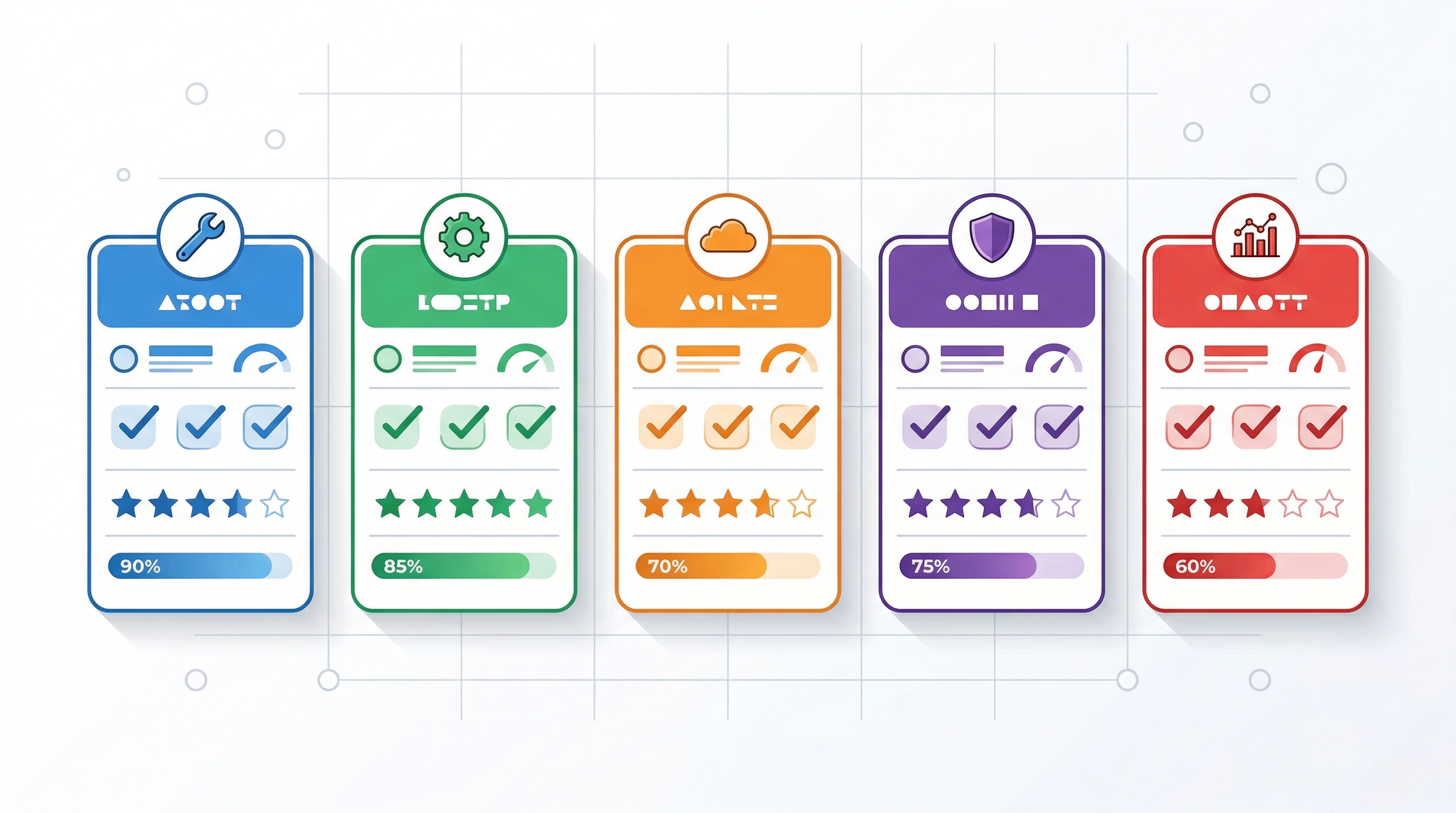
This table compares all five tools across the metrics that matter most for short-form content creators:
| Feature | PixVerse V6 | Wan 2.6 | Seedance 1.0 | Hailuo | AI Fruit |
|---|---|---|---|---|---|
| Max clip length | 8s | 10s | 6s | 6s | 10s |
| Max resolution | 1080p | 720p | 1080p | 1080p | 1080p |
| Avg. generation time | ~45s | ~30s (API) | ~60s | ~150s | ~30s |
| Text-to-video | ✅ | ✅ | ✅ | ✅ | ✅ |
| Image-to-video | ✅ | ✅ | ❌ | ✅ | ✅ |
| Style transfer | ✅ (new in V6) | ❌ | ❌ | ❌ | Via templates |
| Pre-built templates | ❌ | ❌ | ❌ | ❌ | 50+ templates |
| Vertical (9:16) default | Manual setting | Manual | Manual | Manual | ✅ (auto) |
| Open-source | ❌ | ✅ (Apache 2.0) | ❌ | ❌ | Uses open models |
| Free tier | ✅ (limited) | ✅ (self-host) | ✅ (limited) | ✅ (limited) | ✅ (trial) |
| Starting price | $9.99/mo | Free | Varies | $9/mo | Free trial |
| Best use case | General purpose | Flexible/custom | Dance content | Cinematic quality | Fruit video niche |
How to Choose the Right Tool
The best PixVerse V6 alternative depends on your specific content type, technical comfort, and budget. Here's a breakdown by creator profile:
You create varied short-form content across topics → Stick with PixVerse V6 or try Wan 2.6 through a hosted platform. General-purpose tools give you the most flexibility.
You create dance or movement content → Seedance 1.0 is purpose-built for this. No other model matches its motion quality for choreography and dance challenges.
You prioritize visual quality over speed → Hailuo produces the most cinematic output in this comparison. Budget extra time for generation.
You create fruit video content for TikTok → AI Fruit eliminates prompt engineering with 50+ fruit-specific templates. One click, 30 seconds, done.
You're technical and want full control → Wan 2.6 is open-source and the most customizable option. Self-host it or use it through any compatible platform.
Budget comparison for 50 clips per month:
| Tool | Monthly Cost (est.) | Notes |
|---|---|---|
| Wan 2.6 (self-hosted) | $0 (+ compute) | Requires GPU setup |
| AI Fruit (Basic) | ~$10/mo | Includes templates |
| PixVerse V6 (Pro) | ~$20/mo | Credits may not cover 50 clips |
| Hailuo (Paid) | ~$15/mo | Slower generation |
| Seedance (API) | ~$5-15/mo | Depends on provider |
How to Create a Short Video with AI — Step by Step
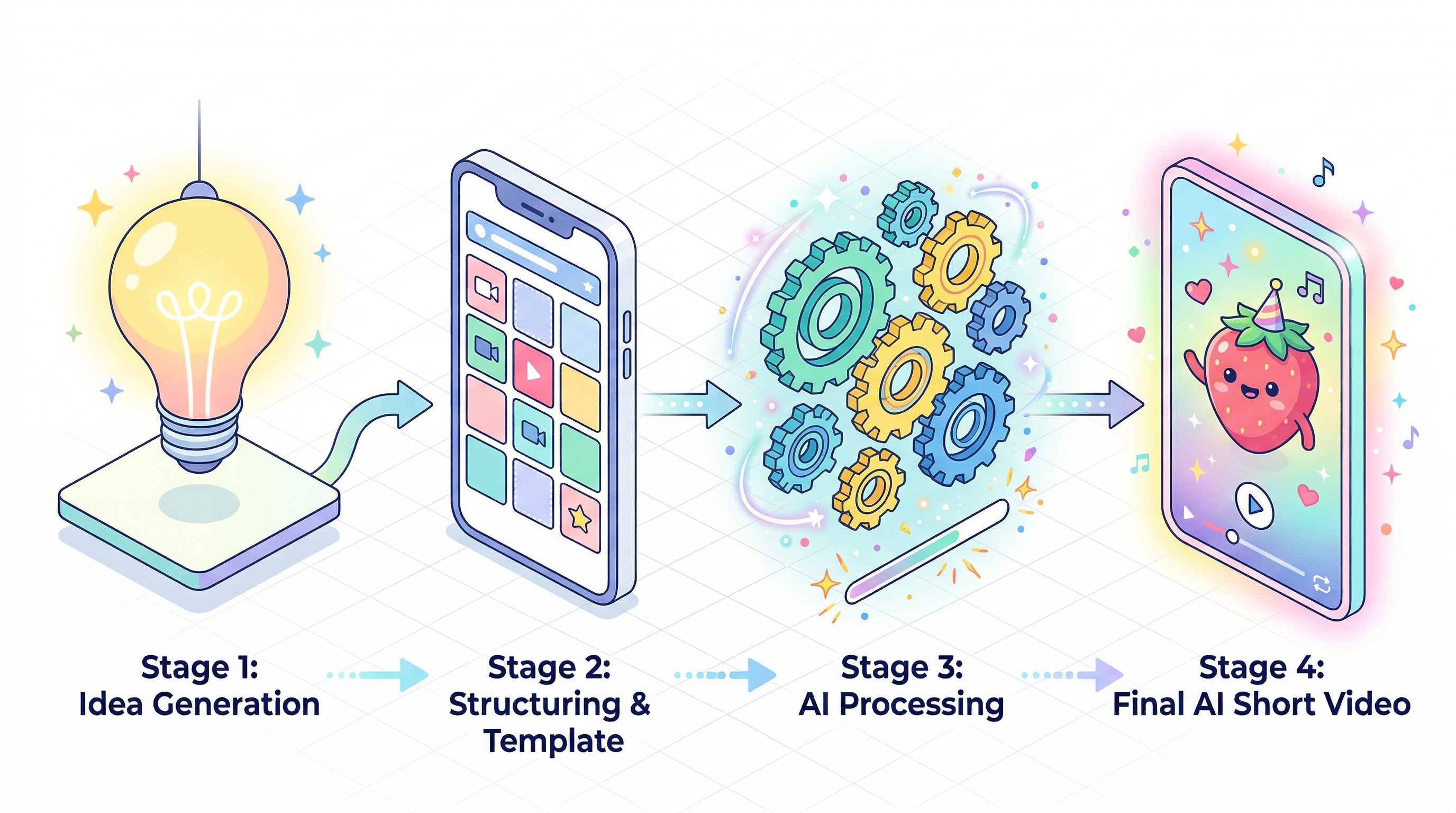
Here's how to go from idea to published short video. We'll demonstrate with AI Fruit for a fruit video, but the general workflow applies to any tool.
Step 1: Pick your content type. Decide what you're making — a trend video, tutorial, product demo, or entertainment clip. For this walkthrough, we're creating a Baby Fruit video for TikTok.
Step 2: Choose a template or write a prompt. In AI Fruit, browse the 50+ templates and select "Baby Fruit — Strawberry Dance." With PixVerse V6, you'd write a prompt like: "A cute baby strawberry character dancing in a garden, cartoon style, vertical 9:16 format."
Step 3: Adjust settings. Set duration (5-10 seconds for TikTok), aspect ratio (9:16 vertical), and any style parameters. AI Fruit pre-configures these per template — select and generate.
Step 4: Generate and review. Hit generate. AI Fruit typically finishes in about 30 seconds. Preview the result and regenerate if needed.
Step 5: Download and post. Export as MP4. Add captions or music in CapCut or your preferred editor, then publish to TikTok, Reels, or Shorts.
FAQ
What is the best PixVerse V6 alternative in 2026?
The best PixVerse V6 alternative depends on your use case. Wan 2.6 offers the best flexibility as an open-source model. Seedance 1.0 excels at dance and movement content. Hailuo delivers the highest visual quality. AI Fruit is the best alternative for fruit video creators who want 50+ templates and one-click generation.
Is PixVerse V6 free?
PixVerse V6 offers a free tier with limited daily credits. For regular content creation, you'll need a paid plan starting at $9.99/month. The free tier is enough to test generation quality, but most short-form creators will exhaust credits within a few sessions.
What is the best free AI video generator in 2026?
Wan 2.6 is the best free AI video generator if you're comfortable with technical setup — it's fully open-source under the Apache 2.0 license. For a no-setup free option, PixVerse V6 and AI Fruit both offer free trial credits. Among hosted platforms, AI Fruit's trial is the fastest way to generate a complete video without configuration.
Can AI video generators create TikTok-ready vertical content?
Yes, all five tools in this comparison support 9:16 vertical video output. AI Fruit defaults to TikTok-optimized vertical format automatically. PixVerse V6, Wan 2.6, Seedance, and Hailuo require you to manually set the aspect ratio to 9:16 before generating.
How does PixVerse V6 compare to Runway Gen-4?
PixVerse V6 and Runway Gen-4 target different audiences. Runway Gen-4 offers more advanced camera controls, longer clips (up to 40 seconds), and higher resolution output — but costs significantly more. PixVerse V6 is more affordable and faster for short-form content under 10 seconds. For TikTok and Reels creators, PixVerse V6 is usually the better fit unless you need cinematic production quality.
What AI model does AI Fruit use?
AI Fruit integrates multiple AI video models including Wan 2.5/2.6, Seedance 1.0, and Hailuo. It automatically selects the best model for each template type — for example, using Seedance for dance-heavy Baby Fruit animations and Wan 2.6 for ASMR-style fruit eating videos.
Ready to create your first AI fruit video? Try AI Fruit free → — 50+ templates, no prompt engineering needed.