
LTX-2.5 Explained: What the 6.8-Second Speed and $0.90 Price Mean for Short-Form AI Video
LTX-2.5 generates a 10-second 720p video with audio for about $0.90 — and in 6.8 seconds on two GB200 chips. Here is where those numbers come from, how the price tiers compare, and what day-one ComfyUI support means for short-form creators.

LTX-2.5 Explained: What the 6.8-Second Speed and $0.90 Price Mean for Short-Form AI Video
LTX-2.5, the new open-weights video and world model from LTX, makes one promise that matters more than any feature list: a 10-second 720p video with audio for about $0.90, generated in about 6.8 seconds. Both numbers are real, and both need context. The 6.8-second figure comes from self-hosting on two NVIDIA GB200 chips at steady state, while the same job through LTX's managed API took 23.7 seconds at 1080p. And $0.90 is genuinely cheap, but it is not the cheapest published rate in the field.
Announced on August 11, 2026, LTX-2.5 is available as open weights on Hugging Face, natively in ComfyUI from day one, and through the LTX API. For short-form creators, the practical question is not whether the launch is impressive — it is what these numbers actually mean for your budget, your hardware, and your workflow.
The two headline numbers, decoded
LTX's launch materials lead with speed: a 10-second, 720p image-to-video clip in about 6.8 seconds. The official model page is explicit about the measurement: on-prem, on LTX's own hardware, using two GB200 chips, at steady state. That is a datacenter configuration, not a consumer GPU, and it is a vendor-reported figure. The same task through LTX's managed API took 23.7 seconds — and the API renders at 1080p because it has no 720p tier. LTX's own comparisons against competitor APIs were measured end-to-end on the third-party provider fal.run, with queue time included.
The cost side is easier to pin down. LTX-2.5 Fast is billed per second of output: $0.09 per second for 720p with synchronized audio, so a 10-second clip costs $0.90. The Pro tier is $0.12 per second and tops out at 1080p and 10 seconds; 4K scaling runs $0.30 per second. Per-second billing means a 6-second test clip costs $0.54 — cheap enough that iteration becomes a real workflow option rather than a budget decision.
Where LTX-2.5 sits in the published price field
Compared against the rates published as of August 11, 2026, LTX-2.5 Fast is not the floor — it is close to it. The table below normalizes every model to a finished 10-second, 720p clip with synchronized audio, the configuration both LTX and Black Forest Labs used in their own evaluations:
| Model | Per second | Per 10-second clip |
|---|---|---|
| Veo 3.1 Lite (Google) | $0.05 | $0.50 |
| LTX-2.5 Fast (Lightricks) | $0.09 | $0.90 |
| Veo 3.1 Fast (Google) | $0.10 | $1.00 |
| Gemini Omni Flash (Google) | $0.10 | $1.00 |
| LTX-2.5 Pro (Lightricks) | $0.12 | $1.20 |
| FLUX 3 Video (Black Forest Labs) | $0.17 | $1.70 |
| Veo 3.1 (Google) | $0.40 | $4.00 |

Conceptual illustration of the published price field; see the table above for exact per-second figures.
Two observations matter for creators. First, at $0.90 for a 10-second clip, LTX-2.5 Fast is about one-quarter the cost of full Veo 3.1 and meaningfully cheaper than FLUX 3, but only 10% under Google's budget tiers — and Veo 3.1 Lite is cheaper still at $0.50. Second, LTX-2.5 is the only open-weights model in this field, which changes the comparison entirely: the published API rate is not the only way to pay. If you can run it yourself, your marginal cost is your GPU and electricity, not a per-second bill. All of these figures are vendor-published and subject to change; check the current LTX pricing page before planning production around them.
Open weights and the $10M ARR license: the real differentiator
The API price is half the story. LTX-2.5 ships as open weights under the LTX-2.x Community License, and the headline mechanic is straightforward: organizations under $10 million in annual recurring revenue can use, modify, self-host, and fine-tune the model free. Above that threshold, you negotiate a license. The model runs on any GPU with at least 16GB of VRAM, which puts a 22-billion-parameter audio-video model within reach of serious consumer hardware — a genuinely different option from closed API-only rivals.
The fine print matters more than usual here. The community license is not OSI open source: it discriminates by revenue and field of use. "Derivative" is defined broadly — it can sweep in fine-tuned checkpoints, distillations, and even models trained on LTX-2.5 outputs — and derivatives must stay under the same license. Outputs require disclosure that content is machine-generated, and you may not remove embedded provenance or disclosure features. Military and weapons use is banned outright. None of this changes the short-form creator use case — a small team making fruit-product videos is squarely inside the free tier — but it is exactly the kind of clause you should read before building a business on top of it.
What day-one ComfyUI support changes for your workflow
ComfyUI support is not an integration to configure; it is built in. ComfyUI's official documentation ships three native workflows for LTX-2.5: text-to-video, image-to-video, and first-last-frame-to-video. The model downloads into standard folders (diffusion models, text encoders, VAEs, latent upscalers), and audio is generated together with the video in the same pass — you do not bolt on a separate music or voice track.
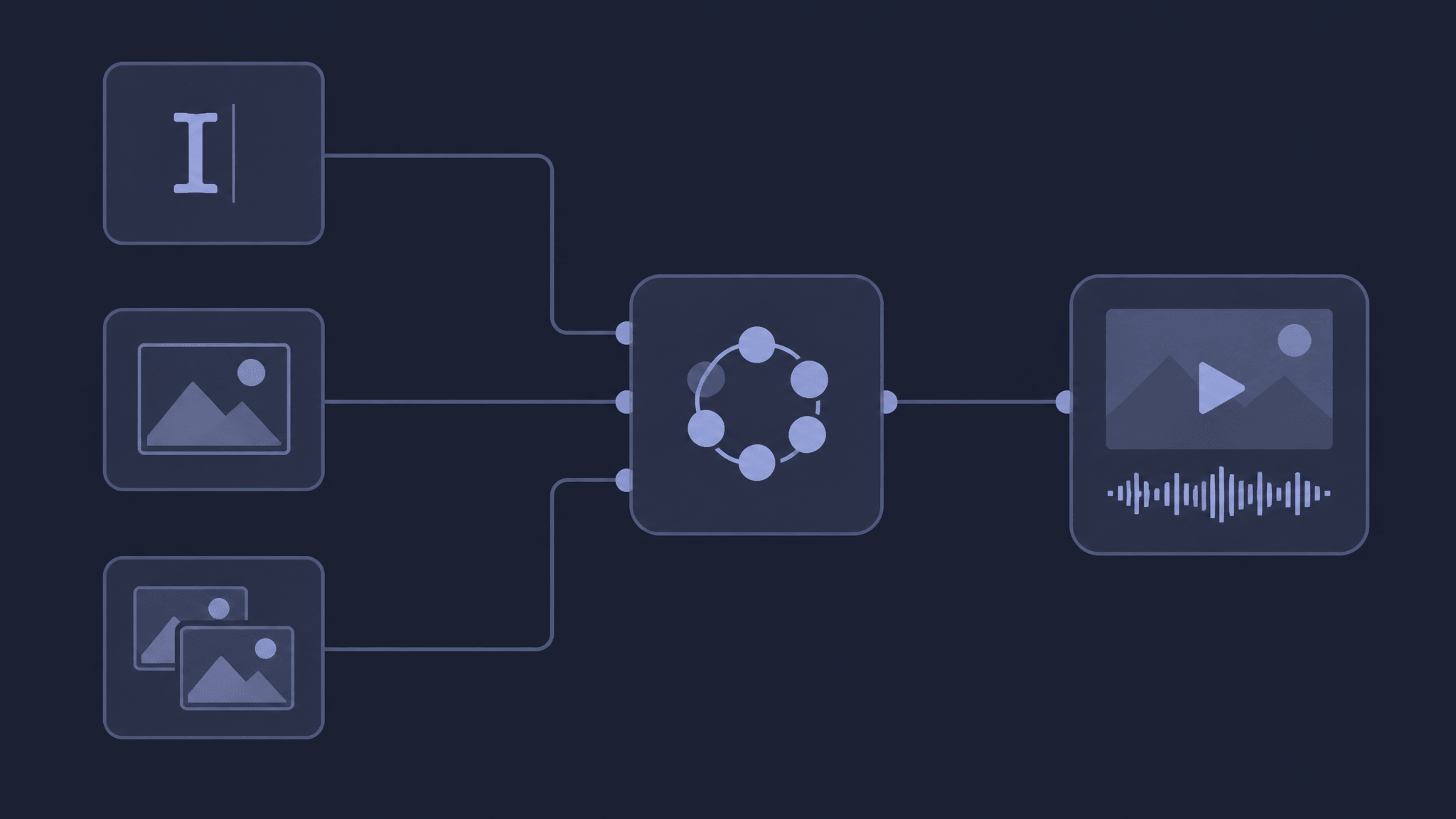
Conceptual diagram of the three native ComfyUI workflows; not a screenshot of a specific node graph.
For creators who already prototype in ComfyUI, this removes most of the setup risk: update ComfyUI, accept the gated Hugging Face license, and run the template. For creators who do not use ComfyUI, the practical takeaway is different: the same open weights are available through the LTX API and via hosted providers, so you can test the model without learning node graphs. The workflow implications are worth planning around even before you generate: native multishot means one generation can produce multiple connected shots holding character, environment, lighting, and voice across cuts, and a custom Gemma 4 text encoder is designed to follow complex multi-subject prompts.
A creator's evaluation checklist before spending credits
Whether you test via ComfyUI, the LTX API, or a hosted provider, the same checklist applies:
- Verify today's price, not the launch price. Per-second rates change; the LTX pricing page is the authority, and provider pages like fal.ai mirror current billing.
- Test at your real resolution and duration. A $0.90 10-second 720p clip is the benchmark, but your deliverable may be 1080p, 20 seconds, or 4K — each tier prices differently.
- Separate speed from latency. The 6.8-second figure is a self-hosted steady-state claim on specific hardware. Through the managed API, the same job took 23.7 seconds. Your experience will depend on queue, resolution, and provider.
- Check the audio path. LTX-2.5 generates synchronized audio in the same pass, which is a feature some models charge separately for — verify what your tier includes.
- Read the license for your actual use. The free tier covers organizations under $10M ARR, but derivative, disclosure, and field-of-use clauses apply to everyone.
- Treat quality claims as vendor-reported. LTX reports a 67% preference win rate in blind tests; those results are preliminary and not independently verified. Run your own side-by-sides on your content before switching workflows.
What remains unverified
LTX-2.5's launch materials claim a lot: faster-than-real-time generation, near-full-model quality from the distilled version, and leading visual fidelity. Some of it is checkable (pricing, availability, hardware requirements, native workflows). Some of it is not: independent arena leaderboards had not yet scored LTX-2.5 as of this writing, the preference results are LTX's own, and real-world latency varies by provider and queue. Regional availability, exact API limits, and commercial-use details for your account are things you confirm on the current pages — not things an article can settle for you.
One more boundary worth stating clearly: AI Fruit does not currently offer LTX-2.5. The model is a relevant benchmark for anyone evaluating fast, affordable AI video, but it is not available in AI Fruit's model lineup, and nothing in this article should be read as an integration claim. What this launch does illustrate is that speed and cost per second are becoming decisive selection criteria for short-form video — the same criteria AI Fruit shows you before you generate, with model choices, settings, and credit estimates on the screen.
Ready to test fast, affordable AI video on your own footage?
If LTX-2.5's economics make you want to benchmark your own content against current options, you can start with the AI video models already available on AI Fruit — compare settings and credit estimates before you spend anything.