How to Use Seedance AI to Create TikTok Videos
Step-by-step Seedance tutorial: create AI videos for TikTok in under 2 minutes. Covers Seedance 2.0 setup, prompts, and export tips.
 AI Fruit Team
Last updated: April 2026
You’ve seen Seedance AI clips blowing up on TikTok — hyper-realistic motion, synchronized audio, and cinematic quality that looks nothing like typical AI-generated video. Now you want to make your own. This guide walks you through the entire process of using Seedance 2.0 to create TikTok-ready videos, from signing up on Dreamina to exporting your first clip in 9:16 vertical format.
By the end, you’ll know how to generate, edit, and optimize Seedance AI videos specifically for TikTok performance.
Table of Contents
- Why Use Seedance AI for TikTok Videos?
- Step-by-Step: Create a TikTok Video with Seedance AI
- Pro Tips for Better Seedance AI Videos
- FAQ
Why Use Seedance AI for TikTok Videos?
Seedance AI is ByteDance’s video generation model that produces 2K-resolution clips with native audio in under 2 minutes — making it one of the fastest and highest-quality options for TikTok creators. Unlike most AI video tools, Seedance generates audio and video together, so your clips come out ready to post without separate sound design.
Three things set Seedance apart for TikTok content:
-
Native 9:16 support — Seedance 2.0 outputs vertical video natively. No cropping or letterboxing. It supports 16:9, 9:16, 4:3, 3:4, 21:9, and 1:1 aspect ratios, but the 9:16 mode is built for short-form vertical platforms like TikTok.
-
Audio-video sync — Seedance 2.0 generates synchronized audio alongside the video. If your prompt describes a character speaking, laughing, or a sound effect, the audio matches the visuals without post-production. This is a feature most competitors (Kling, Runway, Hailuo) still lack.
-
Multi-input flexibility — You can feed Seedance up to 9 images, 3 video clips, and 3 audio files as reference inputs, plus text. This means you can guide the style, maintain character consistency, or set a specific mood with actual references instead of relying on text alone.
In benchmark testing, Seedance 2.0 scored an Elo rating of 1,269 on Artificial Analysis (as of early 2026), placing it ahead of Veo 3, Sora 2, and Runway Gen-4.5. For TikTok creators, this means less time regenerating clips and more time posting content.
Step-by-Step: Create a TikTok Video with Seedance AI
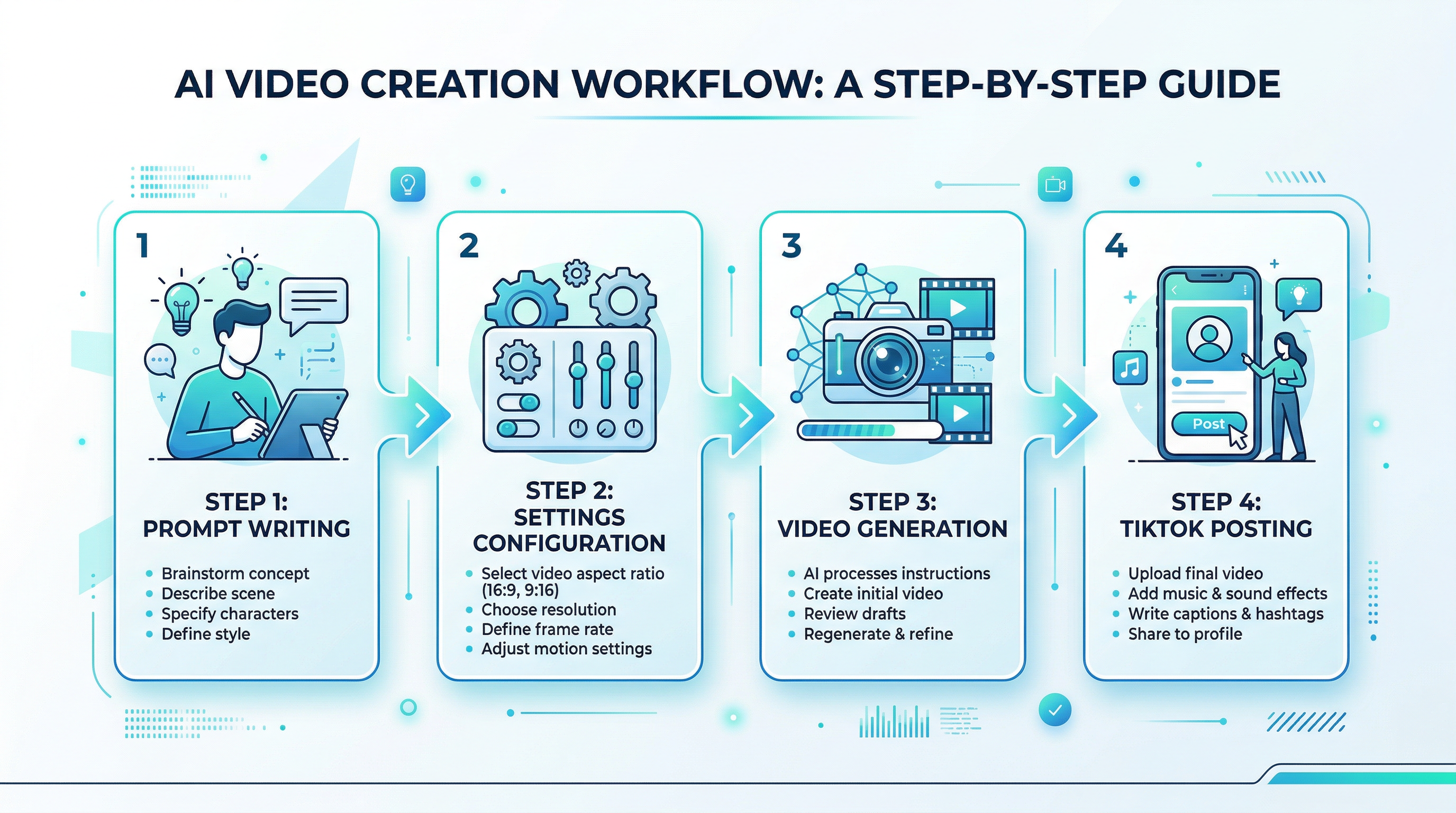
Creating a TikTok video with Seedance takes five steps: sign up, choose your input mode, write a prompt, configure settings, and generate. The whole process takes under 5 minutes for your first video.
Step 1: Sign Up for Dreamina
Seedance AI is available through Dreamina, ByteDance’s creative platform at dreamina.capcut.com. Registration is free and takes about 30 seconds.
- Go to dreamina.capcut.com
- Click "Sign Up" — you can use email, Google, or TikTok login
- Verify your account
New accounts receive 225 free tokens per day, enough to generate 1-2 short videos daily. No credit card required for the free tier.
Alternative access: If you use CapCut for editing, Seedance 2.0 is integrated directly into the CapCut desktop app (requires CapCut Pro subscription). This is useful if you want to generate and edit in the same workflow.
Step 2: Select Seedance 2.0 and Your Input Mode
Once logged in, navigate to the "AI Video" section from the main dashboard. Select Seedance 2.0 as your model — this is the latest version with audio-video sync and multi-input support.
Seedance 2.0 offers two generation modes:
| Mode | Best For | How It Works |
|---|---|---|
| Single-frame | Simple animations, one subject in motion | Provide a start frame (and optionally an end frame) to guide the video direction |
| Multiframes | Complex scenes, multiple inputs, storytelling | Combine up to 9 images + 3 videos + 3 audio files + text using @AssetName references |
For your first TikTok video, start with Single-frame mode. Upload a reference image or let Seedance generate from text only. You can move to Multiframes once you’re comfortable with the basics.
Step 3: Write Your Video Prompt
The prompt is where your creative vision turns into video. Seedance responds best to specific, structured prompts.
Prompt formula for TikTok-style Seedance videos:
[Subject] + [Action/Motion] + [Visual Style] + [Camera Movement] + [Audio Description]
Example prompts:
- "A baby strawberry character bouncing to hip-hop music on a kitchen counter, 3D Pixar animation style, medium shot slowly zooming in, upbeat background music"
- "Close-up of a watermelon slice with juice dripping in slow motion, cinematic food photography style, ambient ASMR sound of dripping water"
- "Two orange characters arguing dramatically at a dinner table, soap opera lighting, alternating over-the-shoulder shots, dramatic orchestral music"
Key prompt tips from our testing:
- Include audio cues — Seedance 2.0’s native audio generation is its biggest advantage. Describe the sounds you want.
- Specify camera movement — "Slowly zoom in," "tracking shot following subject," "static wide shot" all produce different results.
- Name a specific art style — "Pixar 3D animation" or "cinematic 4K footage" gives far better results than "realistic" or "cartoon."
- Keep it under 75 words — Longer prompts don’t improve quality. Focus on the essentials.
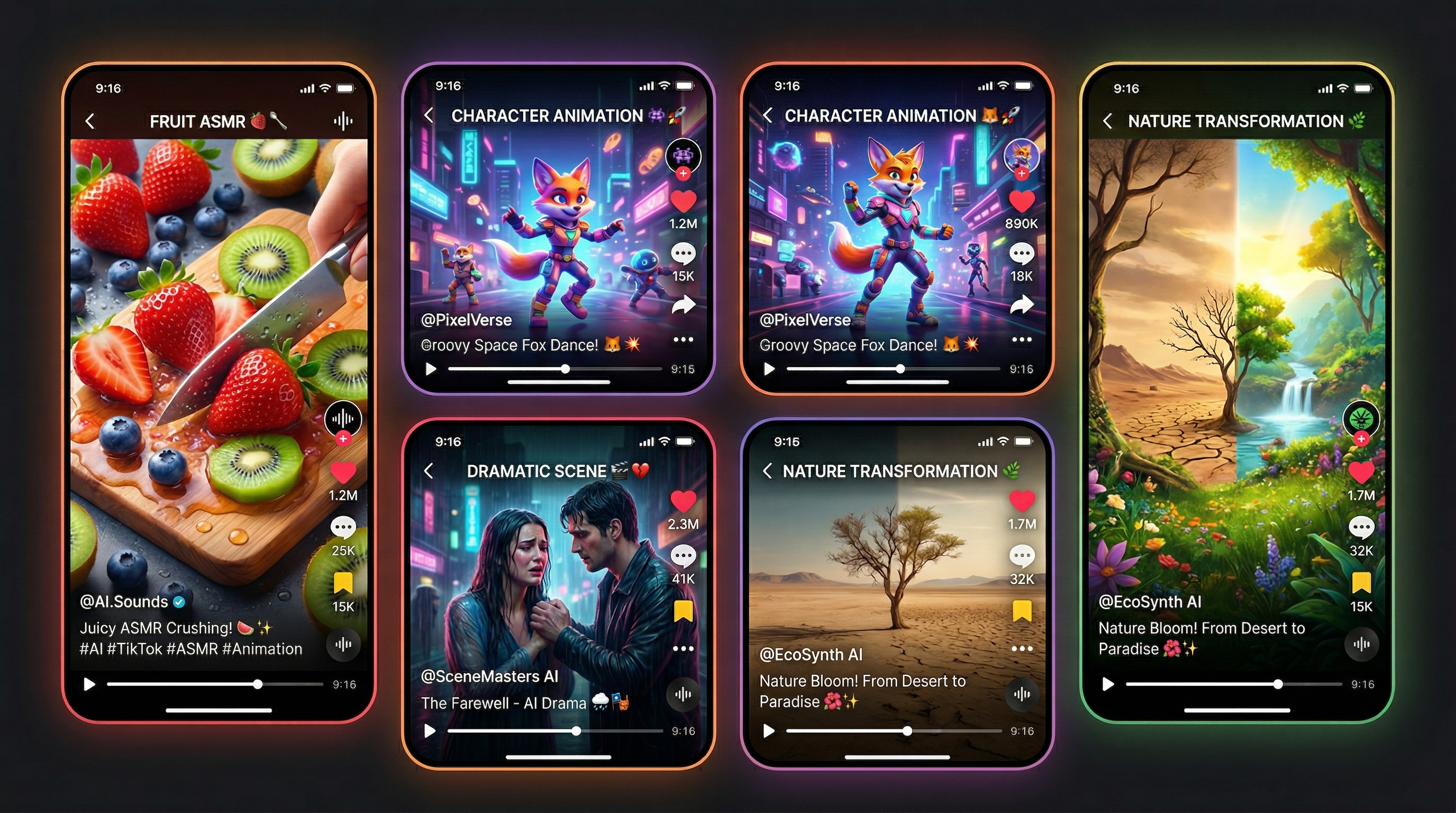
If you’re making fruit-themed TikTok content specifically, tools like AI Fruit offer 50+ pre-built templates for formats like Baby Fruit, Fruit ASMR, and Fruit Drama — which can save you the prompt-writing step entirely. You can then use Seedance for more custom, cinematic pieces that complement your template-generated content.
Step 4: Configure Video Settings
Before hitting generate, dial in three settings that affect your TikTok output:
Aspect Ratio: Select 9:16 for TikTok vertical video. This is critical — generating in 16:9 and cropping later wastes resolution and cuts off key visual elements.
Duration: Seedance 2.0 supports 4-15 seconds per generation. For TikTok:
- 4-6 seconds — Best for looping content (satisfying animations, ASMR clips)
- 8-10 seconds — Sweet spot for most TikTok content (enough for a hook + payoff)
- 12-15 seconds — Good for mini-stories or dramatic reveals
Resolution: Default 2K (2048x1080 equivalent for the selected aspect ratio) at 24fps. Leave this at default unless you have a specific reason to change it.
Step 5: Generate, Review, and Export
Click "Generate" and wait. Seedance 2.0 typically delivers results in 60-90 seconds.
Review your output against this checklist:
- [ ] Subject stays consistent throughout (no morphing artifacts)
- [ ] Motion looks fluid, not jerky or stuttering
- [ ] Audio matches the visual action
- [ ] Colors are vibrant (dark TikTok UI makes bright content stand out)
- [ ] No blank frames at the start or end
If the result needs improvement, adjust rather than rewrite:
- Inconsistent subject → Add more specific physical descriptions to your prompt
- Audio mismatch → Be more explicit about sound timing ("music starts immediately," "sound of impact at the moment of contact")
- Too static → Add camera movement instructions
- Wrong mood → Specify lighting and color palette
Exporting for TikTok:
- Download the generated video from Dreamina (MP4 format, already in your selected aspect ratio)
- Open in CapCut or your preferred editor
- Add text overlay for the first 2 seconds (your hook — "Wait for it..." or "POV: ...")
- Add trending TikTok audio if you want to layer a popular sound on top (optional — Seedance already includes audio)
- Export at 1080x1920 resolution, 30fps (CapCut default TikTok preset works)
Posting tip: Upload directly from your phone for best quality. TikTok compresses desktop uploads more aggressively than mobile uploads.
Pro Tips for Better Seedance AI Videos
These tips come from generating 100+ Seedance videos and testing their TikTok performance:
-
Use reference images for character consistency — If you’re building a series (same character across episodes), upload the character’s image as a reference in every generation. Seedance’s multi-input mode maintains visual consistency much better with image anchors than with text alone.
-
Generate 3-4 variations per concept — Same prompt, different outputs. Seedance introduces randomness in each generation, and roughly 1 in 3 clips will be noticeably better than the others. Pick the best, discard the rest.
-
Layer your audio strategically — Seedance generates native audio, but you can still add a trending TikTok sound on top. Set the Seedance audio to 30-50% volume and the trending sound to 70-100%. This gives you the organic audio feel plus the algorithm boost from trending sounds.
-
Chain multiple clips for longer content — Generate 3-4 short clips (4-6 seconds each) with consistent prompts, then stitch them in CapCut. This creates 15-20 second videos with more dynamic pacing than a single long generation.
-
Generate during off-peak hours — Seedance generation speed varies with server load. Generating between 2-6 AM (your local time) typically cuts wait times by 30-40% compared to peak hours.
FAQ
Is Seedance AI free to use?
Yes, Seedance AI offers a free tier through Dreamina. New users get 225 tokens per day at no cost, which is enough to generate 1-2 short videos daily. Paid plans start at approximately $18/month for the Standard tier on Dreamina, which provides more tokens and priority generation. API access through platforms like fal.ai is priced at roughly $0.12 per second of generated video.
How long can Seedance AI videos be?
Seedance 2.0 generates videos between 4 and 15 seconds per clip. For TikTok content, you can stitch multiple clips together in an editor like CapCut to create longer videos. Most successful AI TikTok content falls in the 15-30 second range, which means combining 2-4 Seedance clips gives you the ideal length.
Can I use Seedance AI on my phone?
Seedance AI is accessible through the Dreamina web platform (dreamina.capcut.com) on mobile browsers, though the desktop experience is more stable. For mobile-first workflows, Seedance 2.0 is also integrated into the CapCut mobile app for CapCut Pro subscribers. This lets you generate and edit TikTok videos entirely from your phone.
What makes Seedance different from Kling or Runway?
Seedance 2.0’s main advantage is native audio-video joint generation — it creates synchronized sound alongside the visuals in a single pass. Kling 3.0 excels at realistic human motion but doesn’t generate audio. Runway Gen-4.5 offers professional editing tools like Motion Brush but has shorter max duration (10 seconds vs. 15). Seedance also supports the most input types: up to 9 images, 3 videos, and 3 audio files per generation.
Does TikTok penalize AI-generated videos made with Seedance?
TikTok requires AI-generated content to be labeled, but labeled AI videos receive the same algorithmic treatment as non-AI content. Seedance-generated videos include an invisible watermark for content provenance, which satisfies TikTok’s transparency requirements. Many top-performing TikTok accounts post exclusively AI-generated content and consistently reach hundreds of thousands of views per video.
Conclusion
Using Seedance AI for TikTok videos comes down to five steps: sign up on Dreamina, pick your input mode, write a specific prompt with audio cues, set 9:16 aspect ratio, and generate. The native audio-video sync is what makes Seedance particularly effective for TikTok — your clips come out ready to post, not half-finished.
Start with single-frame mode, one simple concept, and the free tier’s 225 daily tokens. Test three variations of each concept and post the best one. As you learn what your audience responds to, move into multi-input mode for more controlled, cinematic results.
Ready to create your first AI TikTok video? Try AI Fruit free → — 50+ templates for trending fruit video formats, powered by models including Seedance. No editing skills needed.