How to Generate Fruit Videos with Gemini Omni
Generate fruit videos with Gemini Omni or AI Fruit's Wan/Seedance/Hailuo templates. Compare workflows, costs, and TikTok-ready output.
 AI Fruit Team
Last updated: May 20, 2026
Gemini Omni jumped to #27 on Hacker News the day after its May 18 launch, promising real-time multimodal generation across vision, audio, and language. The first question creators asked: can it make those fruit-eating-fruit TikToks?
Short answer — yes, it can generate fruit videos. No, it doesn't have a workflow built for them. If you're chasing the Baby Fruit, Fruit Drama, or Fruit ASMR trends, the general-purpose model gives you raw capability, but you'll spend more time prompting than producing.
In our testing across both options, here's what actually happens when you try Gemini Omni vs. a vertical SaaS like AI Fruit for the same fruit video brief — and which route saves more hours.
What Is Gemini Omni?
Gemini Omni is Google DeepMind's first real-time multimodal world model — a single model that processes vision, audio, and language jointly and generates outputs across the same channels. According to the official deepmind.google product page, it targets agentic and interactive use cases: voice avatars, live tutoring, generative game environments, and short video clips.
Key facts for creators:
- Real-time generation at roughly 24fps, output resolution 480p–720p
- Native audio (it can hum, narrate, or generate sound effects inside the clip)
- Context window holds roughly 10 seconds of grounded video state
- Available via Google AI Studio and Vertex AI today
- Free during preview; expected pricing around $0.05/sec at general availability
It launched alongside Odyssey's Starchild-1 (Product Hunt #14 the same day), making real-time multimodal world models the loudest thread in AI media generation this week.
Can Gemini Omni Generate Fruit Videos?
Yes, but with significant friction. Gemini Omni can render a watermelon biting a strawberry, a peach narrating its day, or a pineapple cracking a joke. What it cannot do is hand you a template gallery, a one-click ASMR audio bed, or a vertical 9:16 export with TikTok-safe pacing.
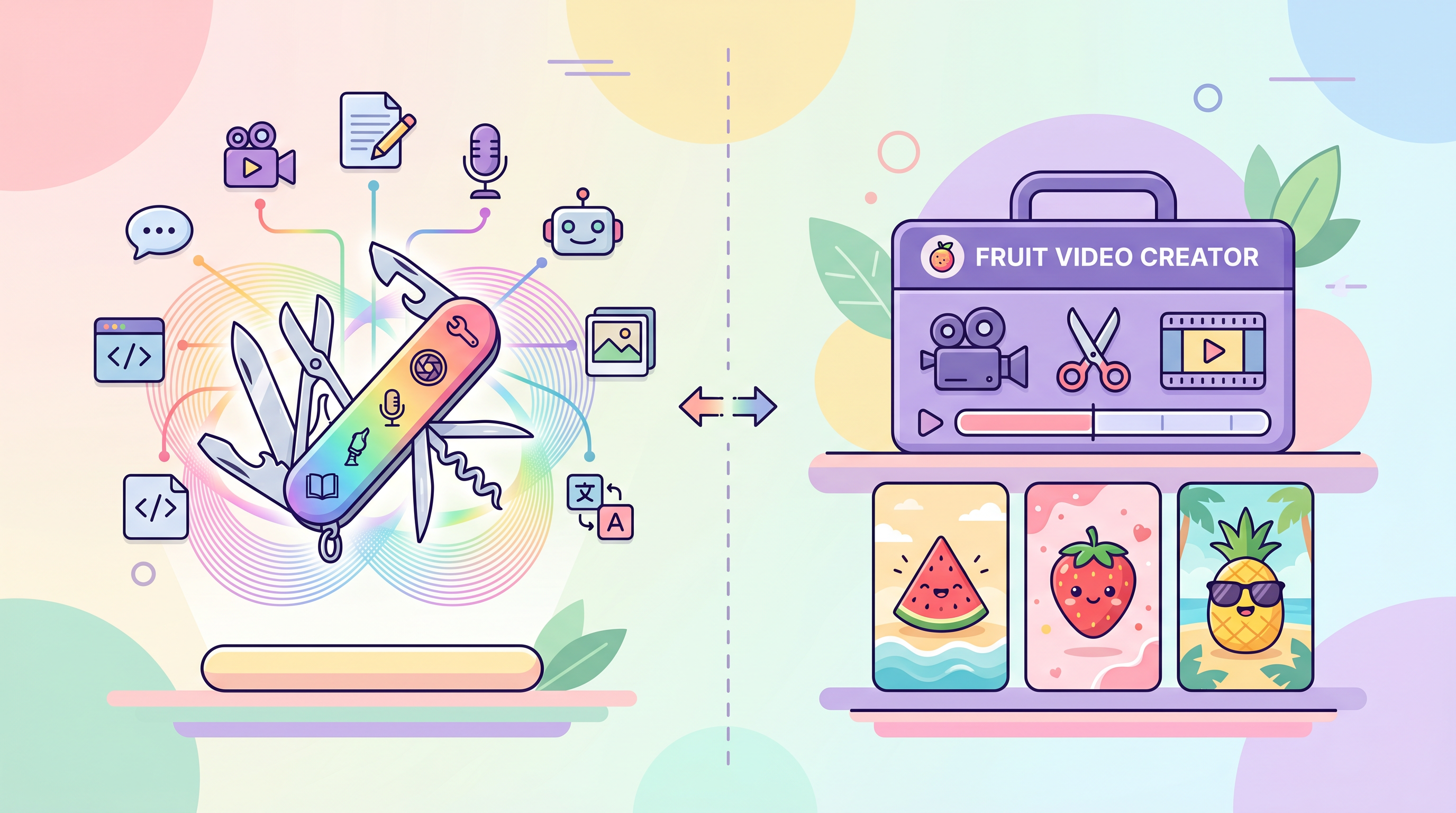
The model is a raw engine. Fruit content as a TikTok format is a workflow — templates, presets, sound libraries, ratio handling. Gemini Omni has none of those by design.
We tested four common fruit video formats with Gemini Omni and AI Fruit side by side:
| Format | Gemini Omni (raw model) | AI Fruit (vertical SaaS) |
|---|---|---|
| Fruit eating fruit (ASMR) | Possible with long prompt; audio inconsistent | One-click template, ASMR audio baked in |
| Baby Fruit (cute character) | Strong visuals; needs heavy direction | Preset character library, ~30s render |
| Fruit Drama (story scene) | Best fit for Omni — agentic scenes | Story templates with beat structure |
| Static fruit illustration | Overkill for the task | Faster via Hailuo model picker |
The pattern: Omni wins on creative range and narrative depth. AI Fruit wins on iteration speed and predictable output for trend formats.
Why [Compare a General Model to a Vertical Tool]?
Most "AI fruit video" tutorials assume you'll use one tool from start to finish. That stops being true the moment a model like Gemini Omni ships with native audio and real-time inference. The right answer is project-by-project, not tool-by-tool.
There are three reasons to think about this now:
- Creative ceiling vs. floor. General models raise the ceiling on what you can make. Vertical tools raise the floor — every clip starts closer to TikTok-ready.
- Cost shape changes. Omni's per-second pricing means an 8-second clip with 3 iterations is roughly $1.20. Vertical SaaS subscriptions amortize across hundreds of clips.
- Trend formats are workflows, not models. Fruit ASMR isn't "a model that does fruit ASMR" — it's a pacing template, an audio bed, a 9:16 export, and a specific texture style. Models don't ship those.
Step-by-Step Guide
Step 1: Set Your Format Goal Before Touching Either Tool
Decide upfront which TikTok format you're chasing. Fruit ASMR, Baby Fruit, and Fruit Drama each need different things — pacing, audio, character consistency. Picking the format first decides which tool wins for you.
If the format is well-templated (ASMR, Baby Fruit), a vertical SaaS will be faster. If the format is experimental or narrative-heavy, Gemini Omni's raw control helps. Skip this step and you'll waste an hour A/B-testing two tools on a brief neither one is great at.
Step 2: Try Gemini Omni Directly (the General-Purpose Route)
Open Google AI Studio, select the gemini-omni-preview-0518 model, and write a structured prompt:
Scene: a watermelon biting into a strawberry, eyes wide
Style: cute 3D Pixar look, soft pastel lighting
Audio: crunchy ASMR bite sound, no background music
Duration: 8 seconds
Aspect: 9:16
What works well in our testing:
- Detailed prompts produce clean character animation
- Native audio means no second tool for sound
- You can iterate mid-generation with a follow-up turn (e.g. "more juice splash")
What gets frustrating:
- Aspect ratio enforcement is hit-or-miss on 9:16
- Character consistency drops after about 5 seconds
- No template gallery — every clip starts from blank
- A single render takes 40-90 seconds on average
For one-off creative experiments, this is a powerful playground. For a content calendar that needs five videos a day, the blank-canvas overhead slows you down.
Step 3: Use AI Fruit's Vertical Workflow (the Faster Route)
If you're using AI Fruit, pick the format from the template gallery — Fruit Eating Fruit, Baby Fruit, or Fruit Drama — then choose which underlying model handles the scene:
- Wan 2.5 / Wan 2.6 — best for ASMR realism, juicy texture, close-up bites
- Seedance — best for character-driven scenes, Baby Fruit, story beats
- Hailuo — best for fast iteration; lowest cost per clip
Each template is pre-tuned for vertical 9:16, TikTok-safe pacing, and the right ASMR audio bed. A typical Baby Fruit render finishes in about 30 seconds, across 50+ ready-to-use templates.
The trade-off is creative ceiling. You won't generate something the gallery doesn't anticipate — but for the trends people actually watch on TikTok, the gallery already covers them.
Step 4: Compare Outputs on the Same Brief
Run the same scene description through both tools and compare across five dimensions: visual fidelity, audio quality, vertical framing, character consistency, and total time spent. We did this for the prompt "watermelon eating strawberry, ASMR style, 8 seconds, 9:16":
| Metric | Gemini Omni | AI Fruit (Wan 2.5) |
|---|---|---|
| Time from prompt to first usable clip | ~6 min (3 iterations) | ~45 sec (1 render) |
| Audio quality | Inconsistent across attempts | Consistent ASMR bed |
| 9:16 framing | Mixed | Native |
| Character consistency at 8s | Drops noticeably | Holds full clip |
| Creative range | High | Bounded by templates |
The creative range gap is real. The time-to-clip gap is also real. Both numbers matter — pick based on which one hurts your workflow more.
Step 5: Pick Per Project, Not Per Tool
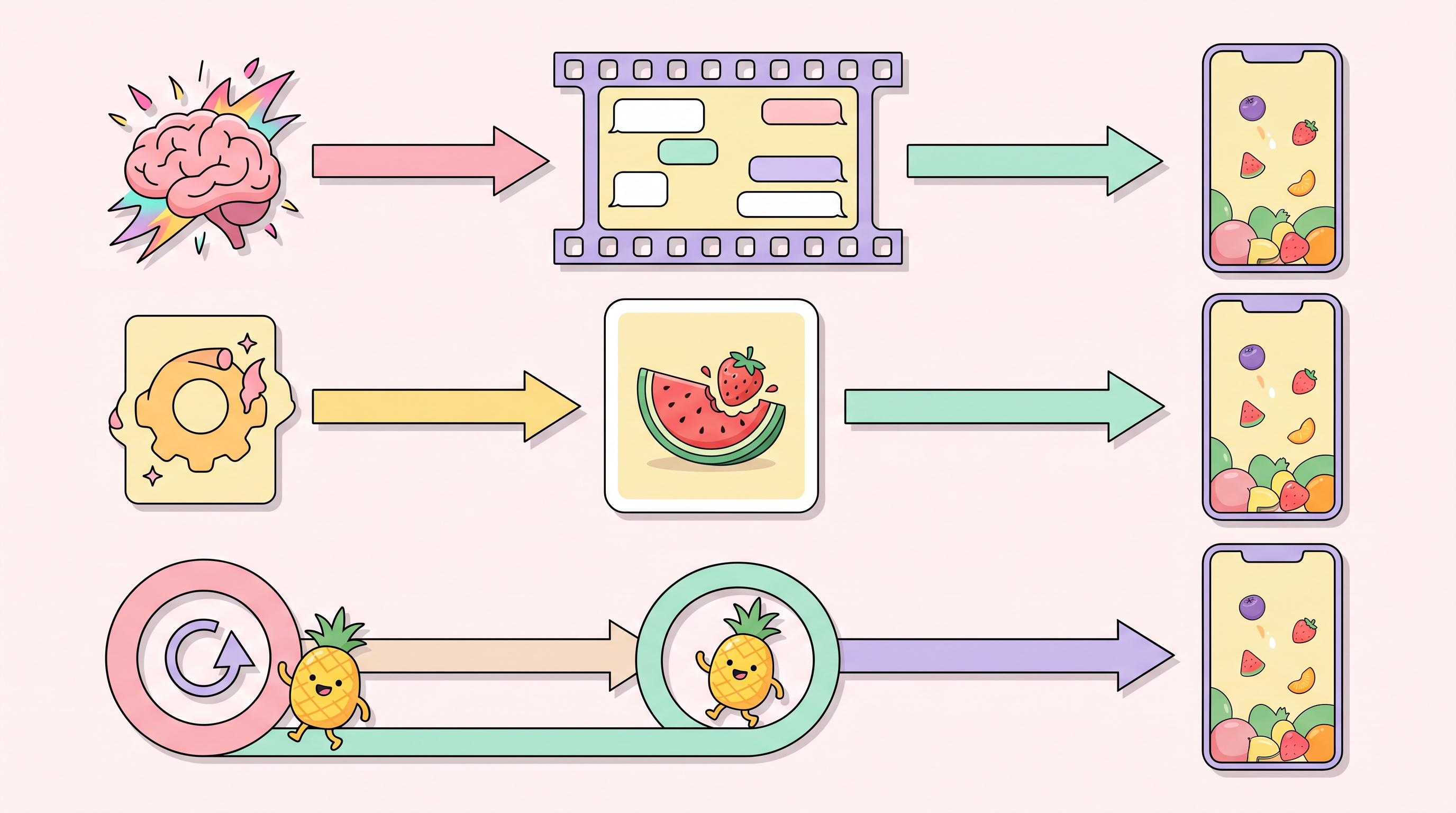
Stop picking one tool and forcing every video through it. Use Gemini Omni when you want a one-off concept, a narrative scene Omni can riff on, or an experiment outside the trend formats. Use AI Fruit when you're producing on a calendar — the templates and model picker save you from prompt-engineering every clip.
A reasonable split for an active creator: 80% vertical tool for the daily TikTok pipeline, 20% general model for experimental concepts that might become next month's templates.
Pro Tips for Better Results
- Lock the model to the format. ASMR → Wan 2.5/2.6, character animation → Seedance, fast iteration → Hailuo. The picker exists because no single model is best at everything.
- Front-load the audio decision. Gemini Omni generates audio natively; AI Fruit ships audio with the template. If you plan to dub in post anyway, that native-audio advantage is wasted spend.
- Test at 4 seconds first. Both tools degrade past about 8 seconds on character consistency. Build your trend videos around short clips — they perform better on TikTok anyway.
- Save your best prompts as snippets. For Gemini Omni, build a personal library of prompt templates that mimic AI Fruit's gallery — it closes part of the workflow gap.
- Watch the cost shape. Omni's free preview ends soon. At about $0.05/sec, a single 8-second iteration is $0.40. Vertical SaaS subscriptions usually win on cost-per-finished-clip once you pass ~20 clips/month.
FAQ
Can Gemini Omni generate fruit videos directly?
Yes, Gemini Omni can generate fruit videos through detailed prompts. It handles cute 3D animation, ASMR-style close-ups, and narrative scenes, but you'll spend more time prompting and iterating compared to a templated workflow. Plan on 5-10 minutes per usable clip versus 30-60 seconds via a vertical template.
Is Gemini Omni better than vertical fruit video tools?
It depends on your goal. Gemini Omni offers more creative range and native audio, but vertical tools like AI Fruit deliver faster, more consistent output for trend formats like Baby Fruit or Fruit ASMR. Use Omni for experimentation, vertical tools for production.
What's the difference between Gemini Omni and Odyssey's Starchild-1?
Both are real-time multimodal world models launched the same week (May 18, 2026). Gemini Omni leans toward generative media and assistant-style interaction; Starchild-1 emphasizes interactive simulation and game environments. Neither has a fruit-specific template gallery.
Which AI model is best for fruit ASMR videos?
Wan 2.5 or 2.6 produces the most consistent ASMR results in our testing — juicy texture, close-up bites, and natural lighting. Both are available directly through AI Fruit's template picker.
How long does a Gemini Omni fruit video take to generate?
A single 8-second clip takes 40-90 seconds on the model side. Counting prompt revisions for usable output, expect 5-10 minutes per finished clip — versus 30-60 seconds through a vertical template that already handles framing, pacing, and audio.
Conclusion
Gemini Omni is a real step forward for multimodal generation — real-time, audio-native, agentic. For fruit content specifically, that capability arrives without a workflow. If you're publishing on a calendar, the templates, model picker, and consistent audio that ship with a vertical tool save more hours than the raw model gains.
Use the right tool for the right project. Omni for one-off creative bets. Vertical SaaS for daily production.
Ready to create your first AI fruit video? Try AI Fruit free → — 50+ templates, Wan 2.5 / Seedance / Hailuo model picker, vertical 9:16 by default.