
HeyGen Video 1: Tech, Inputs, and Pricing — A Short-Video Creator's Decision Guide
What HeyGen Video 1 is, its three input modes, documented specs, per-second pricing, and an adopt-trial-skip checklist for short-video creators.

HeyGen Video 1, released September 30, 2026, is HeyGen's first general-purpose AI video model: it generates a complete scene — subject, setting, light, and a synchronized audio track — in a single call, built on MiniMax's H3 model and post-trained by HeyGen. It accepts a text prompt, a first-frame image, or up to twelve image, video, and audio references, and it prices output per rendered second, starting at $0.01 during the launch discount. This guide consolidates the documented facts and turns them into an adopt-trial-or-skip decision for short-video creators.
Key takeaways
- HeyGen Video 1 (
heygen-video-1) is a scene generator, not an avatar product — no talking-head, script, or lip-sync step, unlike HeyGen's Avatar line. - One model, three input modes: text-to-video, image-to-video (your image becomes the first frame), and reference-to-video (up to 9 images, 3 videos, 3 audio files — twelve references your prompt can address by label).
- Clips run 5–15 seconds at 480p or 768p, in six aspect ratios from 21:9 to 9:16, delivered as MP4 (H.264) at 24 fps with a generated AAC stereo audio track.
- Listed pricing on OpenRouter: $0.01–$0.015 per rendered second for text/image-to-video with the launch 50% discount (standard: $0.02–$0.03), and $0.02–$0.03 per second for reference-to-video; image and audio reference inputs are free.
- Documented sweet spot: short, contained shots — one subject, one place, one action, a locked camera. Documented weak spots: long on-screen text, soft organic motion, and close hand work.
- A 10-second 768p text-to-video clip costs about $0.15 at current discounted rates ($0.30 at standard rates), so testing the model in a real workflow costs pocket change — the real decision is whether 768p and 15 seconds fit your pipeline.
What HeyGen Video 1 actually is
Video 1 is the first entry in a new HeyGen product line that sits apart from the digital humans the company is known for. HeyGen's own documentation describes it as a "general-purpose video model, built on MiniMax H3 and post-trained by HeyGen": you give it a prompt, and it generates the whole scene — subject, setting, light, and sound — in one call. Every clip carries its own audio track of dialogue, ambience, and sound effects, generated together with the picture from the same prompt. There is no separate speech pass, no lip-sync step, and no avatar to pick.
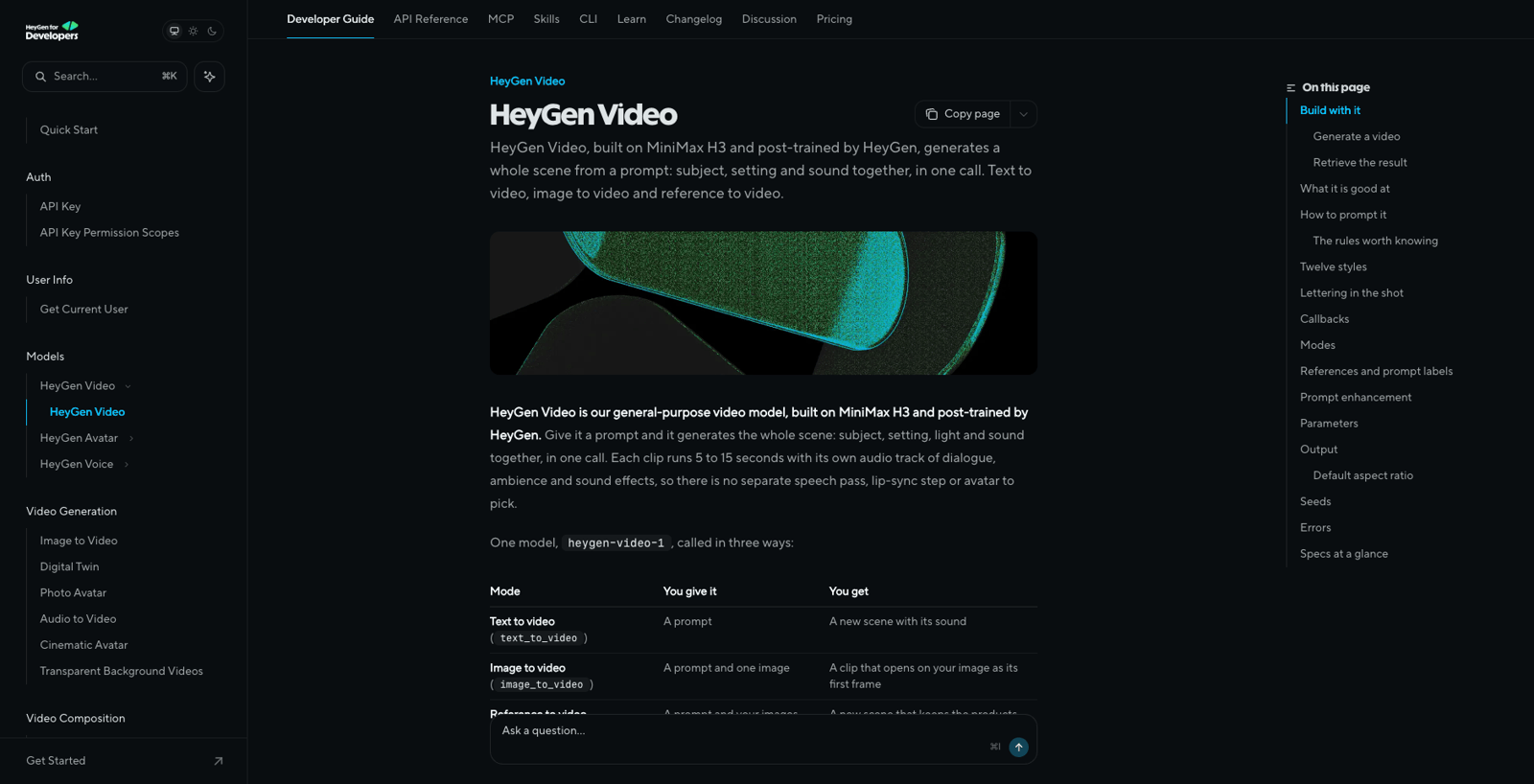
Source: HeyGen official Video 1 documentation (developers.heygen.com), accessed October 1, 2026.
That last point matters more than it sounds. HeyGen built its reputation on Avatar IV and Video Agent, which animate a look you already own from a script you already wrote. OpenRouter's model listing for Video 1 states the distinction plainly: "It is not an avatar product… there is no talking-head, script, or lip-sync step; the prompt and references drive the whole scene." If you tried HeyGen years ago and filed it under "corporate talking heads," Video 1 is a different tool competing in the same space as general video models like Sora, Veo, Kling, or Seedance.
The base model: what MiniMax H3 contributes
Under the hood, Video 1 starts from MiniMax H3, the open general-purpose video model MiniMax launched on July 31, 2026 and released as open weights days later. Per MiniMax's announcement, H3 handles unified context across text, images, video, and audio, generating video with native stereo sound; its stack includes components named Contextual Omni Representation, H3-VAE, H3-Omni Transformer, and In-Context Regeneration. MiniMax positions H3 around instruction following, accurate text and brand rendering, and video-to-video motion transfer.
One documented contrast is worth knowing before you choose between the two. H3 itself generates up to 15 seconds at 2K resolution. Video 1's API caps output at 768p (also 5–15 seconds). HeyGen hasn't published documentation explaining what its post-training changes about resolution or quality, so treat the base model's spec sheet and Video 1's spec sheet as separate facts; the practical takeaway is that Video 1 currently tops out at 768p.
Three input modes, one model ID
Video 1 exposes a single model ID with three generation modes, selected per request:
| Mode | You provide | You get |
|---|---|---|
Text-to-video (text_to_video) |
A prompt | A new scene with its generated sound |
Image-to-video (image_to_video) |
A prompt plus one image | A clip that opens on your image as its first frame |
Reference-to-video (reference_to_video) |
A prompt plus images, videos, or audio | A new scene that keeps the products, people, or places you supplied |
Two design details make the reference mode more usable than a generic "upload stuff" input. First, list order becomes an addressable label: your first image is <Picture 1>, your first video is <Video 1>, your first audio file is <Audio 1>, and you refer to those labels directly in the prompt — so you can write instructions like "the character in Picture 2 sings, with vocals matching Audio 3." Second, the model accepts up to nine images, three videos, and three audio recordings (twelve references total), with each reference supplied as an HTTPS URL (16 MB images, 32 MB video/audio), an uploaded asset ID, or inline base64 (5 MB images, 16 MB video/audio).

Image-to-video follows the proportions of your first frame and ignores the aspect-ratio parameter — useful when you're animating a design asset you already have. Prompts accept up to 5,000 Unicode characters, and HeyGen's guidance is blunt: "Long prompts beat short ones." A prompt_enhancement setting (turbo by default, quality for a more thorough pass, or disabled to have your text followed exactly as written) controls an automatic expansion pass applied before generation.
HeyGen Video 1 specs at a glance
| Spec | Documented value |
|---|---|
| Model ID | heygen-video-1 |
| Duration | 5–15 whole seconds per clip |
| Resolution | 480p or 768p (default 768p) |
| Aspect ratios | 21:9, 16:9, 4:3, 1:1, 3:4, 9:16 — plus adaptive for reference-to-video |
| Example pixel sizes | 9:16 → 768×1344 (768p) / 480×832 (480p); 16:9 → 1344×768 (768p) |
| Output format | MP4 (H.264), 24 fps, AAC 32 kHz stereo audio |
| Seed control | Optional seed (0–4,294,967,295) for repeatable takes; the job reports the seed it used |
| API shape | POST /v3/models/videos returns 202 + video_id; poll GET /v3/models/videos/{video_id}; Idempotency-Key supported; one-fire webhooks via callback_url |
| Access | HeyGen API (paid keys) or OpenRouter |
The seed parameter deserves a note for workflow planners: the same prompt plus the same seed returns an identical file when submitted in succession, so you can hold a take and change one clause of the prompt at a time — a structured way to iterate on a shot without rerolling everything. HeyGen notes this reproducibility holds "within a deployment" rather than as a permanent handle on a render.
What it costs, per clip
Video 1 prices output per rendered second, with reference inputs free. OpenRouter's listing — one of the two documented access paths — gives the current numbers:
| Output type | 480p | 768p |
|---|---|---|
| Text-to-video / image-to-video | $0.01/s with launch discount ($0.02/s standard) | $0.015/s with discount ($0.03/s standard) |
| Reference-to-video | $0.02/s listed | $0.03/s listed |
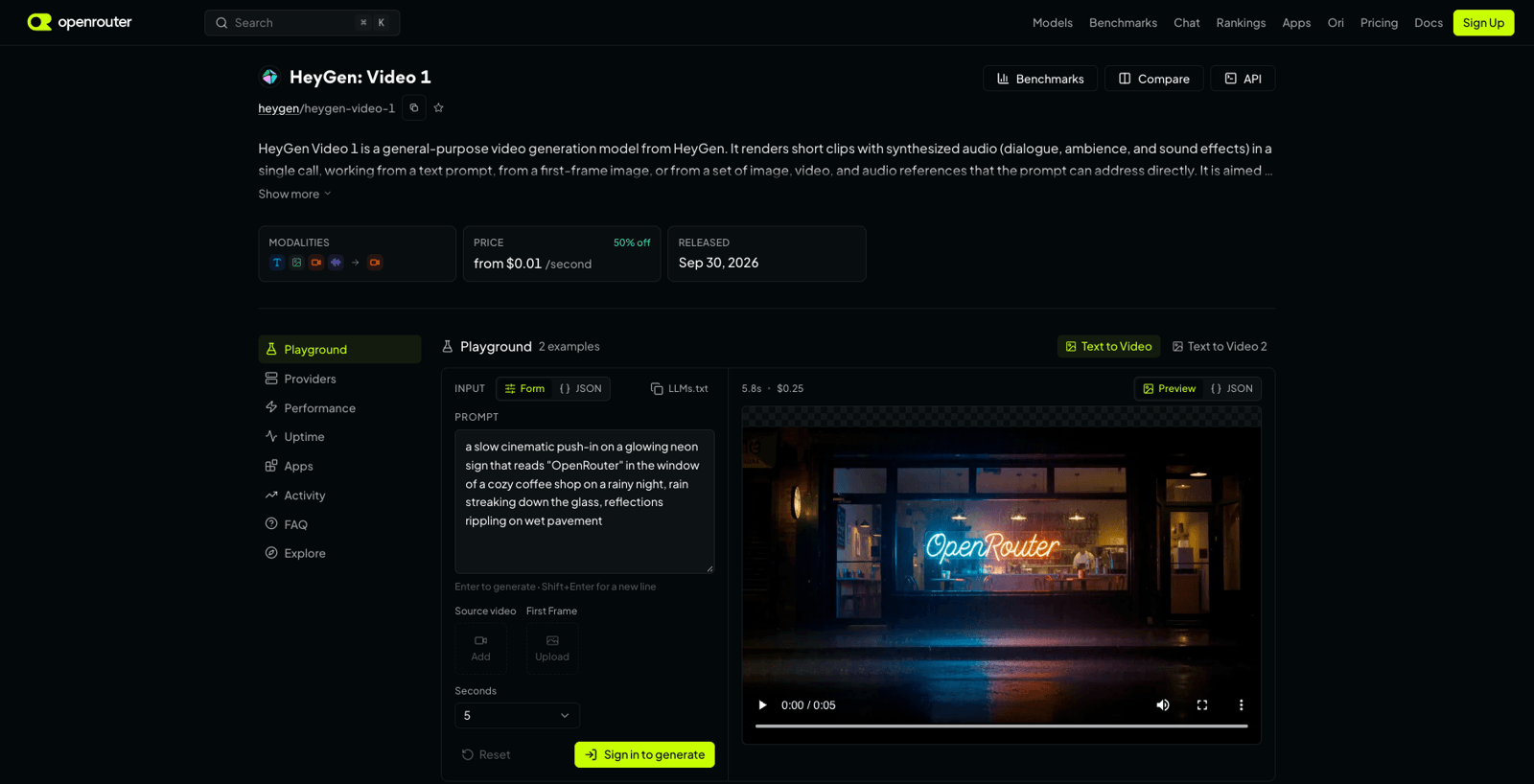
Source: OpenRouter Video 1 listing (openrouter.ai), accessed October 1, 2026; pricing shown reflects the launch discount then in effect.
The 50% launch discount runs through October per OpenRouter's announcement thread, so budget on the standard rates if your evaluation will outlast the month. The arithmetic is simple enough to plan around: a 10-second 768p text-to-video clip costs about $0.15 at current discounted rates — $0.30 at standard rates. A ten-clip batch of the same spec runs roughly $1.50 discounted, $3.00 standard. Reference-to-video costs about double the discounted text-to-video rate at the same resolution (a 10-second 768p reference clip lists at $0.30), which is the surcharge you pay for feeding the model your own product photos or footage.
Where it fits — and where it doesn't
HeyGen and OpenRouter position Video 1 for short-form business video with motion in the frame: brand moments, product and equipment demos, training and onboarding content. The official documentation gets more specific about the model's shape, and it's worth reading the limits as carefully as the strengths — these are HeyGen's documented characterizations, not independent test results.
Per the docs, Video 1 is at its best on short, contained shots: one subject, one place, one action, a locked or barely moving camera. The documented strengths are scene coherence (objects keep their size, shape, and position), literal instruction following, picture and sound generated together so they match the described space, and holding the identity of an object you supply through reference-to-video. It is least reliable on long on-screen text, soft organic motion such as petals, paper, and hair, and close hand work like assembling or operating equipment.
For short-form creators, that profile maps cleanly: product b-roll, branded scene setters, and demo-style clips with diegetic sound are the natural territory. Character-driven narratives that lean on subtle motion, legible in-video typography, or detailed hand business are the documented risk zones.
Adopt, trial, or skip: a decision checklist
Trial it now if most of these hold: your clips are 5–15 seconds and work at 768p or below; you want picture and sound generated together in one pass; you have product photos or brand assets that reference-to-video could carry into a scene; reproducible takes via seed fit your iteration process; and your workflow is comfortable with an async API (submit, poll, download) or an OpenRouter integration.
Skip it for now if you need 1080p or higher, clips longer than 15 seconds, reliable on-screen text, or fine hand/organic motion — the documented caps and weak spots rule these out today. If your format is a talking presenter, Video 1 is the wrong HeyGen product; that's what the Avatar line does. And if you generate inside a browser-based tool with templates and credit packs rather than calling APIs, the API-first access model is friction you'll feel daily.
Watch the two variables that will move the decision: pricing after the October discount window ends, and whether the 768p ceiling moves. Both are documented, dated facts you can re-check in minutes — the model launched on September 30, 2026 and this guide was written the following day, so its spec sheet is the thing most likely to change first.
If you'd rather test short-video ideas in a browser instead of wiring up an API, AI Fruit's online video generator takes prompts, images, templates, and selectable models — Sora 2, Veo 3.1, Kling 3.0, Seedance 2.0, and five more from six vendors at the time of writing — with model choices and credit costs shown before you generate. HeyGen Video 1 isn't in the catalog yet, but the per-second math above is the same way to sanity-check any model you try there.
Last updated: October 1, 2026. Specs and pricing verified against HeyGen's official Video 1 documentation and API reference, HeyGen's API changelog, OpenRouter's Video 1 listing, and MiniMax's H3 announcement. No hands-on testing or independent benchmarks are reported in this guide; vendor capability claims are attributed as such.