
AI Video Watermark: Turning Off the Visible Mark Doesn't Hide AI Origin
Google's new Media watermark setting in Gemini and Flow removes the visible mark from AI videos — but SynthID and C2PA metadata remain. What short-video creators exporting AI clips need to know.
AI Video Watermark: Turning Off the Visible Mark Doesn't Hide AI Origin
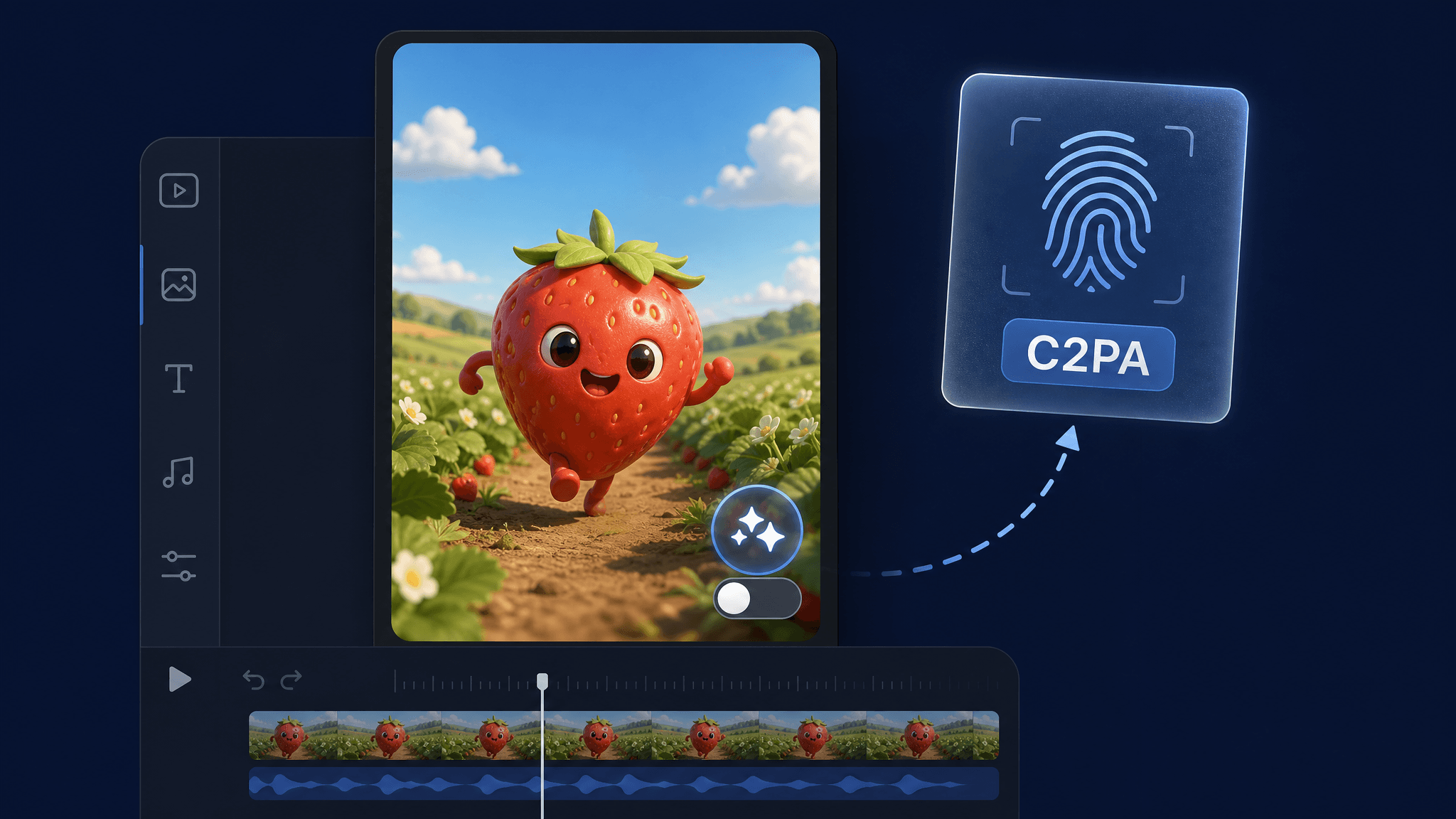
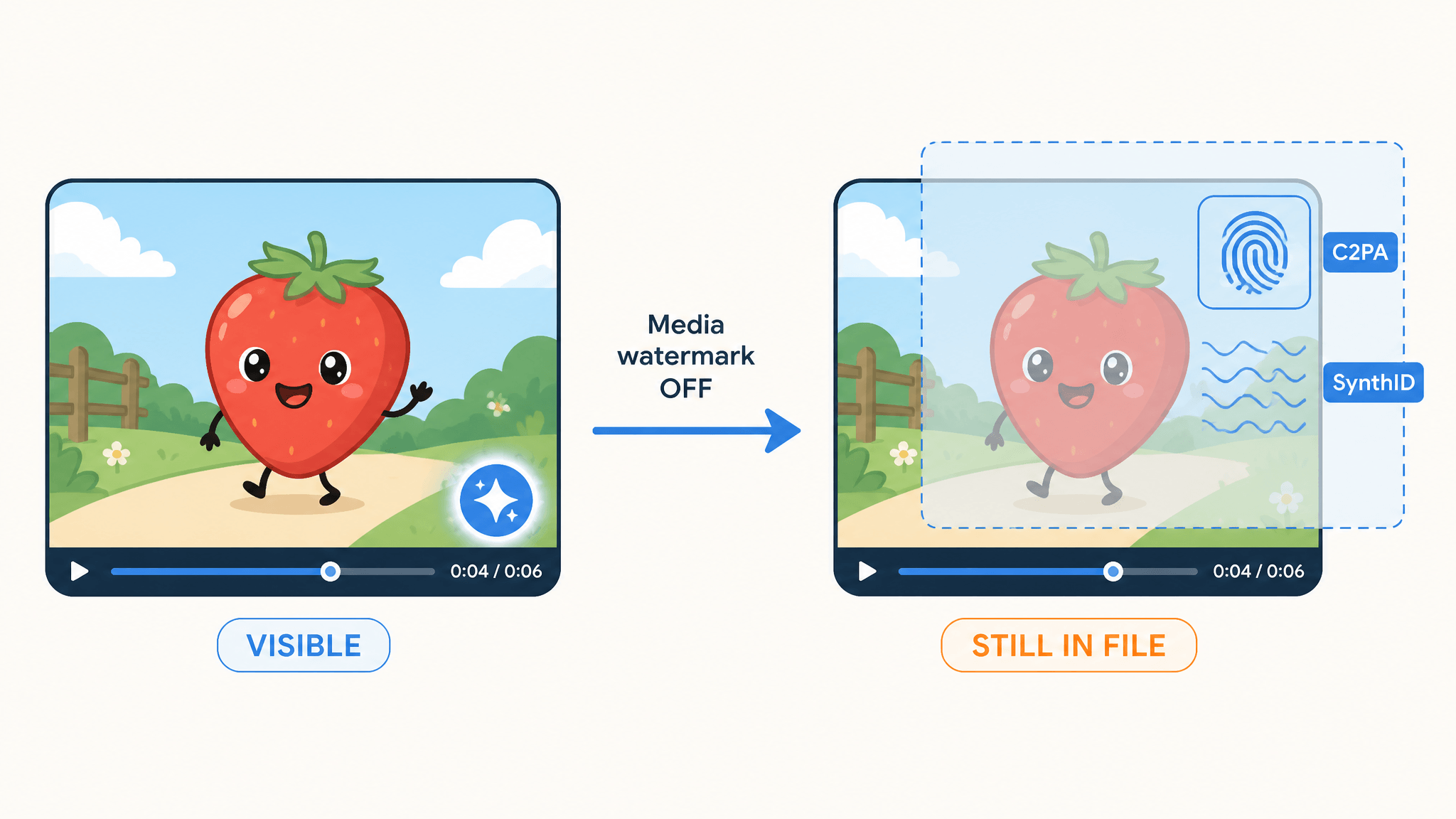
Google now lets you turn off the visible watermark on AI-generated images, videos, and music in Gemini and its AI video generator Flow. But that does not mean the video stops being detectable as AI. When you switch off the new "Media watermark" setting, the visible "sparkle" mark disappears from the frame — while an invisible SynthID watermark and C2PA Content Credentials metadata stay embedded in the file. For short-video creators who export AI clips to TikTok, Reels, or Shorts, the practical takeaway is simple: a clean frame is not the same as an anonymous one.
What Google actually changed
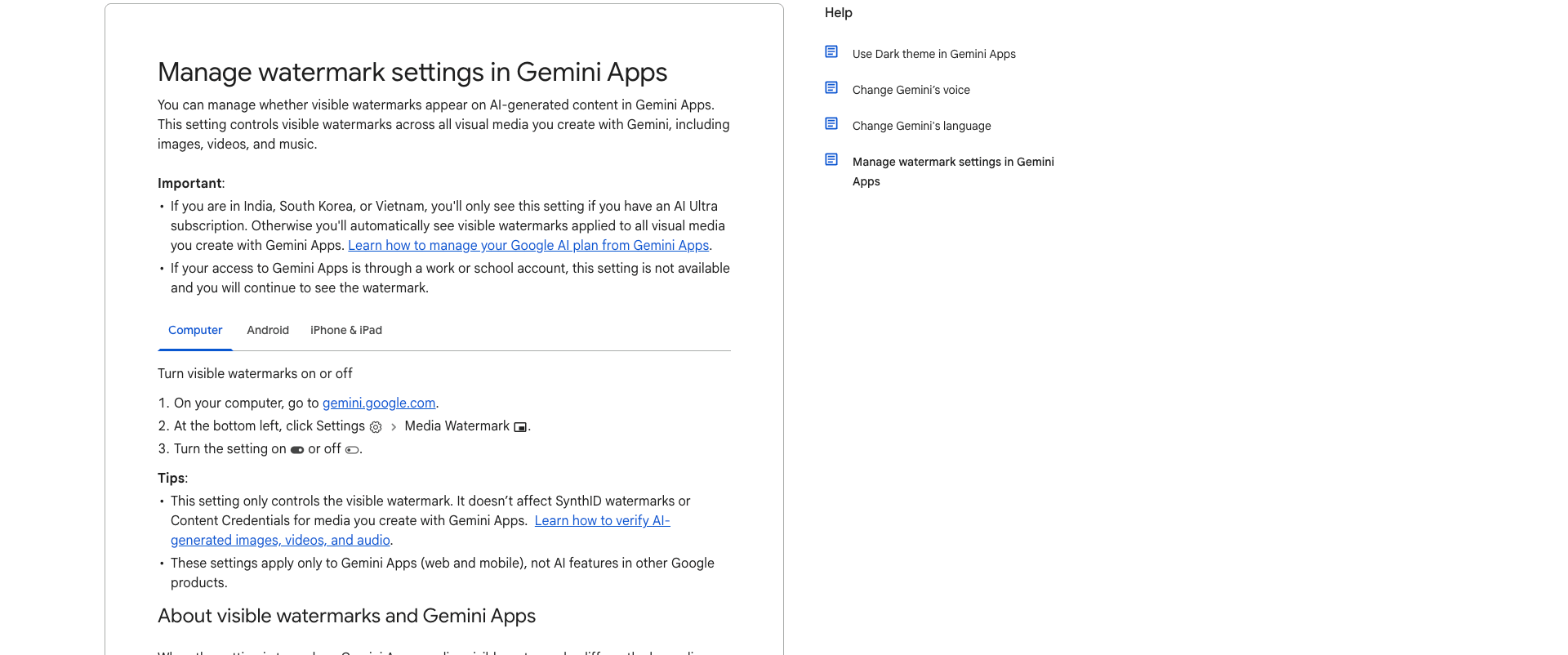
On August 14, 2026, Google announced that users can now remove the visible watermark from AI generations across images, videos, and songs. The control is a new "Media watermark" setting that appears in Gemini and in Google's AI video generator, Flow, with Search support planned for later. In Gemini Apps, you find it under Settings → Media Watermark, and it controls visible watermarks on all visual media you create — images, videos, and music — in one switch.
Source: Google Gemini Apps Help (support.google.com), accessed Aug 16, 2026
According to The Verge, turning the setting off removes the "sparkle" watermark that Google places in the bottom-right corner of content generated with its Nano Banana and Omni models; TechCrunch adds Lyria to the list of affected models. Google's own help documentation describes how the visible mark behaves when the setting is on: new images get a visible watermark, generated video carries a persistent overlay, and music shows a watermark on the video or visual player created with the track.
There are important caveats in the official documentation:
- In India, South Korea, and Vietnam, the setting only appears with an AI Ultra subscription; otherwise visible watermarks are applied automatically.
- Work or school accounts don't get the setting at all — the watermark continues to appear.
- The setting applies only to Gemini Apps (web and mobile), not to AI features in other Google products.
- Google says the toggle won't launch in countries that require visible watermarks.
The rollout is happening over the coming days, so the setting may not be visible in your account yet.
What stays in the file when you turn the watermark off
Here's the part that matters most for creators: the visible mark is only one layer of Google's AI labeling. Two detection layers remain even with the watermark toggled off:
SynthID. Google's documentation states that all AI-generated media created or edited with Gemini Apps includes an invisible SynthID watermark. It's an invisible signal embedded in the media itself, so it survives the export.
C2PA Content Credentials. Gemini Apps also attach Content Credentials (C2PA) metadata that records where the content came from. This isn't a pixel you can see — it's structured metadata carried inside the file, which downstream tools can read without any visible mark.
Google is explicit about the boundary: the Media Watermark setting "only controls the visible watermark" and "doesn't affect SynthID watermarks or Content Credentials." Josh Woodward, Google's VP for Gemini, put it this way on X: "while the visible watermarks are now optional, invisible SynthID watermarks and C2PA metadata are still being used for transparency. So you can still use Gemini or Search to see if an image was AI-generated."
Why this matters for short-video creators
If your workflow is generate → export → upload to TikTok, Reels, or Shorts, the visible watermark was never the only signal platforms and viewers can use to identify AI content:
The industry is moving to invisible signals. As The Verge notes, OpenAI and Meta don't apply visible watermarks at all — OpenAI relies on SynthID and C2PA, and Meta launched its own Content Seal standard. Anthropic also announced invisible watermarks on AI-generated text and images this week. In other words, the default direction across major AI companies is fewer visible marks, more metadata.
Provenance metadata is readable downstream. C2PA Content Credentials are designed to be verified by any conformant tool — platforms, browsers, and third-party apps increasingly read them. Removing a visible watermark never removes the C2PA record attached to the file. And Google's move follows Anthropic's much-debated watermark decision, which TechCrunch linked to EU transparency requirements — a reminder that labeling is becoming a compliance matter, not just a design choice.
Client and commercial deliverables are a different story. If you sell videos to clients or brands, "we turned off the watermark" is not the same as "this content carries no AI markings." Buyers and platforms with C2PA-aware tools can still verify origin. Treat the visible mark as one disclosure layer, not the whole disclosure.
Credentio: AI-origin checks are getting cheaper and more local
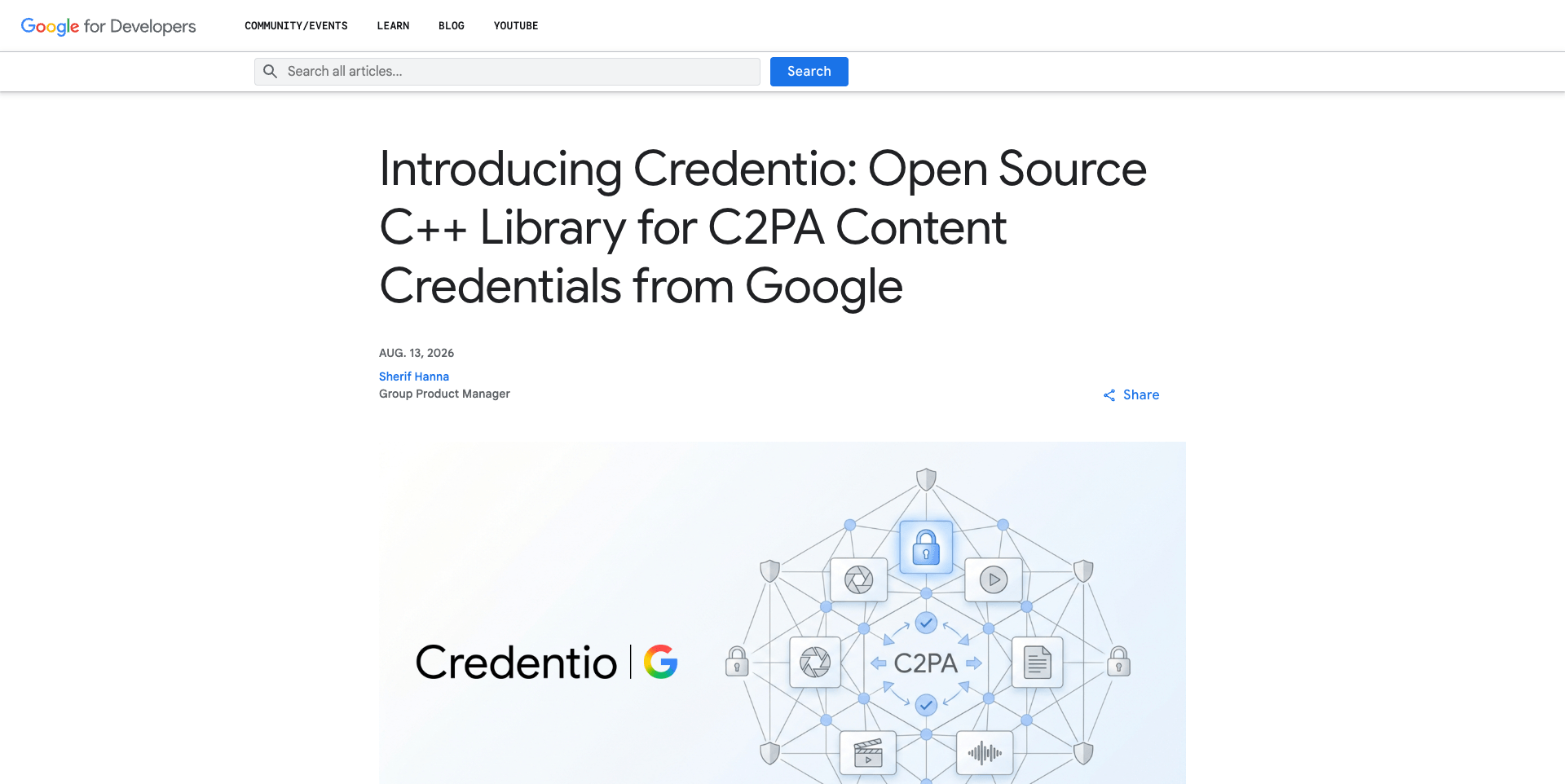
A second Google announcement this week shows where verification is heading. Google open-sourced Credentio, a C++ library for validating C2PA Content Credentials locally — the same code that has powered nearly 40 C2PA-enabled Google products across tens of billions of generated assets. Credentio validates files on-device with no cloud round-trip, supports configurable trust lists (including the official C2PA Trust List), and Google plans to expand it beyond validation into generating Content Credentials.
Source: Google Developers Blog, Aug 13, 2026
The practical implication for creators: AI-origin detection is becoming cheaper, faster, and more embedded in everyday tools. The trend is not toward less detectability — it's toward verification that runs locally on your own device, at scale, without sending the file anywhere.
A practical export checklist
Until platform rules and model terms stabilize, treat these as your defaults when exporting AI video:
- Read the watermark and provenance terms of the specific model or provider. The behavior of Google's toggle is documented for Gemini Apps and Flow — but every model, provider, and subscription tier can differ, and the setting doesn't apply to every product or account type.
- Check your target platform's AI-labeling policy. TikTok, Instagram, and YouTube each have their own AI-content disclosure rules, which change over time. A visible mark removed in the generator doesn't change the platform's labeling requirements.
- Disclose AI provenance for commercial work. For client deliverables, state the AI origin explicitly in your agreement or delivery notes instead of relying on removing visible marks.
- Never strip provenance metadata to pass off AI content as human-made. Removing C2PA metadata or SynthID signals is not a disclosure strategy — it's a misrepresentation risk, especially where labeling rules are in force.
- Know that watermarking is separate from rights. A model that lets you export without a visible watermark doesn't automatically grant you broader commercial or no-attribution rights. Check the provider's terms for the specific model you used.
For AI Fruit users specifically: AI Fruit generates videos through selectable models and providers, and output behavior — including any watermarking — varies by the model, provider, queue, and settings you choose. Check the model card before export, and don't assume a given model's watermark behavior applies to another.
Bottom line
Google's new Media watermark toggle is genuinely useful for creators who want clean frames without third-party tooling. But "no visible watermark" and "undetectable as AI" are different claims. SynthID and C2PA Content Credentials remain in the file, verification tools are getting more local and more capable, and platforms increasingly label AI content regardless of what you see in the corner of your export. Export with the toggle if it fits your workflow — just don't mistake a cleaner frame for an invisible AI origin.
Create fruit-themed AI videos for TikTok, Reels, and Shorts with AI Fruit — try it free.