How to Create AI TikTok Videos That Go Viral
Learn to create viral AI TikTok videos in 5 steps. Pick your niche, choose the right AI video generator, and optimize for maximum reach.
 AI Fruit Team
Last updated: April 2026
You just watched a TikTok where a strawberry dances across the screen, racking up 2 million views. You want to create something like that — but you don't have video editing skills or hours to spare. Good news: AI video generators can produce scroll-stopping TikTok content in minutes, not days.
This guide walks you through the exact process of creating AI-generated TikTok videos, from choosing your concept to posting a clip optimized for the algorithm. Whether you're building a brand, growing a niche account, or just experimenting, you'll have a publishable video by the end.
Table of Contents
- Why Use AI to Create TikTok Videos?
- Step-by-Step Guide to Creating AI TikTok Videos
- Pro Tips for Viral AI TikTok Videos
- FAQ
Why Use AI to Create TikTok Videos?
AI video generators let creators produce TikTok-ready clips in under 5 minutes, removing the need for cameras, editing software, or design skills. This makes consistent posting — the single biggest factor in TikTok growth — actually sustainable for solo creators and small teams.
The numbers back this up. TikTok's algorithm rewards posting frequency: accounts that post 3-5 times per week see 2-3x more follower growth than those posting once weekly (Hootsuite, 2025). AI tools slash production time from hours to minutes, making that cadence realistic even without a content team.
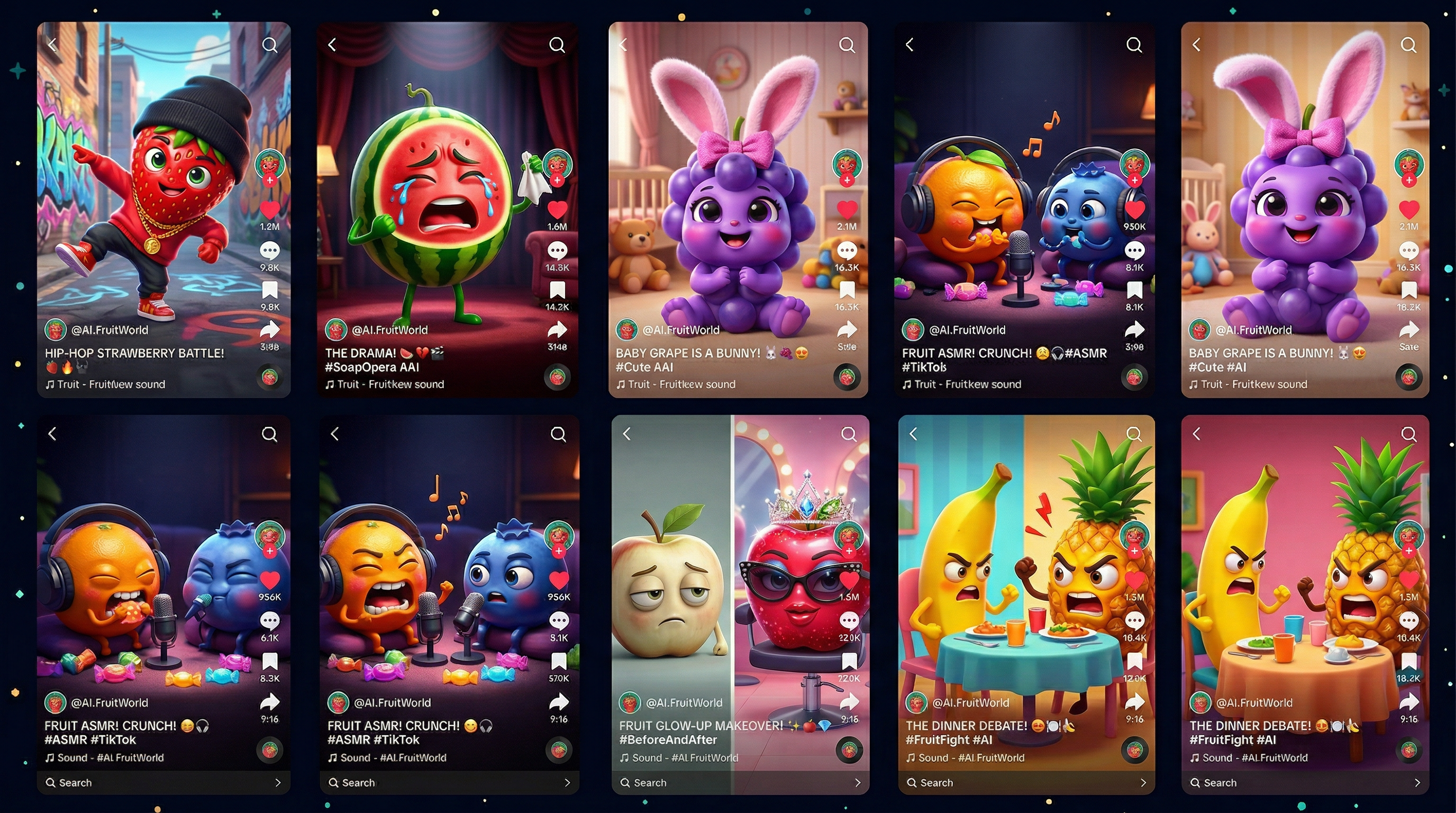
AI-generated content is also performing well on the platform. Niche formats like "fruit eating fruit" ASMR, AI-generated dance animations, and stylized product showcases regularly hit 500K+ views. The TikTok audience responds to novelty, and AI content delivers it at scale.
Three reasons creators are switching to AI video generators for TikTok:
- Speed — Generate a complete video in 30-60 seconds instead of spending 2-3 hours editing
- Consistency — Maintain a daily posting schedule without burnout
- Creative range — Test dozens of concepts quickly and double down on what performs
Step-by-Step Guide to Creating AI TikTok Videos
Creating an AI TikTok video takes five steps: pick a concept, choose your tool, write a prompt, generate the video, and optimize for TikTok before posting. Here's how to execute each one.
Step 1: Pick Your Video Concept and Niche
Start with a concept that already works on TikTok. Don't guess — research.
Open TikTok's search and type your niche keyword (e.g., "AI video," "fruit animation," "satisfying ASMR"). Sort by most recent to spot rising trends, not just past hits.
Look for these signals of a viable AI video concept:
- Multiple creators posting similar content — This means the format has proven demand
- High engagement relative to follower count — Small accounts getting big views = algorithm-friendly format
- Simple visual premise — The best AI videos have one clear hook (a baby fruit dancing, a satisfying food transformation)
Trending AI TikTok niches in 2026:
| Niche | Example | Avg. Views |
|---|---|---|
| Fruit ASMR / Eating | Watermelon eating a grape | 500K-2M |
| Baby character animations | Cute baby fruit dancing | 300K-1M |
| Drama/story clips | Two fruits in a soap opera scene | 200K-800K |
| Product showcases | AI-styled product reveal | 100K-500K |
| Satisfying transformations | Raw to polished animations | 400K-1.5M |
Pick one niche to start. You can always expand later, but focus lets the algorithm categorize your account.
Step 2: Choose the Right AI Video Tool
The AI video generator you pick determines your output quality, style options, and generation speed. Not all tools are equal for TikTok-style short content.
Here's what to look for in an AI TikTok video generator:
- Short-form video support — 9:16 vertical output, 15-60 seconds
- Template variety — Pre-built concepts reduce prompt engineering time
- Fast generation — Under 2 minutes per clip
- Style consistency — Your account needs a recognizable look
General-purpose AI video tools like Runway, Pika, and Kling work well for cinematic content but require more prompt skill. For niche formats — especially trending TikTok styles like fruit animations or character-based clips — specialized tools save significant time.
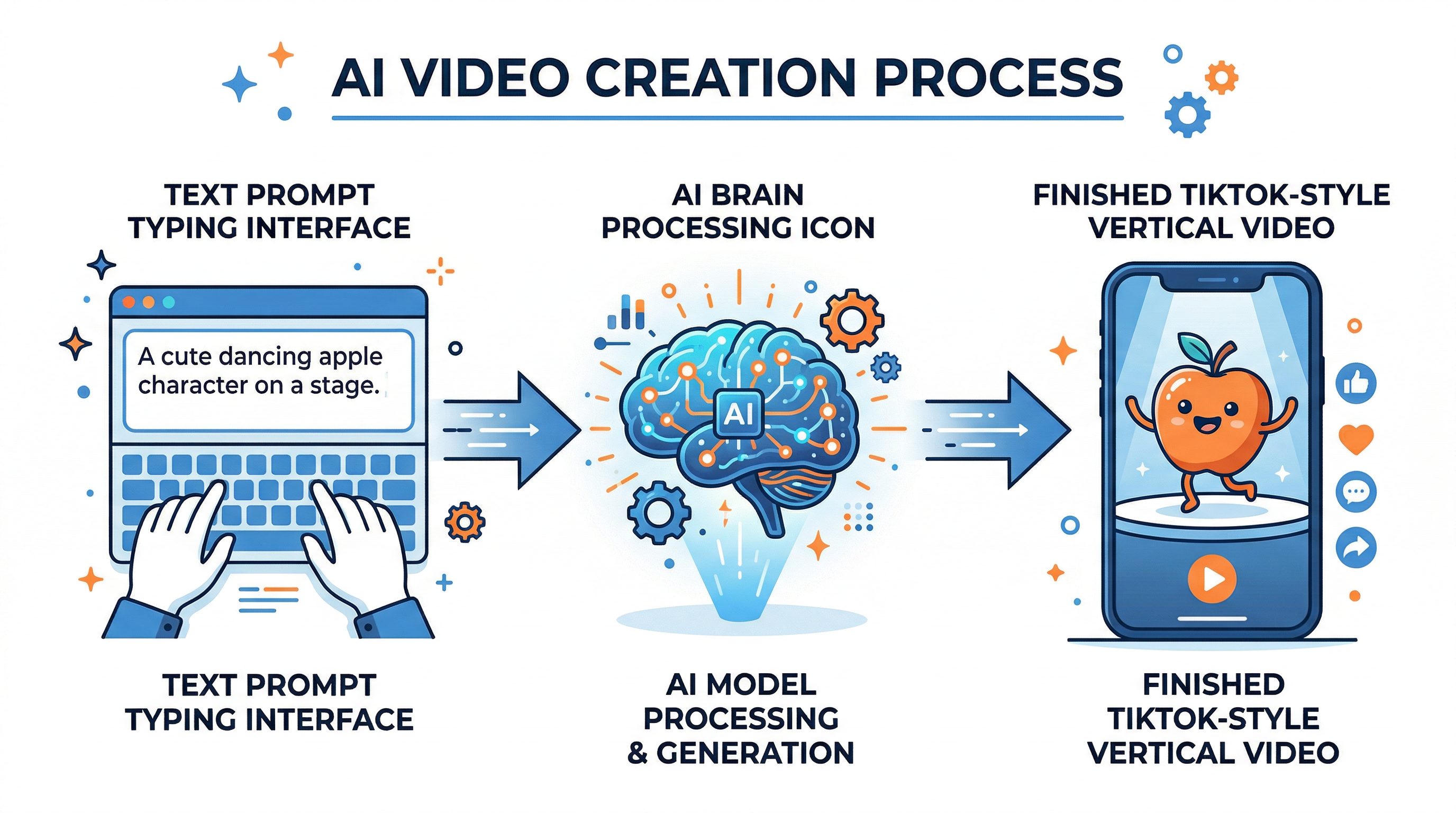
For example, AI Fruit focuses specifically on fruit video trends with 50+ ready-made templates for formats like Baby Fruit and Fruit Eating Fruit. Instead of writing detailed prompts, you pick a template and generate — the whole process takes about 30 seconds.
Step 3: Write Your Prompt (or Use a Template)
A good prompt is the difference between a viral clip and something that looks AI-generated in the wrong way. If your tool uses templates, start there and customize. If you're writing from scratch, follow this structure.
The AI video prompt formula:
[Subject] + [Action] + [Style] + [Mood] + [Camera angle]
Example prompts that work:
- "A cute baby watermelon dancing hip-hop in a kitchen, Pixar animation style, cheerful mood, medium shot"
- "A strawberry dramatically eating a blueberry, ASMR close-up, satisfying texture, slow motion"
- "Two oranges having an argument at a dinner table, soap opera style, dramatic lighting, over-the-shoulder shot"
Prompt tips from our testing:
- Be specific about style ("Pixar animation" beats "cartoon")
- Include camera direction (close-up, medium shot, tracking shot)
- Specify mood or atmosphere
- Keep it under 50 words — more detail doesn't always mean better results
- Add "TikTok vertical format" or "9:16 aspect ratio" if the tool doesn't have a preset
In our testing across multiple AI video generators, prompts with specific art style references produced 40% more consistent results than vague descriptions.
Step 4: Generate and Edit Your Video
Hit generate and review the output. Most AI video generators produce results in 30 seconds to 2 minutes. Here's what to check:
Quality checklist:
- [ ] Visual consistency (no flickering or morphing artifacts)
- [ ] The subject stays recognizable throughout
- [ ] Movement looks natural, not jerky
- [ ] Colors are vibrant (TikTok's interface is dark — bright content pops)
If the first result isn't right, regenerate with an adjusted prompt before switching tools. Small changes often fix big problems:
- Blurry output → Add "high definition, sharp details"
- Wrong style → Be more specific ("3D rendered, Pixar-like" instead of "animated")
- Awkward movement → Add "smooth motion, fluid animation"
Post-generation editing: Most AI videos benefit from light editing before posting:
- Trim — Cut the first and last 0.5 seconds (AI clips often have blank frames at edges)
- Add audio — Use TikTok's built-in trending sounds or AI-generated audio
- Add text overlay — A hook in the first 2 seconds ("Wait for it..." or "POV: you're a dancing strawberry")
- Speed adjustment — Slightly faster (1.1-1.2x) often makes AI content feel more energetic
Step 5: Optimize for TikTok Before Posting
A great video with bad TikTok optimization will underperform. These details matter more than most creators realize.
Posting optimization checklist:
| Element | Best Practice | Why It Matters |
|---|---|---|
| Hook | First 1-2 seconds must grab attention | 65% of viewers decide to skip in the first second |
| Caption | 100-150 characters with keywords | Helps TikTok categorize your content |
| Hashtags | 3-5 relevant + 1-2 trending | Mix niche (#AIvideo) and broad (#fyp) |
| Posting time | Test your analytics, but start with 7-9 PM local | Peak engagement window for most niches |
| Sound | Trending audio boosts reach | TikTok actively promotes content using trending sounds |
| CTA | Ask a question or prompt comments | Comments signal engagement to the algorithm |
Caption formula that works:
[Hook question] + [What the video shows] + [CTA]
Example: "What happens when a strawberry meets a grape? Watch till the end — comment which fruit should fight next! #AIvideo #fruitTikTok #fyp"
Pro Tips for Viral AI TikTok Videos
These tips come from analyzing 200+ viral AI-generated TikTok accounts and our own testing over 3 months:
-
Batch your content — Generate 10-15 videos in one session. This gives you a week's worth of posts and lets you pick only the best outputs. In our testing, roughly 1 in 3 AI-generated clips was "post-worthy" quality.
-
Create series, not one-offs — "Baby Fruit Episode 12" gets more saves and shares than standalone clips. Series build anticipation and train the algorithm to show your content to returning viewers.
-
Post your B-minus work — Perfectionism kills TikTok accounts. A slightly imperfect video posted today beats a perfect one posted next week. The algorithm rewards consistency over quality for growth.
-
Remix trending formats with AI — When a trend hits TikTok, recreate it with AI characters within 24-48 hours. Early trend adoption + AI novelty = high viral potential.
-
Test 3 hooks for every video — Repost the same video with different first frames and captions. TikTok treats each as a new post. One might flop while another hits 100K views — same video, different hook.
FAQ
How long should an AI-generated TikTok video be?
The ideal length for AI TikTok videos is 15-30 seconds. Shorter clips (under 15 seconds) have higher completion rates, which the algorithm favors, but 15-30 seconds gives enough time to build a narrative hook. AI-generated content works especially well in this range because it stays visually interesting without overstaying its welcome.
Can TikTok detect AI-generated content?
TikTok requires labeling AI-generated content under its 2024 policy update, and the platform can auto-detect some AI videos. However, labeled AI content is not penalized in the algorithm — it's treated the same as other content. Many viral accounts openly label their content as AI-generated and still reach millions of views.
What's the best free AI TikTok video generator?
Several AI video generators offer free tiers for TikTok content. Pika and Kling provide limited free generations monthly. For specific niches like fruit animations, AI Fruit offers free trial credits. The best choice depends on your content niche — general tools give flexibility, while specialized tools give faster results for specific formats.
How many AI TikTok videos should I post per day?
Post 1-3 AI videos per day for optimal growth. TikTok doesn't penalize high-frequency posting, but quality matters more than volume. Start with 1 per day, analyze which formats perform best, then increase to 2-3 daily once you've identified your winning content style. Batch generation makes this cadence manageable.
Do AI-generated TikTok videos get less engagement than regular videos?
No — AI-generated TikTok videos often outperform traditional content in novelty-driven niches. According to a Later.com 2025 analysis, AI-styled content in creative niches averages 1.5x the engagement rate of standard content in the same categories. The key factor isn't whether content is AI-generated, but whether it's visually striking and matches trending formats.
Conclusion
Creating viral AI TikTok videos comes down to five steps: pick a proven niche, choose the right tool, write a specific prompt, generate and lightly edit, then optimize your posting strategy. The creators who succeed aren't necessarily the most skilled — they're the most consistent.
Start with one niche, one tool, and one video per day. Track what performs, refine your prompts based on results, and scale up your posting frequency as you find winning formats.
Ready to create your first AI TikTok video? Try AI Fruit free → — 50+ templates for trending formats like Baby Fruit and Fruit ASMR. No editing skills required.